
See the golf swing you just made before you hit the next ball
Phone on a low tripod, face on or down the line. One tap saves the last swing.

Free on Android and iPhone.
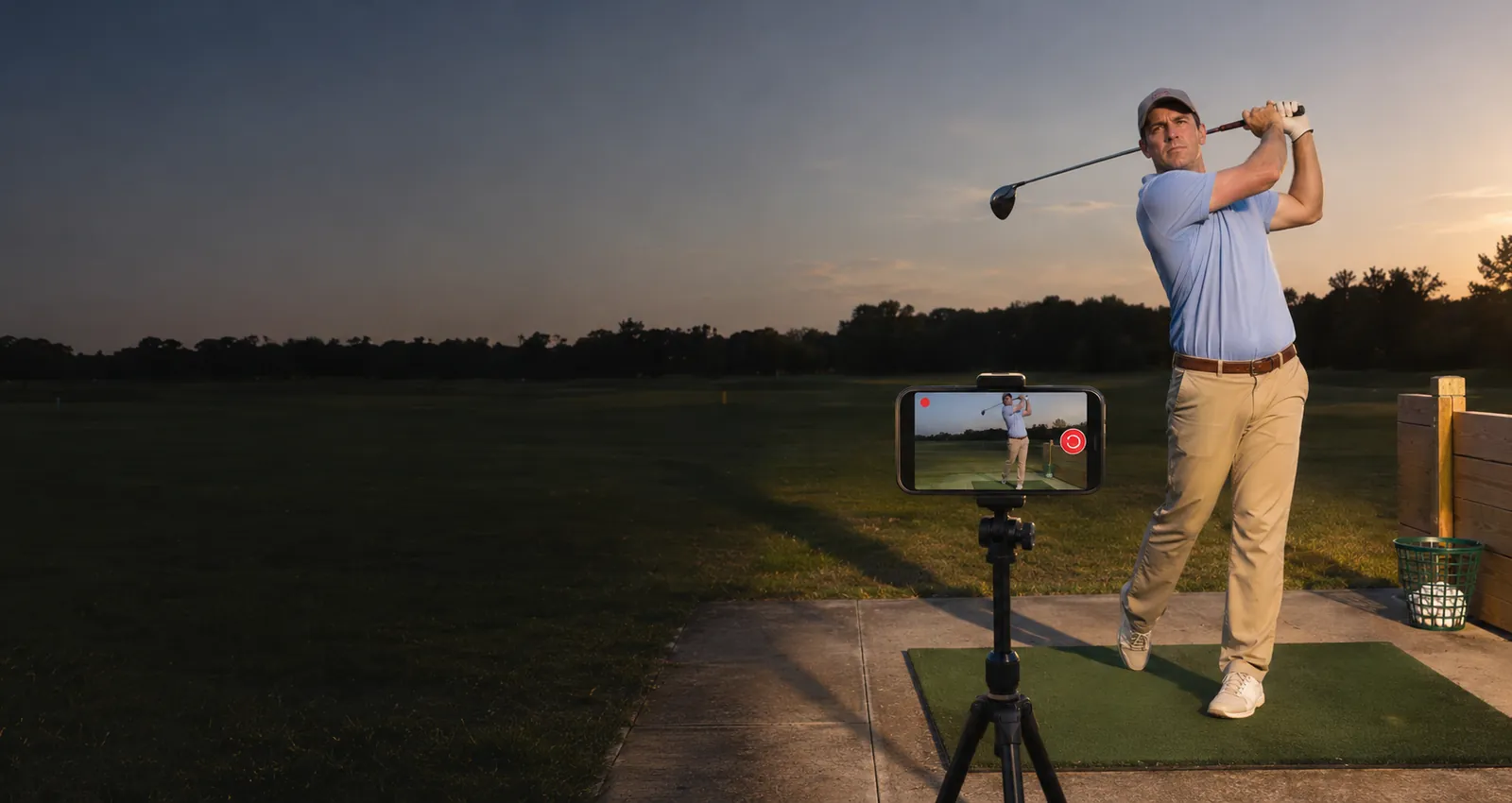
The swings worth watching again
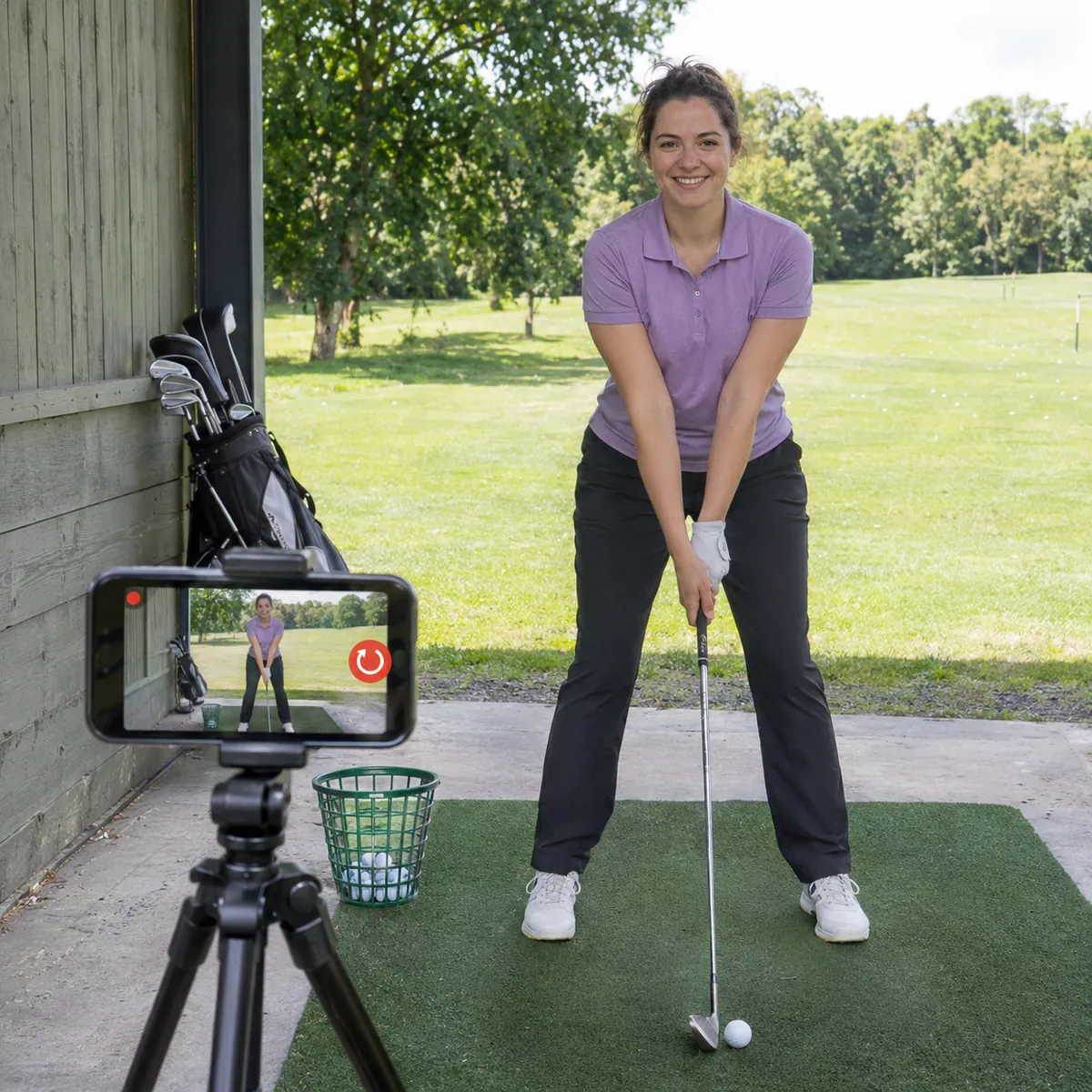
Where to put your phone
Golf is filmed from two classic angles. Put the phone on a low tripod about hand height, three metres away, either face on or down the line behind you. Never in front of the ball, never in the path of the club.
- Down the line, behind youBehind your hands, pointing at the target, the phone shows the swing plane and the club path. Keep it on the line of your hands, not the ball.
- Face on, across from youAcross from your chest, it shows weight shift, head movement and the ball position in the stance. Turn the phone sideways to fit the full finish.
- Low tripod, about hand heightA small tripod or a clip on the bag stand is enough. At hand height the club shaft does not look longer or shorter than it is.
- Out of the way of the bayAt the range, stay inside your own bay and behind the line. The phone should never be where a ball or a club can reach it.
How it works on the range
Range sessions, lessons and a round with friends
At the range the phone stays fixed and you hit bucket after bucket. In a lesson, your coach can save the swing you just talked about. On the course, a playing partner can hold it on the tee or by the green.
Free to start
The free plan gives you Replays every day, each one 30 seconds long. Recording and saving work without internet at the range or on the course; only uploads wait for a connection. Paid plans remove the daily limit, let you choose the clip length and record the full session to cut later.
Golf questions
Face on or down the line?
Both are useful. Down the line shows the plane and the club path; face on shows weight shift and ball position. Many players save a few swings from each.
Who taps Replay if I am hitting?
You do, after the swing, while you set up the next ball. The clip still keeps the 25 seconds before the tap, which covers setup, swing and finish.
Does it work on the course without signal?
Yes. Recording and Replays work offline. The video stays on your phone and only the upload to your VISU Link waits for a connection.
Can I record a whole range session and cut it later?
Yes, on the paid plans: they record the full session so you can go back and cut any swing. On Free you save 30 second Replays as you hit.
Does it work on iPhone?
Yes. Replay is in the VISU app on iPhone and Android. Download it free from the App Store or Google Play.
Your next good swing deserves a replay
Free on Android and iPhone. Set up your phone before the first bucket and save the swings worth studying.
For venues
Run a driving range or a golf club?
Fixed cameras for venues, with installation and a quote, are on visu.network.
- Cameras with automatic recording
- Your venue on the app map, with its own page and QR Code
- No operator, no editing, no extra work