
Save the run where it all clicked and see yourself dance
Phone recording at the front of the room. One tap saves the run you just danced.

Free on Android and iPhone.
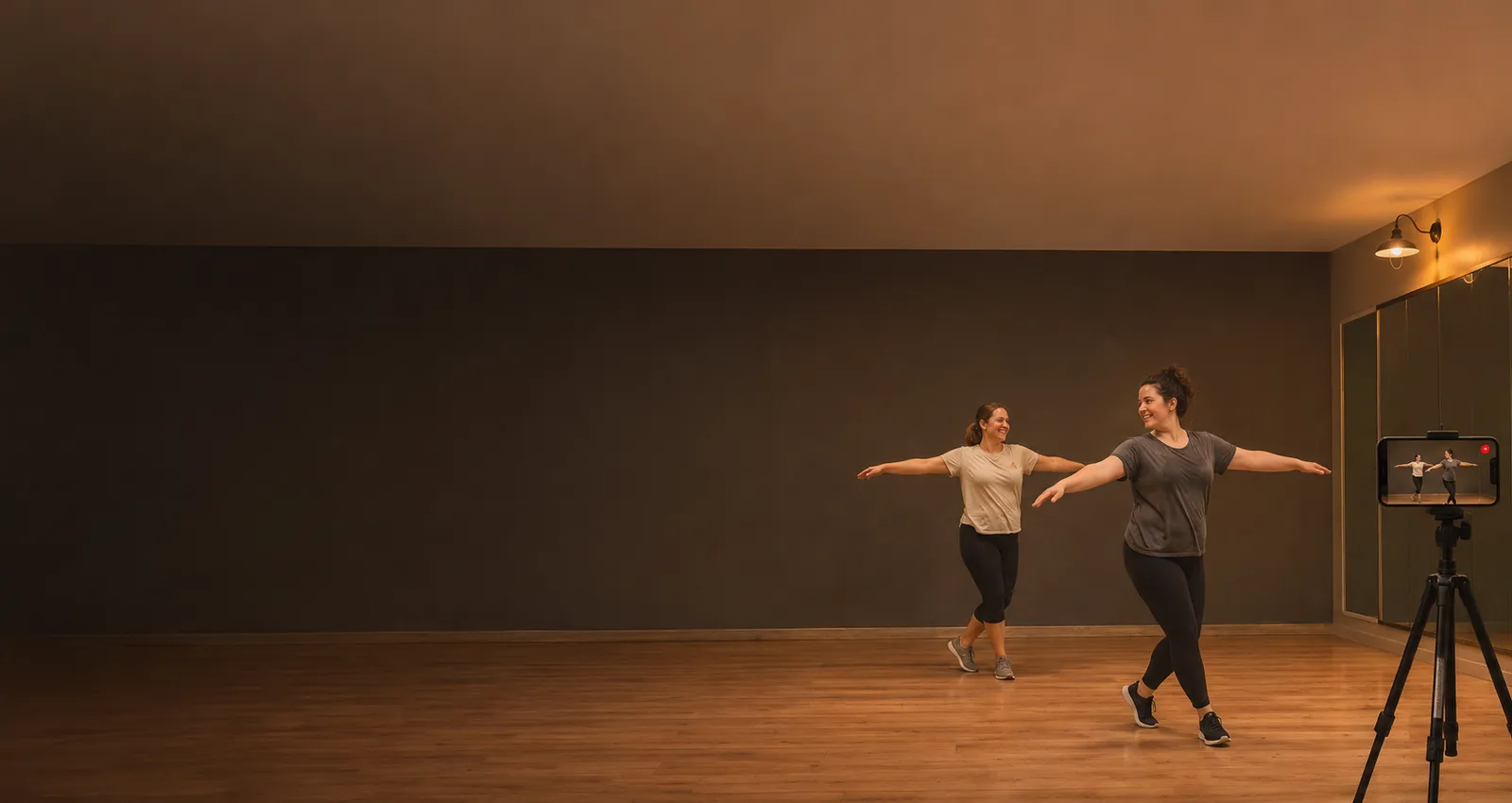
The moments you will want to see from outside
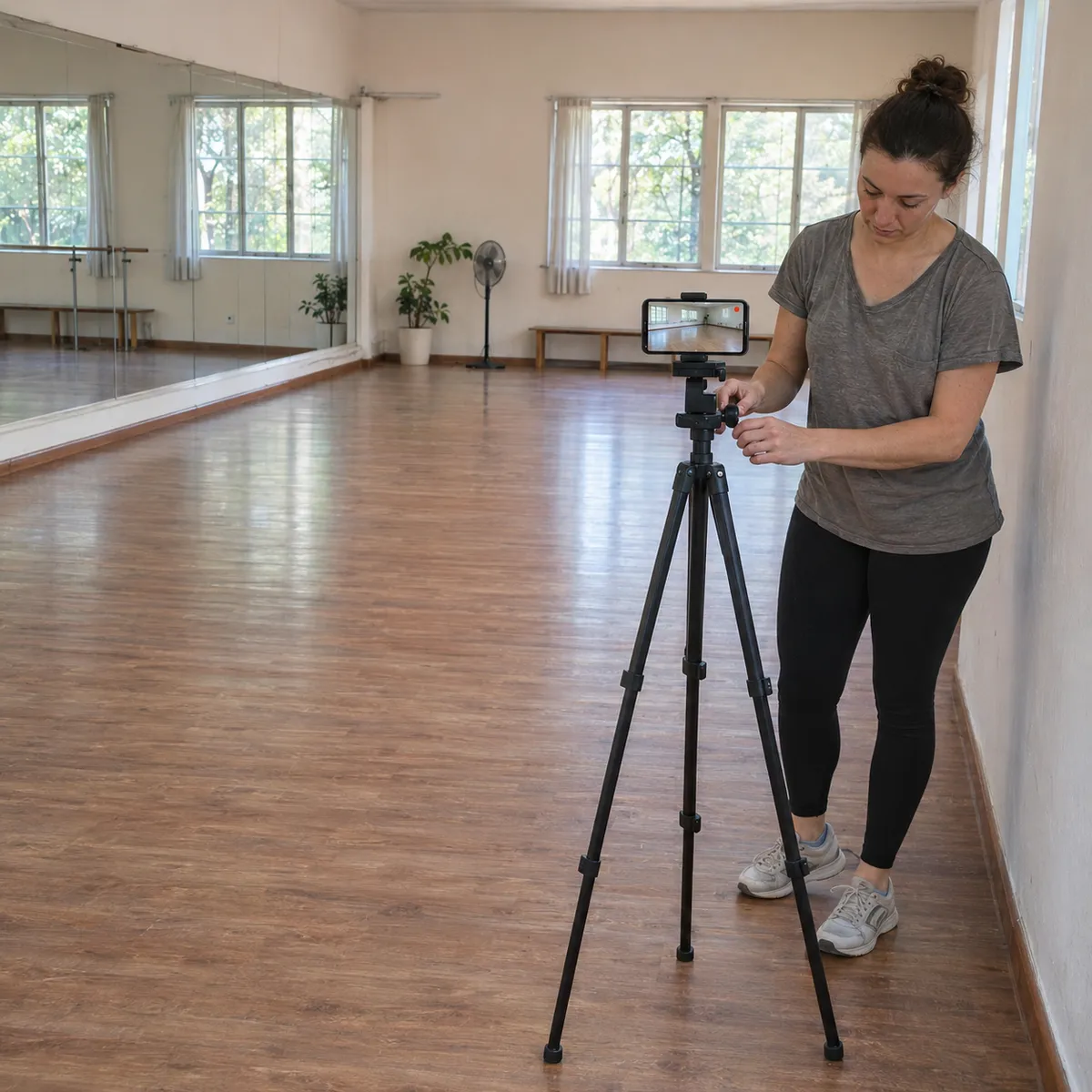
Where to put your phone
Dancers use the whole floor. Put the phone on a tripod or a shelf outside the dance area, in a front corner or by the mirror wall, never in the middle of the room where people turn and travel.
- Front of the room, chest heightWhere the audience would sit: a few metres in front, lens at chest height, wide enough to keep your feet and your raised arms in the frame.
- A corner for group piecesFor a whole group, a front corner sees the formation and the spacing better than a phone straight in front.
- Not against the mirrorFilming toward the mirror doubles everyone and can show the phone itself. Point the phone away from the mirror or along it.
- Ask before recording a classIn a class, check with the teacher and classmates before you record. For your own practice, frame only yourself.
How it works in rehearsal
Practice, classes, crews and partner dance
Short sections fit in a 30 second Free clip, the length most people rehearse at a time. To keep a whole choreography of two or three minutes, the paid plans let you choose a longer clip or record the whole rehearsal and cut it later.
Free to start
The free plan gives you Replays every day, each one 30 seconds long. Recording and saving work without internet in the studio; only uploads wait for a connection. Paid plans remove the daily limit, let you choose the clip length and record the full session to cut later.
Dance questions
Is 30 seconds enough for a choreography?
It is enough for a section. For a full piece, the paid plans let you choose a longer clip or record the whole rehearsal and cut it afterwards.
Can I compare two runs?
Yes. Every run you save is its own clip in the gallery, so you can watch one after the other and see what changed.
Can I use it in class?
Yes, with the teacher's and classmates' agreement. Put the phone outside the floor and save only what you need.
Does it work in a studio without signal?
Yes. Recording and Replays work offline. The video stays on your phone and only the upload to your VISU Link waits for a connection.
Does it work on iPhone?
Yes. Replay is in the VISU app on iPhone and Android. Download it free from the App Store or Google Play.
Your next clean run deserves a replay
Free on Android and iPhone. Set up your phone before you start and save the runs worth watching again.

For venues
Run a dance studio?
Fixed cameras for dance studios, with installation and a quote, are on visu.network.
- Cameras with automatic recording
- Your venue on the app map, with its own page and QR Code
- No operator, no editing, no extra work