
Check your form and keep your PRs without filming every set
Phone recording beside your spot. One tap saves the set you just finished.

Free on Android and iPhone.
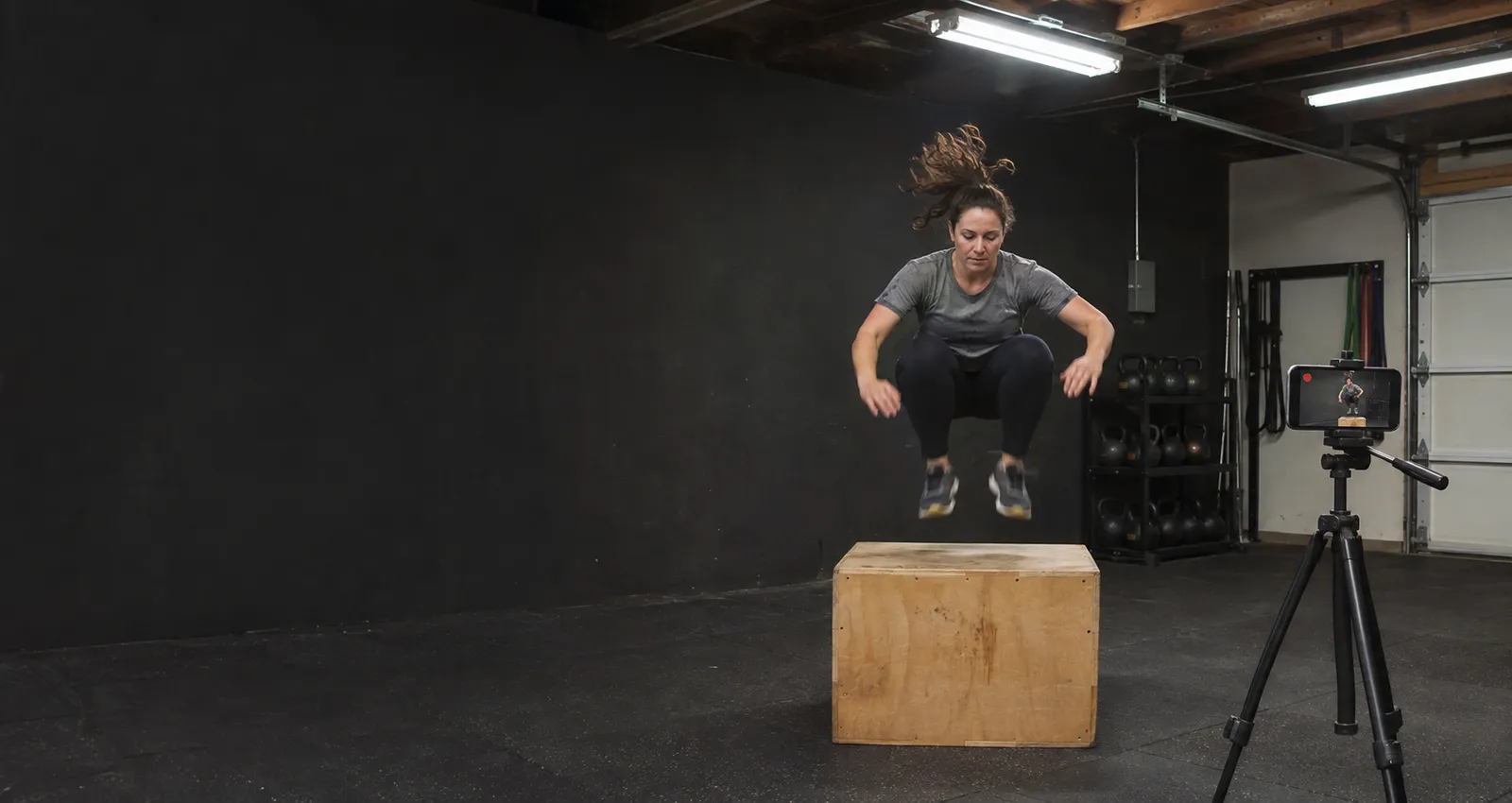
The sets worth a replay
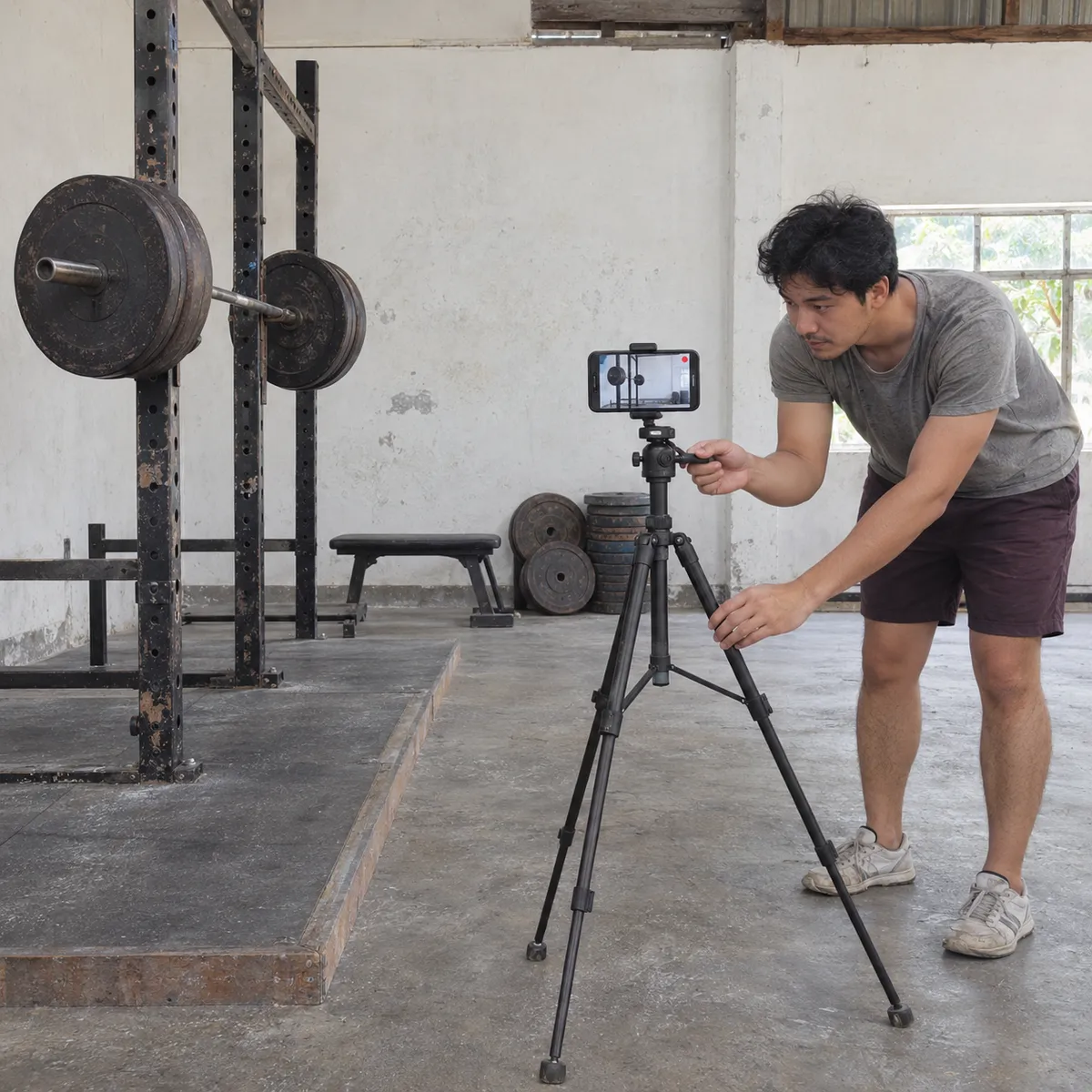
Where to put your phone
Bars get dropped and plates roll. Put the phone on a tripod or a shelf a couple of metres to the side, never on the floor of your platform or where you jump, swing or drop the bar.
- Side view at hip heightFor squats, deadlifts and Olympic lifts, a side view with the lens at hip height shows depth, bar path and back angle.
- Front view for knees and balanceFrom the front, a few metres away, you see whether the knees move in and whether you shift your weight to one side.
- Whole body in the frameLeave room above your head and below your feet: a jump or a lift that leaves the frame cannot be checked.
- Only you in the frameIn a shared gym, aim the phone at your own spot and ask before recording other people training.
How it works during your session
Gym, CrossFit, calisthenics and home training
Single lifts and short sets fit well in a 30 second Free clip: walk to the phone after the set and tap. For long workouts and circuits, the paid plans record the whole session so you can cut the parts you want to review later.
Free to start
The free plan gives you Replays every day, each one 30 seconds long. Recording and saving work without internet in the gym or at home; only uploads wait for a connection. Paid plans remove the daily limit, let you choose the clip length and record the full session to cut later.
Workout questions
Is 30 seconds enough for a set?
For most single lifts and short sets, yes: the clip keeps 25 seconds before your tap. On the paid plans you choose a longer clip or record the whole session.
Does VISU count reps or analyse my form?
No. VISU Replay saves video clips when you tap. You or your coach watch the clip and decide what to fix.
Where is the video kept?
On your phone, in the Replay gallery. Nothing is uploaded on its own; you choose what to share.
Does it work in a basement gym without signal?
Yes. Recording and Replays work offline. The video stays on your phone and only the upload to your VISU Link waits for a connection.
Does it work on iPhone?
Yes. Replay is in the VISU app on iPhone and Android. Download it free from the App Store or Google Play.
Your next PR deserves a replay
Free on Android and iPhone. Set up your phone before your first working set and save the ones worth checking.

For venues
Run a gym or box?
Fixed cameras for venues, with installation and a quote, are on visu.network.
- Cameras with automatic recording
- Your venue on the app map, with its own page and QR Code
- No operator, no editing, no extra work