
Save your best basketball plays from pickup to league night
Phone behind the basket, recording. One tap saves the play that just happened.

Free on Android and iPhone.
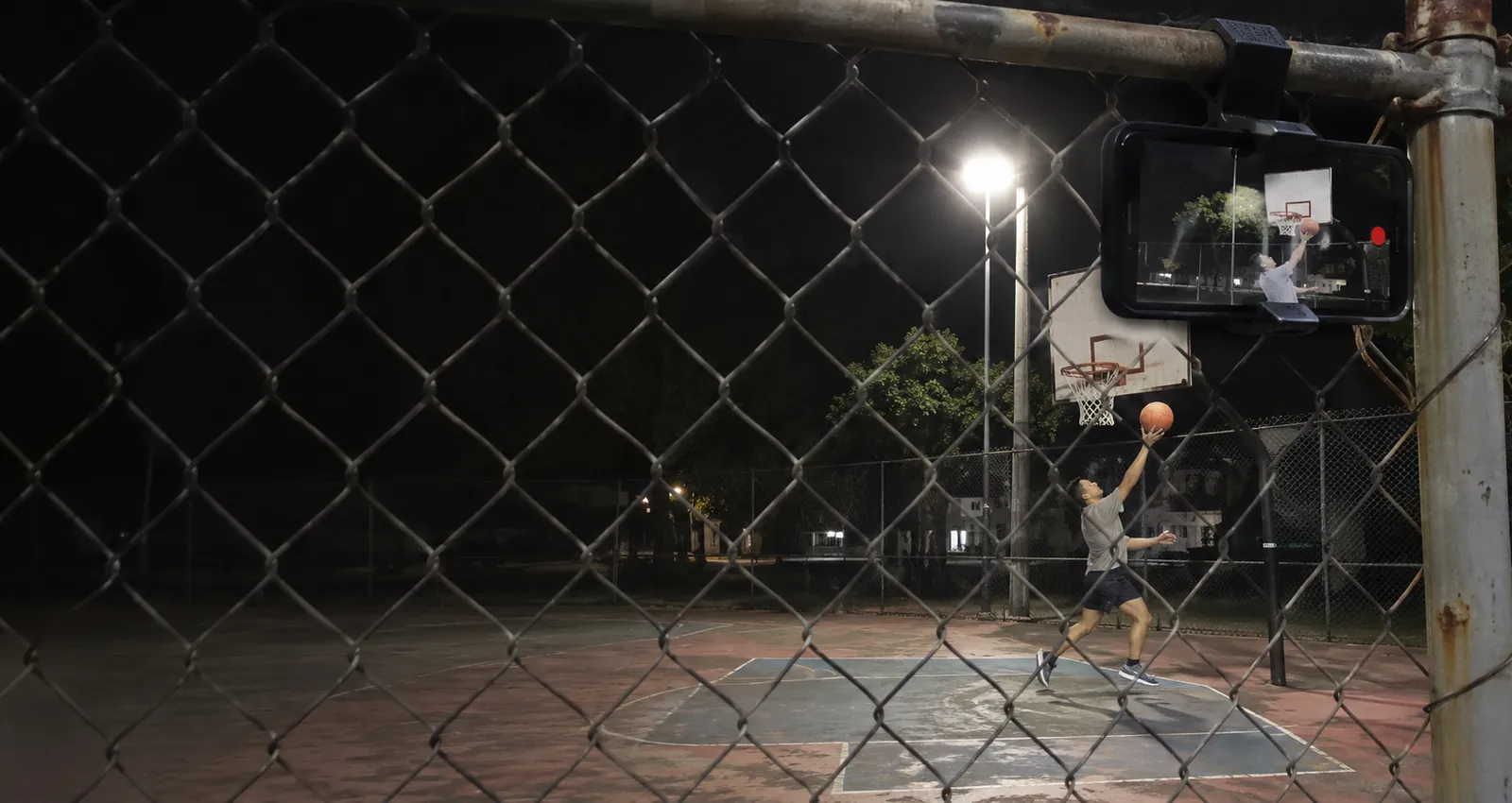
The plays you will want on repeat
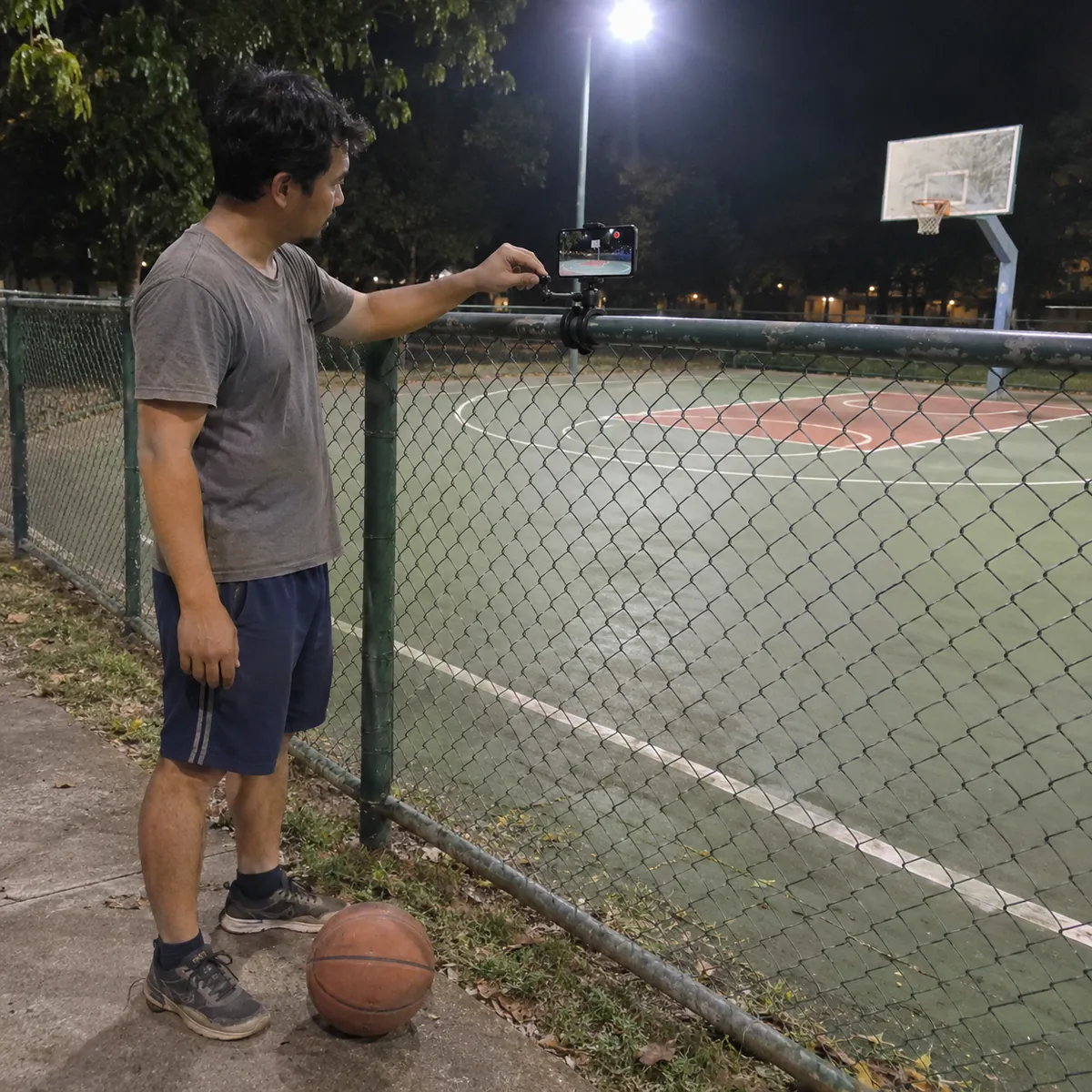
Where to put your phone
A full court is big for one phone. Pick the basket where you play or the angle your shot needs.
- Behind the baseline, up highCentered behind one basket and raised above head height, the phone sees the half court, the paint and the rim. Best for half court games, shooting and finishes.
- Sideline at half courtFor full court games, a phone at half court on the sideline, as high as possible, follows both ends. Players at the far end look smaller.
- Side angle for your shotWorking on your form? Put the phone to the side, level with your shooting spot, so the release and the follow through are clear.
- Gym light and outdoor sunGyms can be dim and outdoor courts bright. Check the picture before you start and keep the sun behind the phone.
How it works on game day
Pickup, 3x3, half court, full court and shooting
Half court and 3x3 are where one phone works best: everything happens around one basket. On a full court, one phone at half court sees both ends, but plays at the far basket look small; for highlights, follow the basket your team attacks most.
Free to start
The free plan gives you Replays every day, each one 30 seconds long. Recording and saving work without internet at the court; only uploads wait for a connection. Paid plans remove the daily limit, let you choose the clip length and record the full session to cut later.
Basketball questions
Can one phone cover a full court game?
It records the whole time, but from one angle. At half court on the sideline, raised, it sees both ends; behind one baseline it shows that basket in more detail.
Who taps Replay if I am playing?
Someone on the bench or the next team waiting to play. You can also tap during a timeout or a dead ball, the clip still keeps the seconds before the tap.
Can I use it to work on my shot?
Yes. Put the phone to the side, level with your shooting spot, and tap Replay after a few attempts. Paid plans record the whole session so you can review every shot later.
Does it work at an outdoor court without signal?
Yes. Recording and Replays work offline. The video stays on your phone and only the upload to your VISU Link waits for a connection.
Does VISU keep score or track stats?
No. VISU Replay saves video clips when you tap. It does not count points, track stats or cut anything on its own.
Does it work on iPhone?
Yes. Replay is in the VISU app on iPhone and Android. Download it free from the App Store or Google Play.
Your next bucket deserves a replay
Free on Android and iPhone. Set up your phone before tip off and save the plays worth rewatching.

For venues
Run a gym or rent out courts?
Fixed cameras for gyms and courts, with installation and a quote, are on visu.network.
- Cameras with automatic recording
- Your venue on the app map, with its own page and QR Code
- No operator, no editing, no extra work