
Record your tennis match and keep the points you won
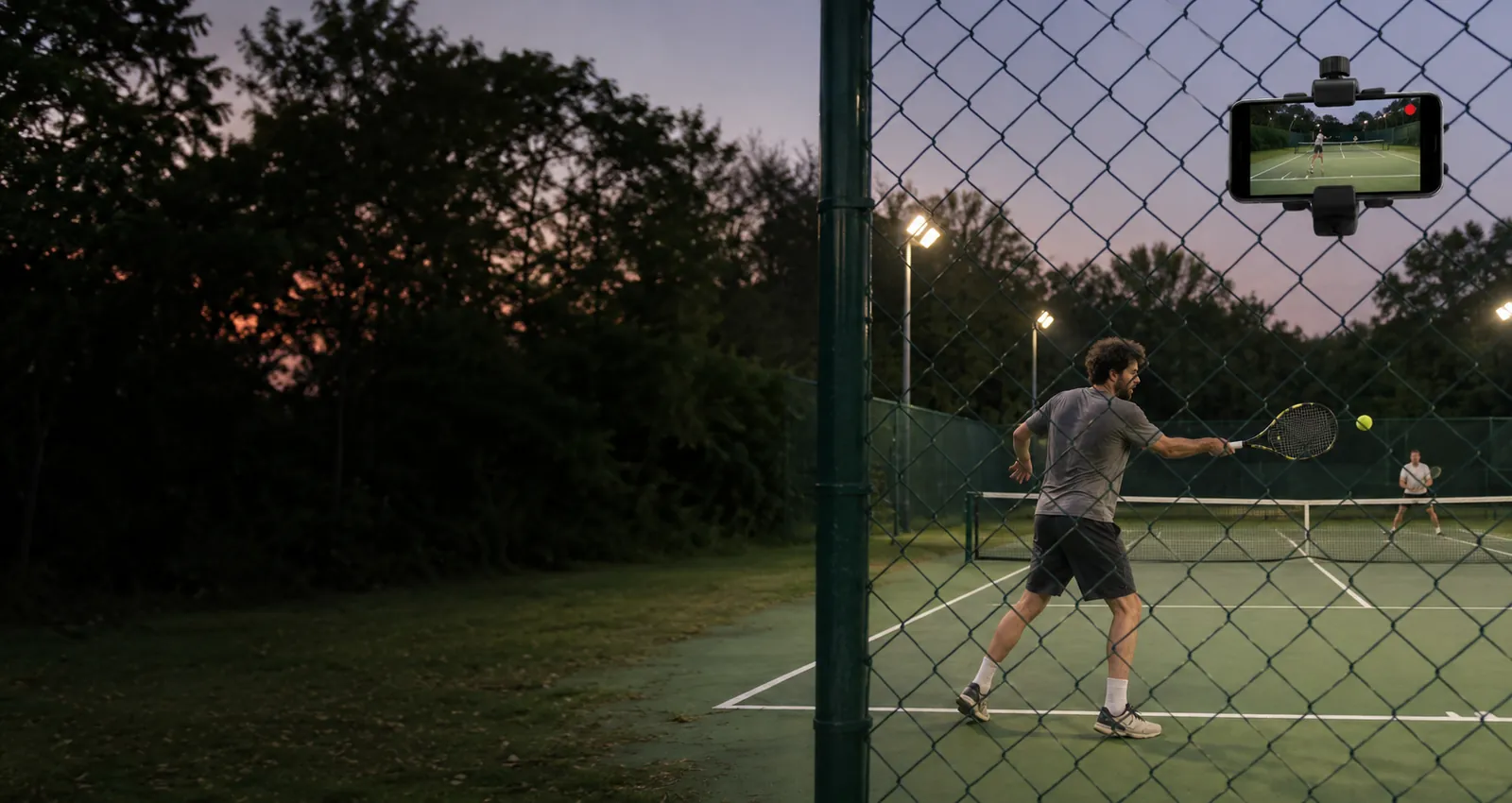
Phone recording on the back fence. One tap saves the point that just ended.

Free on Android and iPhone.
The points worth keeping
Where to put your phone
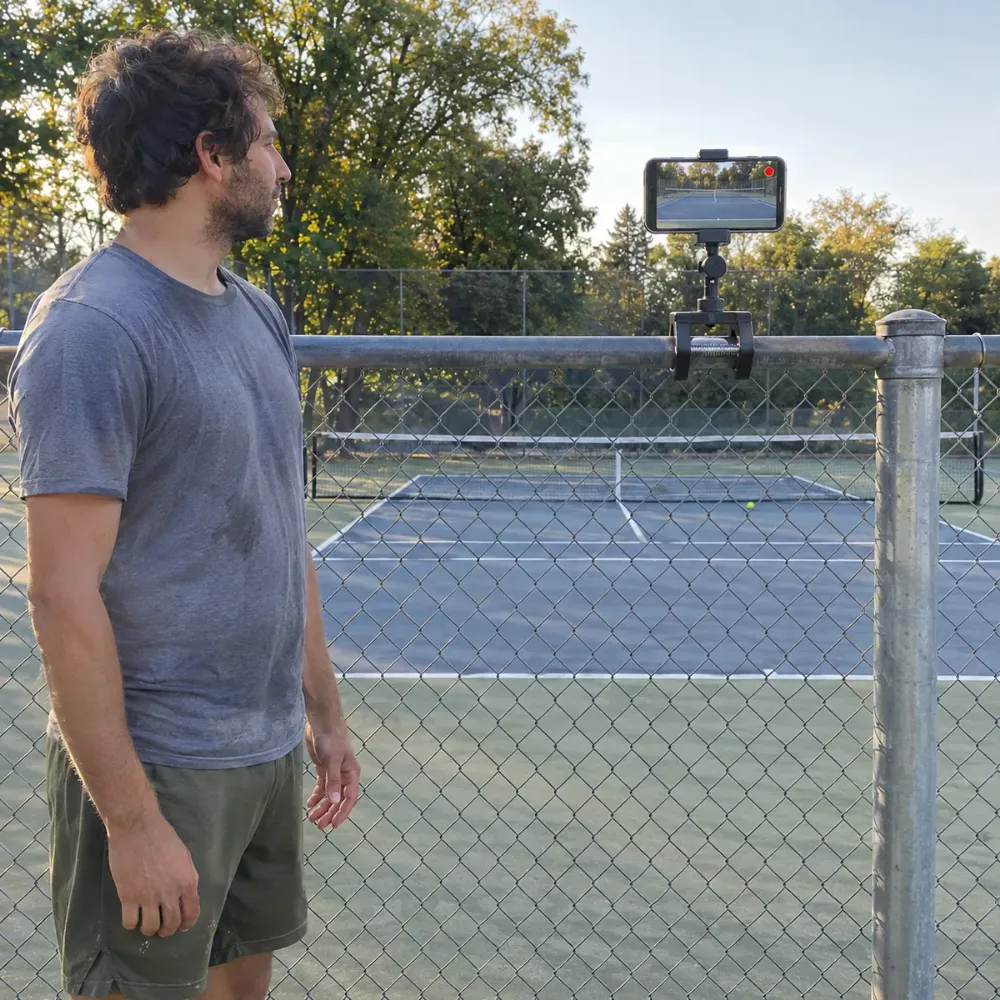
Tennis balls hit the back fence hard. Clip the phone outside the fence, or on it well above the height balls reach, behind the middle of the baseline, never on the net post or on the court.
- Behind the baseline, centeredIn the middle behind one baseline, the phone sees both sides of the net. You look bigger at the near end, your opponent smaller at the far end.
- High on the fenceA clamp or tripod raised above head height looks over you and sees the whole court, not just your back.
- Outside the fence if you canMost balls that reach the back stop at the fence. A phone on the other side of the fence is out of their way.
- Sun behind the phoneOn outdoor courts, set up at the end where the sun is behind the phone, not shining into the lens.
How it works on match day
Singles, doubles, lessons and practice
Singles and doubles both fit from behind the baseline; switch the phone to the other end when you change sides, or keep it at your favourite end. For lessons, put it behind the end you hit from so the coach and you see your strokes from behind.
Free to start
The free plan gives you Replays every day, each one 30 seconds long. Recording and saving work without internet at the court; only uploads wait for a connection. Paid plans remove the daily limit, let you choose the clip length and record the full session to cut later.
Tennis questions
Will a ball hit my phone on the fence?
It can if the phone is low and inside the fence. Put it above the height balls reach, or outside the fence, behind the middle of the court.
Who taps Replay if I am playing singles?
You do: after the point, on your way to the back fence for a ball. The clip still keeps the 25 seconds before the tap.
Can I record a whole match and cut it later?
Yes, on the paid plans: they record the full session so you can go back and cut any point. On Free you save 30 second Replays as you play.
Does it work at a club without signal?
Yes. Recording and Replays work offline. The video stays on your phone and only the upload to your VISU Link waits for a connection.
Does it work on iPhone?
Yes. Replay is in the VISU app on iPhone and Android. Download it free from the App Store or Google Play.
Your next ace deserves a replay
Free on Android and iPhone. Set up your phone behind the baseline before the warm up and save the points worth rewatching.

For venues
Run a tennis club?
Fixed cameras for tennis courts, with installation and a quote, are on visu.network.
- Cameras with automatic recording
- Your venue on the app map, with its own page and QR Code
- No operator, no editing, no extra work