
Watch your waves again from a phone on the beach
Phone recording from the beach. A friend taps once to save the wave you just rode.

Free on Android and iPhone.
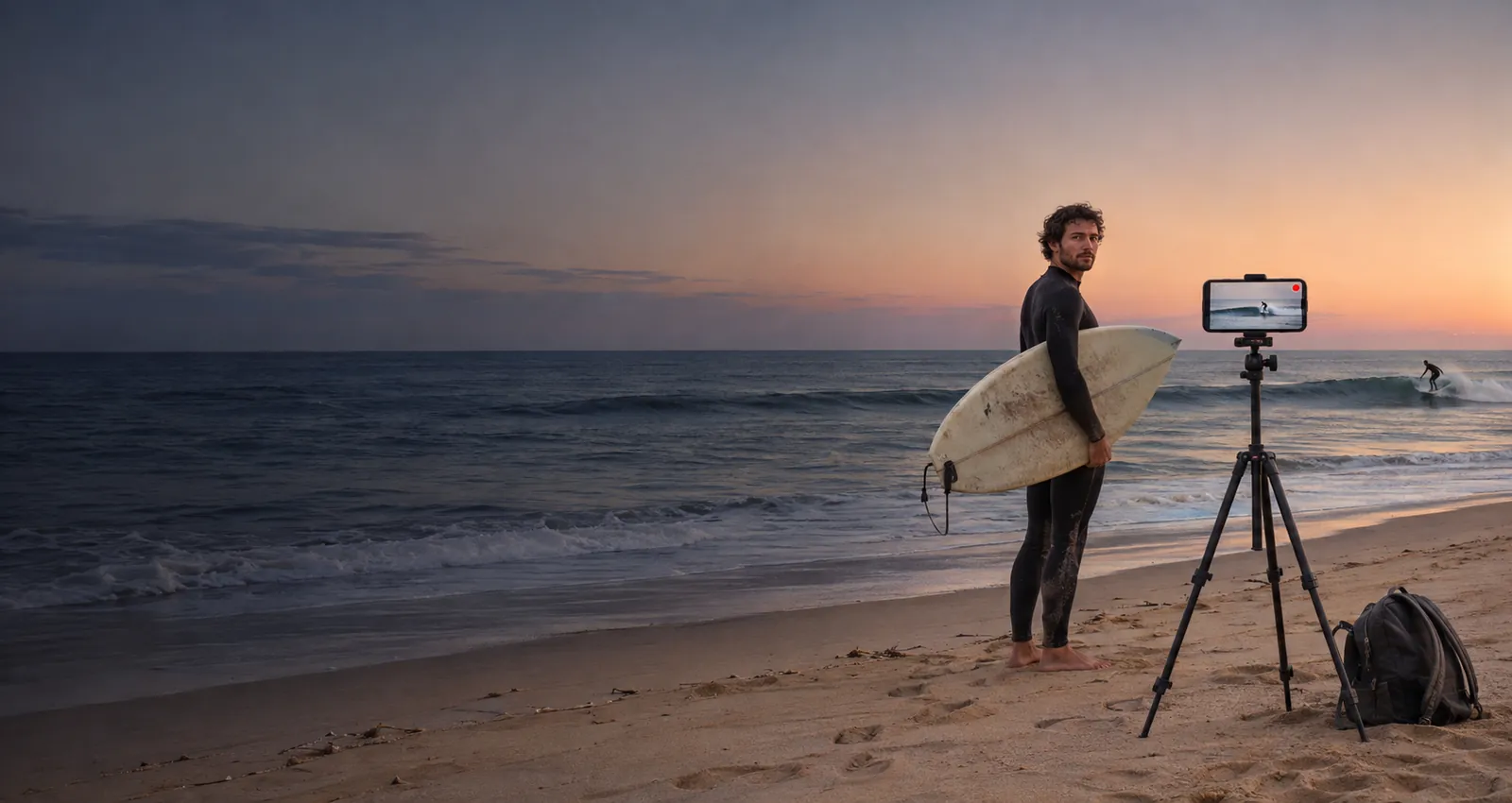
What a phone on the beach can show you
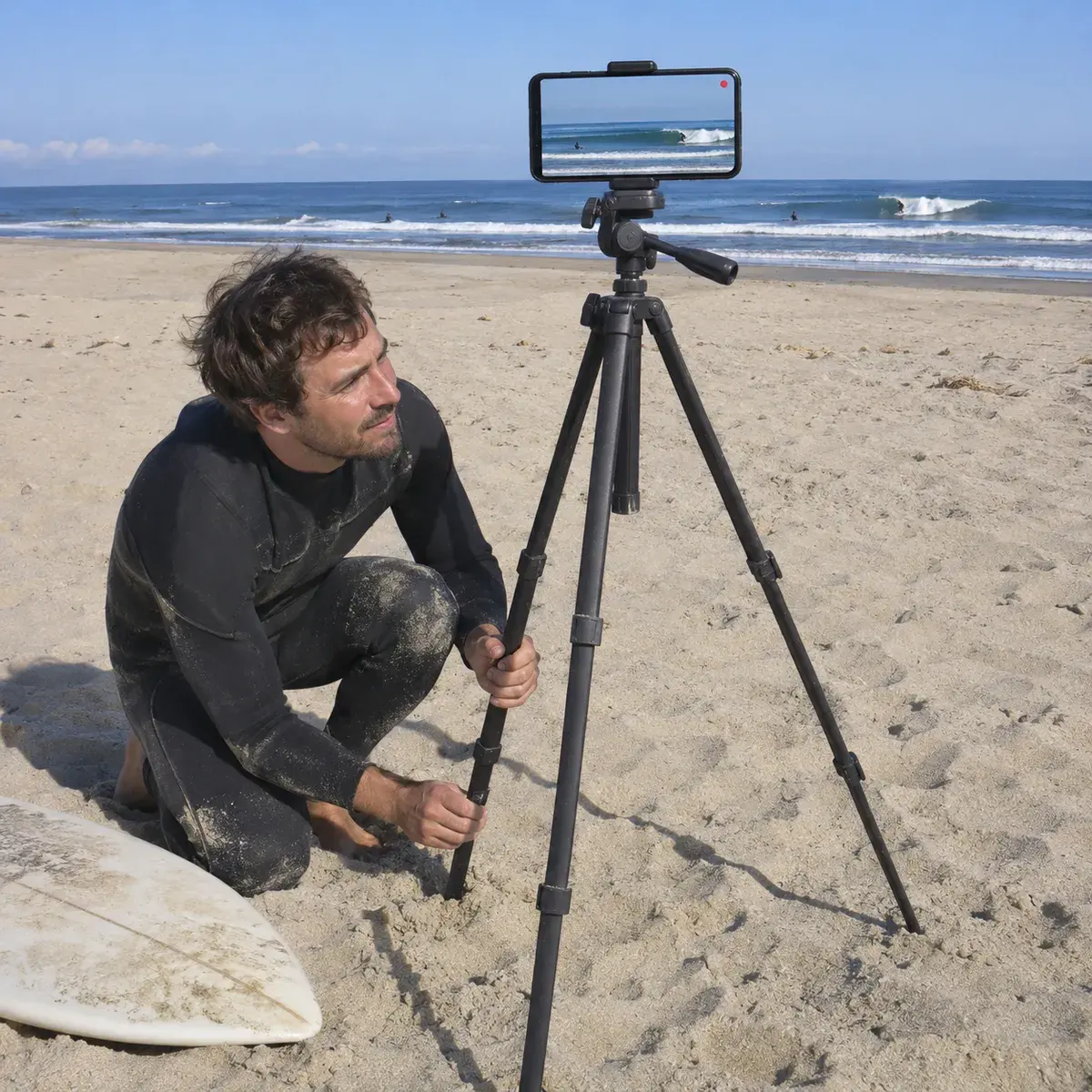
Where to put your phone
Be realistic: a phone on the sand films from far away. Surfers look small, and there is no footage from the water. Put it high on dry sand, above the tide line and away from the path of people and boards.
- High on the beach, facing the peakA tall tripod on dry sand or a wall above the beach, pointed at the spot where the waves break, sees the take off and the ride.
- Beach breaks work bestWaves that break close to the shore fill more of the frame. On a reef or point far out, surfers will look tiny.
- Above the tide lineThe tide comes in while you surf. Leave the tripod well above the wet sand so the water does not reach it.
- Sun, sand and saltKeep the sun behind the phone, protect it from sand and spray, and never leave it alone on a busy beach.
How it works on a surf day
Free surf, lessons and surfing alone
With a friend on the beach, Free works well: one tap after each wave. If you surf alone, nobody is there to tap; the paid plans record the whole session so you can find your waves later. A phone on the beach does not replace a filmer with a long lens or a camera in the water.
Free to start
The free plan gives you Replays every day, each one 30 seconds long. Recording and saving work without internet on the beach; only uploads wait for a connection. Paid plans remove the daily limit, let you choose the clip length and record the full session to cut later.
Surfing questions
Can I tap Replay from the water?
No. The phone stays on the beach. A friend on the sand taps after your wave, or on a paid plan the whole session is recorded and you cut your waves later.
Will I look small in the video?
From the beach, yes, surfers look small, more so on waves far from the shore. It is good for seeing your ride and your line, not for close ups.
Does it film in the water?
No. VISU Replay records what the phone sees from where you put it. It is not a waterproof or board camera.
Does it work on a beach without signal?
Yes. Recording and Replays work offline. The video stays on your phone and only the upload to your VISU Link waits for a connection.
Does it work on iPhone?
Yes. Replay is in the VISU app on iPhone and Android. Download it free from the App Store or Google Play.
Your next wave deserves a replay
Free on Android and iPhone. Set up the phone on the beach before you paddle out and ask a friend to save your rides.

For venues
Run a surf school?
Fixed cameras for venues, with installation and a quote, are on visu.network.
- Cameras with automatic recording
- Your venue on the app map, with its own page and QR Code
- No operator, no editing, no extra work