
Save the trick you finally landed without filming every try
Phone recording by the obstacle. One tap saves the trick you just landed.

Free on Android and iPhone.
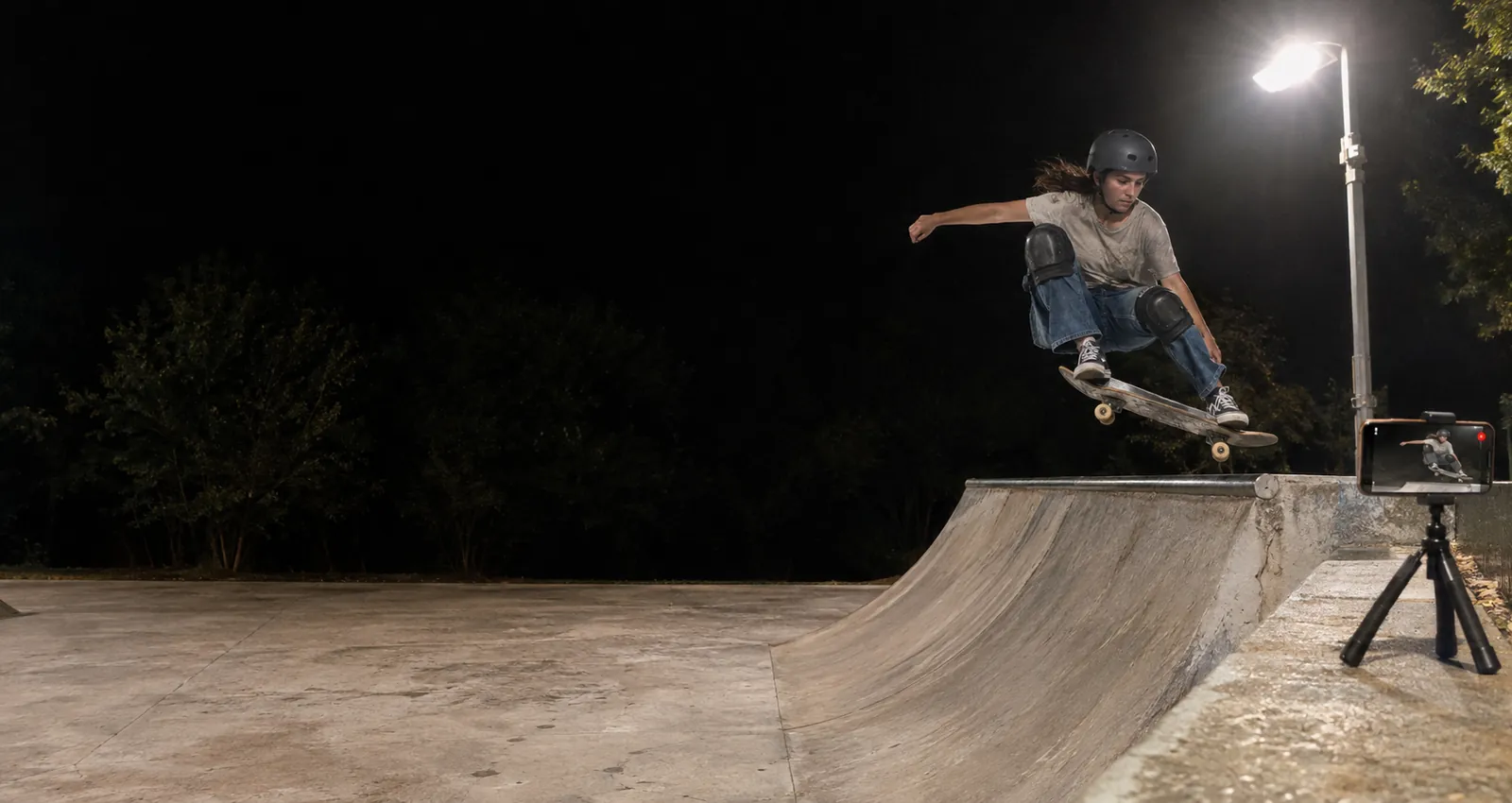
The tries worth keeping
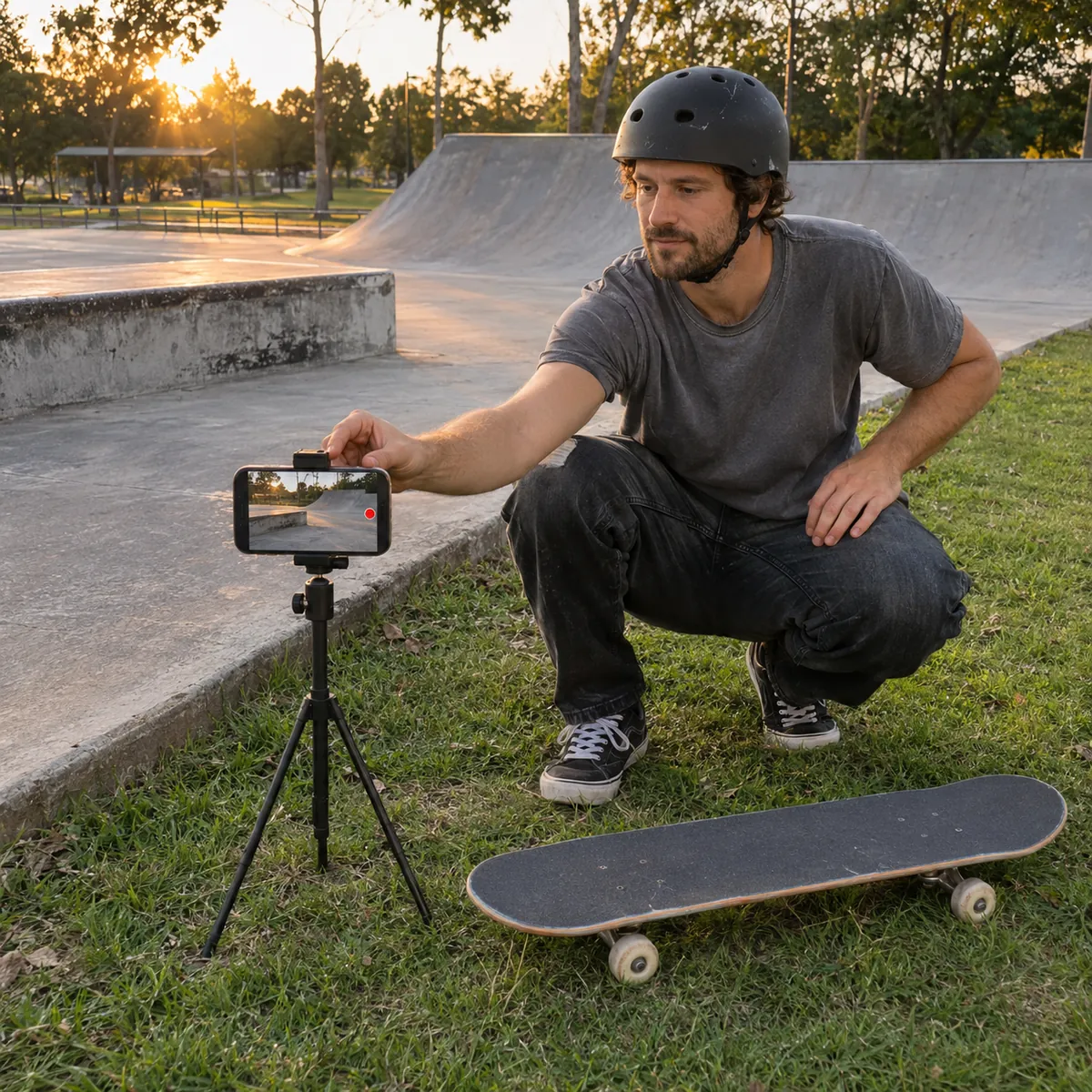
Where to put your phone
Boards fly when a trick goes wrong. Keep the phone outside the skating area, on a ledge, behind a fence or at the side of the obstacle, never on the deck, the coping or a landing.
- Side on, a few metres backPointed at one obstacle from the side and a few metres away, the phone shows the approach, the trick and the landing in one frame.
- Off the skating surfaceA tripod on the grass, a bench or a wall outside the park is safer than one on the flat ground where people roll.
- One spot per sessionThe phone does not follow you. Pick the ledge, rail or bowl you are working on today and frame only that.
- Street lights at nightParks get dark fast. Check the picture before your first try and keep the light in front of you, not behind.
How it works at the park
Street spots, parks, bowls and lessons
One obstacle and one rider at a time is where a phone works best. Long lines across a whole park do not fit in one fixed frame; save the part that matters. At a skate school, the coach can leave the phone on one obstacle and save each student's best try.
Free to start
The free plan gives you Replays every day, each one 30 seconds long. Recording and saving work without internet at the park or the spot; only uploads wait for a connection. Paid plans remove the daily limit, let you choose the clip length and record the full session to cut later.
Skateboarding questions
Do I need someone to film me?
No. The phone records the whole time on its own. You only tap Replay after a good try, and the clip keeps the seconds before the tap.
Will a board hit my phone?
It can if the phone is in the path of the obstacle. Keep it to the side, a few metres back and off the skating surface.
Can I record the whole session and cut it later?
Yes, on the paid plans: they record the full session so you can go back and cut any try. On Free you save 30 second Replays as you skate.
Does it work at a spot without signal?
Yes. Recording and Replays work offline. The video stays on your phone and only the upload to your VISU Link waits for a connection.
Does it work on iPhone?
Yes. Replay is in the VISU app on iPhone and Android. Download it free from the App Store or Google Play.
Your next make deserves a replay
Free on Android and iPhone. Set up your phone before the first try and save the ones you land.

For venues
Run a skate park or school?
Fixed cameras for venues, with installation and a quote, are on visu.network.
- Cameras with automatic recording
- Your venue on the app map, with its own page and QR Code
- No operator, no editing, no extra work