
Save the exchange you want to study from sparring and rolling
Phone recording off the mat. One tap saves the exchange that just happened.

Free on Android and iPhone.
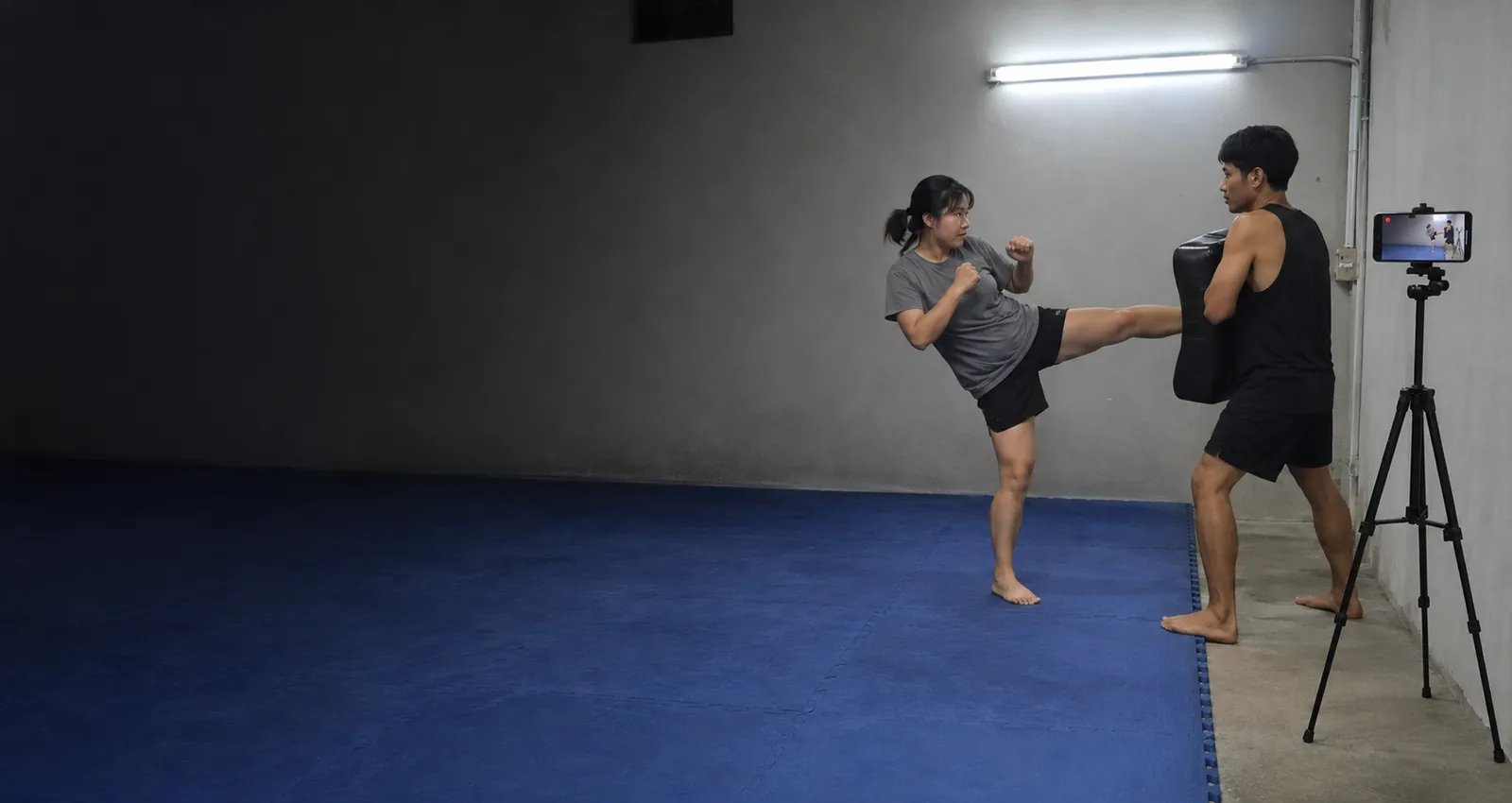
The exchanges worth studying
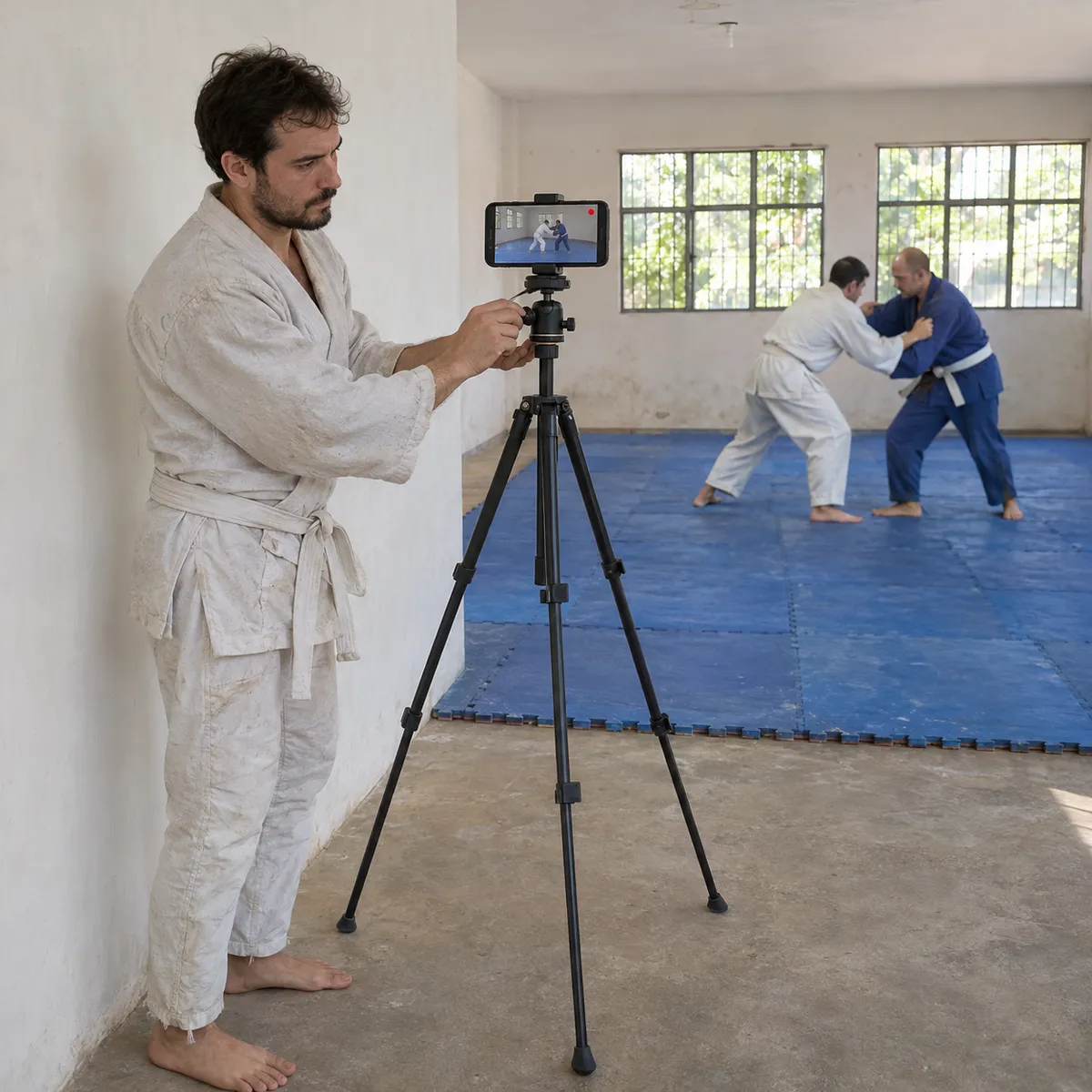
Where to put your phone
People get thrown, roll and step off the mat. Put the phone on a tripod or a shelf outside the mat area, against a wall, never on the mat or on its edge.
- Off the mat, up highA tripod raised against the wall or a shelf at head height looks down on the area where you train and keeps the phone out of the way.
- One section of the matIn a crowded class the phone cannot follow you. Ask to train in the section the phone sees, usually the side closest to it.
- Low angle for ground workFor rolling, a lower angle from the side, still off the mat, shows the legs, the hips and the grips better than one from above.
- Ask the coach and partnersCheck with the coach and your training partners before recording. Many gyms have rules about filming in class.
How it works in class
BJJ, judo, wrestling, boxing, muay thai and karate
Rounds last several minutes, so a Free clip keeps one exchange, not the whole round: tap right after the moment you want. To review full rounds, the paid plans record the whole session so you can cut it later. Pad work and drills fit well in short clips.
Free to start
The free plan gives you Replays every day, each one 30 seconds long. Recording and saving work without internet in the gym; only uploads wait for a connection. Paid plans remove the daily limit, let you choose the clip length and record the full session to cut later.
Martial arts questions
Can I record a whole sparring round?
On the paid plans, yes: they record the full session and you cut the rounds later. On Free you save 30 second Replays of the exchanges you want.
Who taps Replay if I am on the mat?
Whoever is sitting out the round, or you at the bell. The clip keeps the 25 seconds before the tap, so the exchange is still there.
Is it allowed in my gym?
That depends on your gym. Ask the coach and your partners first, and keep the phone off the mat.
Does it work in a gym without signal?
Yes. Recording and Replays work offline. The video stays on your phone and only the upload to your VISU Link waits for a connection.
Does it work on iPhone?
Yes. Replay is in the VISU app on iPhone and Android. Download it free from the App Store or Google Play.
Your next clean takedown deserves a replay
Free on Android and iPhone. Set up your phone off the mat before the first round and save the exchanges worth studying.

For venues
Run a martial arts academy?
Fixed cameras for academies and mats, with installation and a quote, are on visu.network.
- Cameras with automatic recording
- Your venue on the app map, with its own page and QR Code
- No operator, no editing, no extra work