
Replay your best beach tennis points right on the sand
Phone behind the baseline, recording. One tap saves the point you just played.

Free on Android and iPhone.
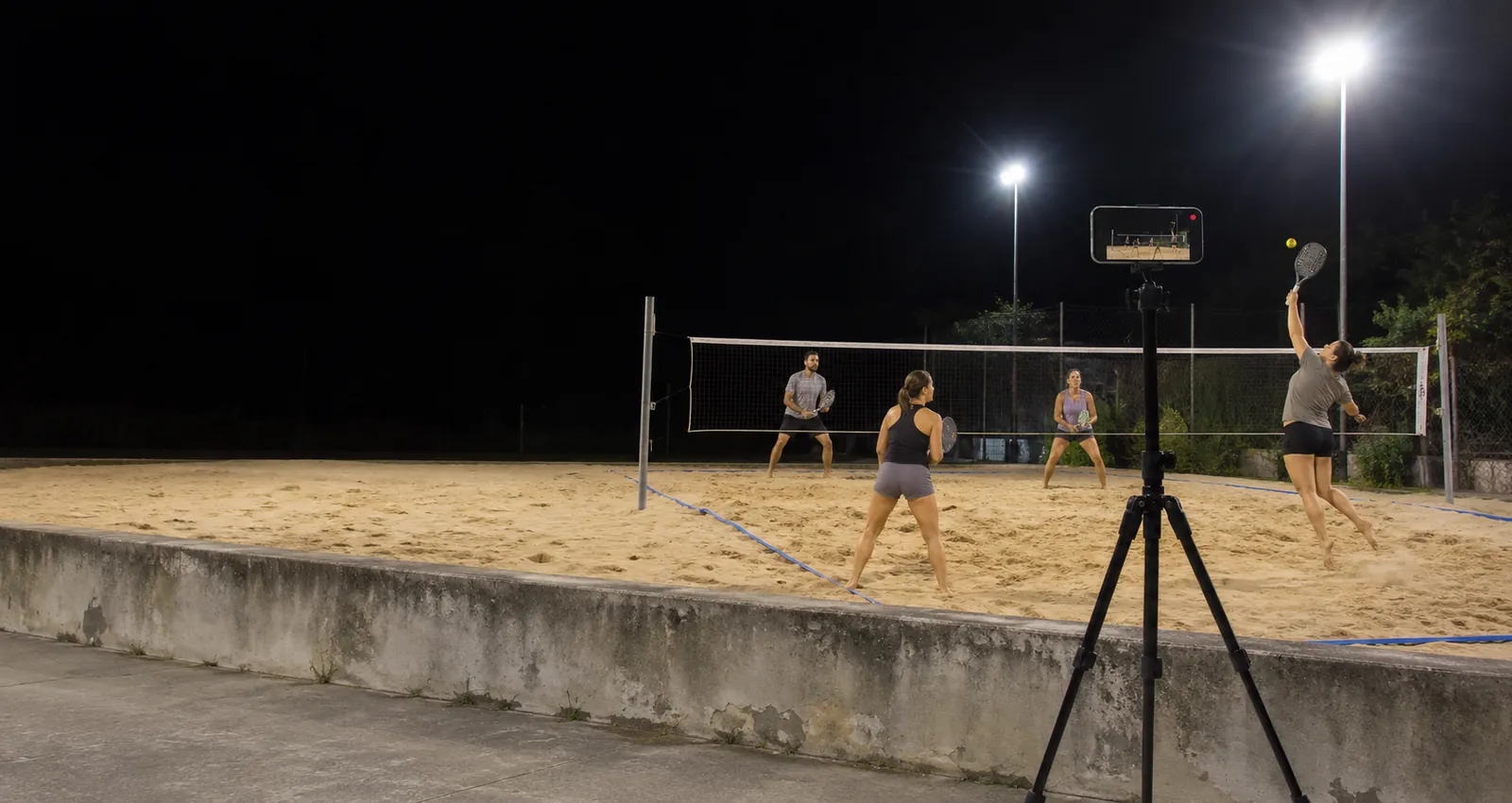
The points worth a second look
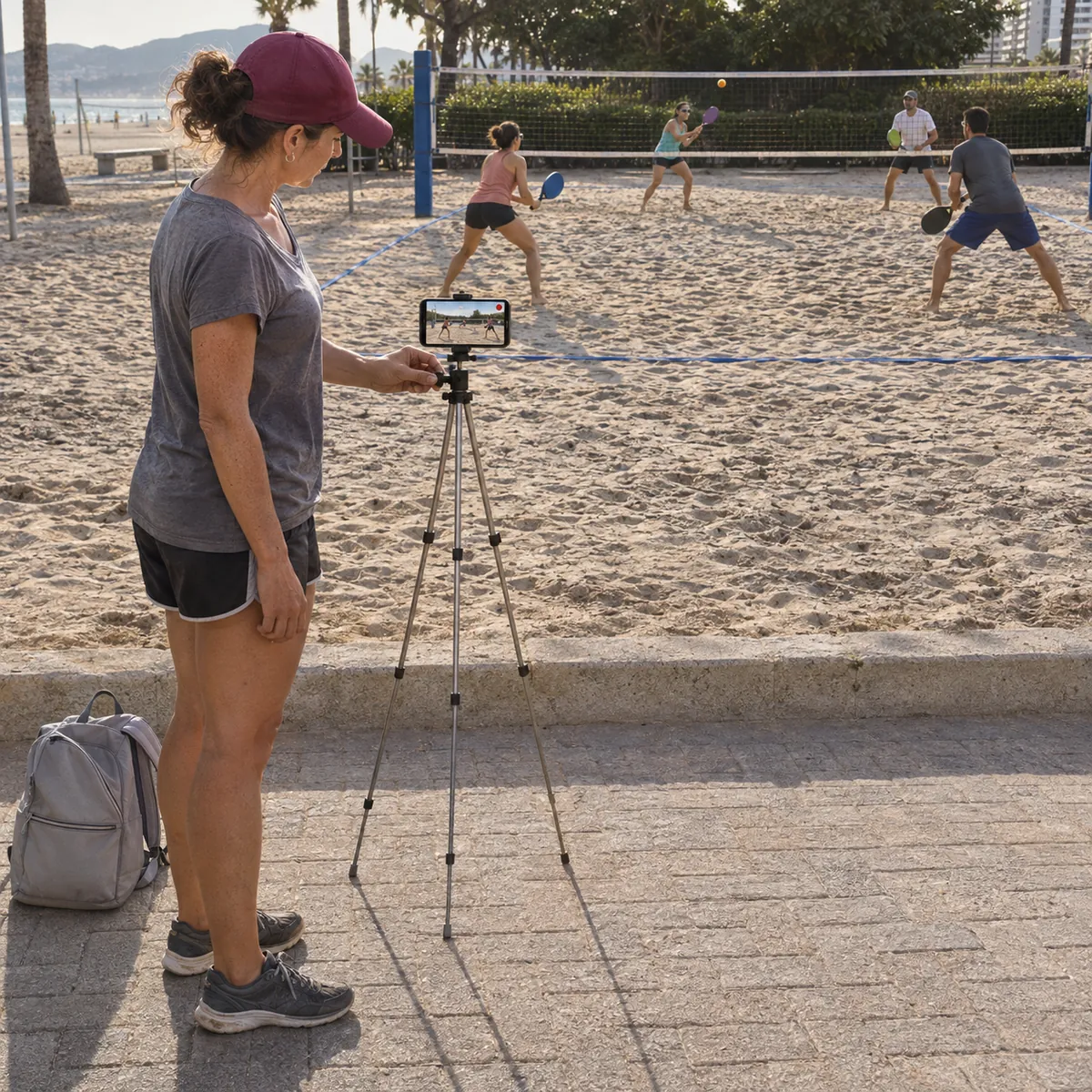
Where to put your phone
Sand, sun and wind change the picture. A few choices make the clip much better.
- Behind the baseline, a bit raisedCentered behind one baseline, at head height or higher, the phone sees the whole court, both pairs and the net. Most beach tennis clips look best from there.
- Off the sandUse a tripod with wide legs or clip the phone to the fence or a post. Sand gets into tripod joints, and a phone on the ground sees only feet.
- Sun behind the phoneFilming against the sun turns players into shadows. Pick the side where the sun is behind the phone, and keep the phone in the shade so it does not overheat.
- Battery for long sessionsAfternoons on the sand drain the battery. Start charged, bring a power bank and keep free storage for the whole session.
How it works on the sand
Doubles, singles, lessons and tournaments
Doubles is where one phone works best: the court is small (16 by 8 metres) and the whole point fits in the frame from behind the baseline. In singles the court is narrower, so the same spot works. At tournaments, check the rules of the event before setting up a phone by the court.
Free to start
The free plan gives you Replays every day, each one 30 seconds long. Recording and saving work without internet at the beach; only uploads wait for a connection. Paid plans remove the daily limit, let you choose the clip length and record the full session to cut later.
Beach tennis questions
Do sand and wind ruin the video?
Wind moves a light tripod, so use one with a wide base or clip the phone to a fence or post. Keep the phone off the sand and wipe the lens between games.
Who taps Replay if all four of us are playing?
Beach tennis has a pause after every point: whoever is closest walks to the phone and taps. The clip still keeps the seconds before the tap.
Is a 30 second clip enough for one point?
For almost every point, yes: 25 seconds before the tap and 5 after. Paid plans let you choose a longer clip or record the whole session to cut later.
Does it work on a beach without signal?
Yes. Recording and Replays work offline. The video stays on your phone and only the upload to your VISU Link waits for a connection.
Does VISU pick the best points by itself?
No. You decide what to save with a tap. Nothing is cut or uploaded on its own.
Does it work on iPhone?
Yes. Replay is in the VISU app on iPhone and Android. Download it free from the App Store or Google Play.
Your next smash deserves a replay
Free on Android and iPhone. Set up your phone before the first serve and save the points worth rewatching.

For venues
Run a beach tennis venue?
Fixed cameras for sand courts, with installation and a quote, are on visu.network.
- Cameras with automatic recording
- Your venue on the app map, with its own page and QR Code
- No operator, no editing, no extra work