
Save the skill you just landed and see what your coach sees
Phone recording beside the floor. One tap saves the skill you just landed.

Free on Android and iPhone.
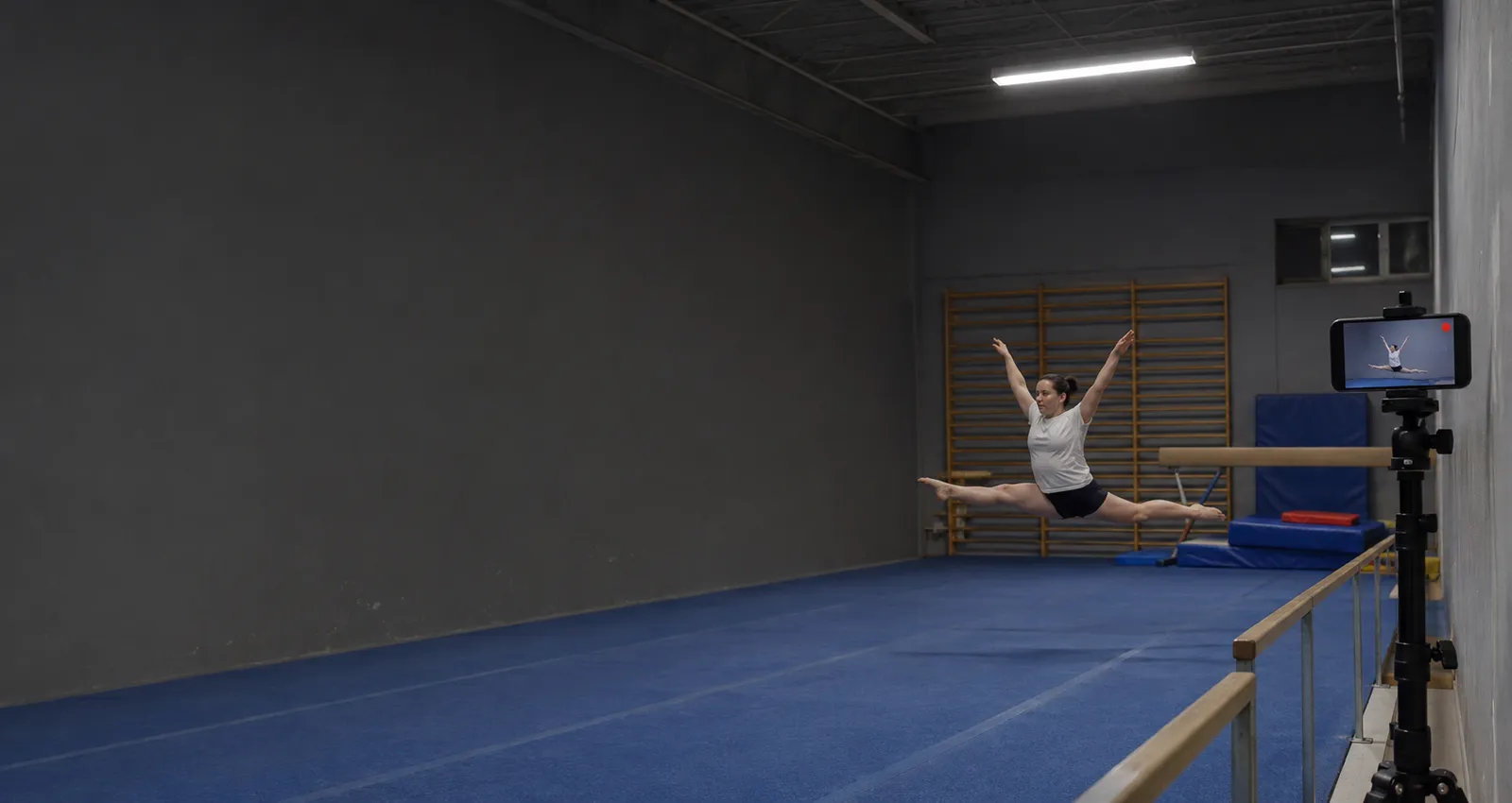
The skills worth watching back
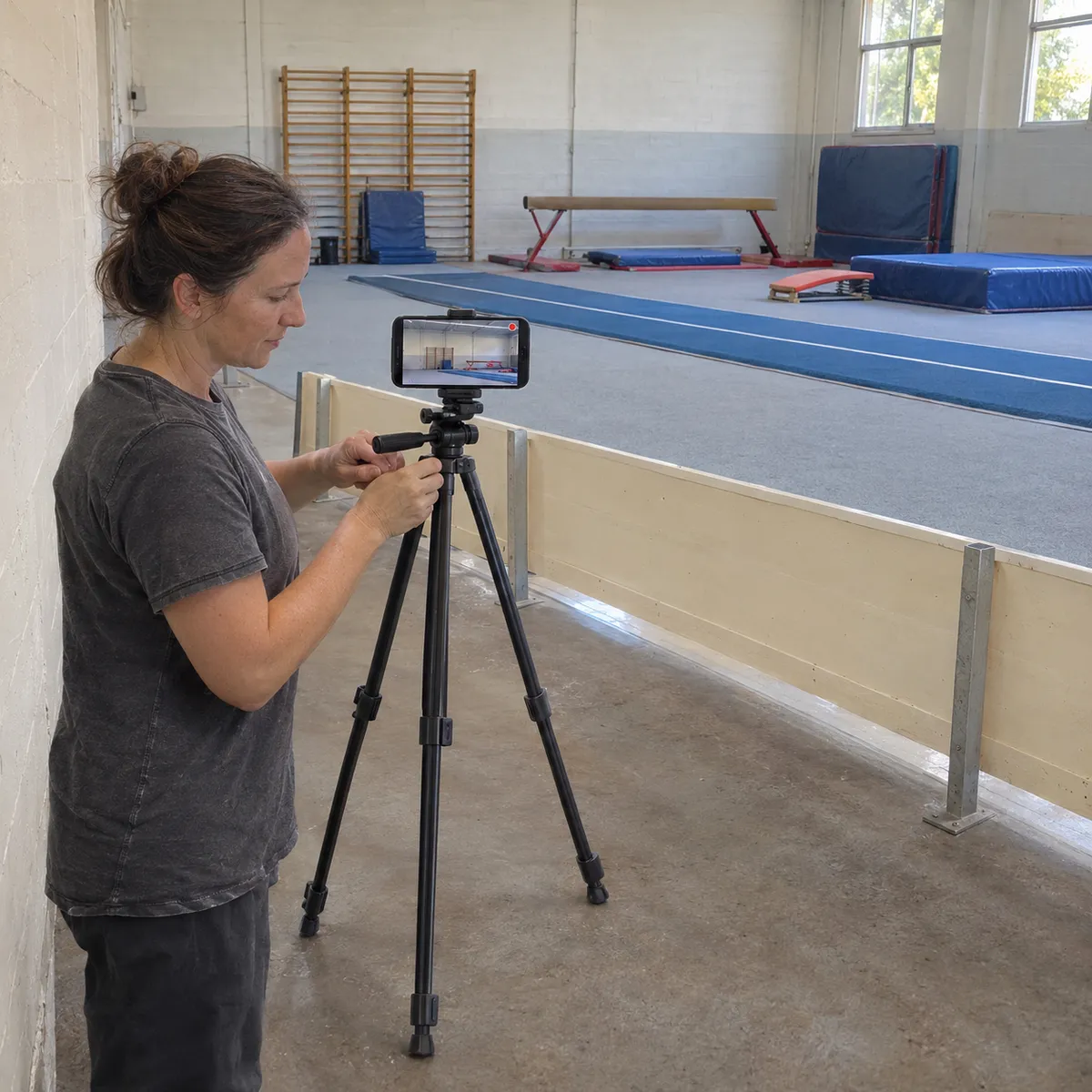
Where to put your phone
Gymnasts use every metre of the floor and land hard. Put the phone on a tripod outside the floor and the apparatus, well away from landing mats, springboards and trampolines.
- Side on to the skillMost skills read best from the side: shape, height and landing are clear. Line the phone up with the run or the apparatus, a few metres out.
- Outside every landing zoneNever at the end of a tumbling line, the end of the beam or beside a trampoline. Behind a barrier or against a wall is safer.
- Room above the headLeave space at the top of the frame for jumps and flight, and keep the feet in the frame for the landing.
- Ask the coach firstMany clubs have rules on filming, especially with children training. Ask the coach before you set up, and frame only your own gymnast.
How it works at training
Artistic, trampoline, acro and adult classes
Single skills and short sequences fit well in a 30 second Free clip. A full floor routine needs a longer clip, which the paid plans let you choose. In a busy gym the phone sees one area, so set it up where you will train for the rotation.
Free to start
The free plan gives you Replays every day, each one 30 seconds long. Recording and saving work without internet in the gym; only uploads wait for a connection. Paid plans remove the daily limit, let you choose the clip length and record the full session to cut later.
Gymnastics questions
Can parents use it at their child's training?
Yes, if the club allows filming. Keep the phone outside the training area, frame only your child and save only the moments you need.
Does VISU score or judge the skill?
No. VISU Replay saves video clips when you tap. The coach and the gymnast decide what to correct.
Is 30 seconds enough for a routine?
For a skill or a short part, yes. For a full routine, the paid plans let you choose a longer clip or record the whole session.
Does it work in a gym without signal?
Yes. Recording and Replays work offline. The video stays on your phone and only the upload to your VISU Link waits for a connection.
Does it work on iPhone?
Yes. Replay is in the VISU app on iPhone and Android. Download it free from the App Store or Google Play.
Your next new skill deserves a replay
Free on Android and iPhone. Set up your phone outside the floor before warm up and save the skills worth watching back.

For venues
Run a gymnastics club?
Fixed cameras for gymnastics clubs, with installation and a quote, are on visu.network.
- Cameras with automatic recording
- Your venue on the app map, with its own page and QR Code
- No operator, no editing, no extra work