
Watch the jump you just rode while you walk your horse
Phone outside the arena fence. One tap saves the jump or the line you just rode.

Free on Android and iPhone.
The moments worth watching again
Where to put your phone
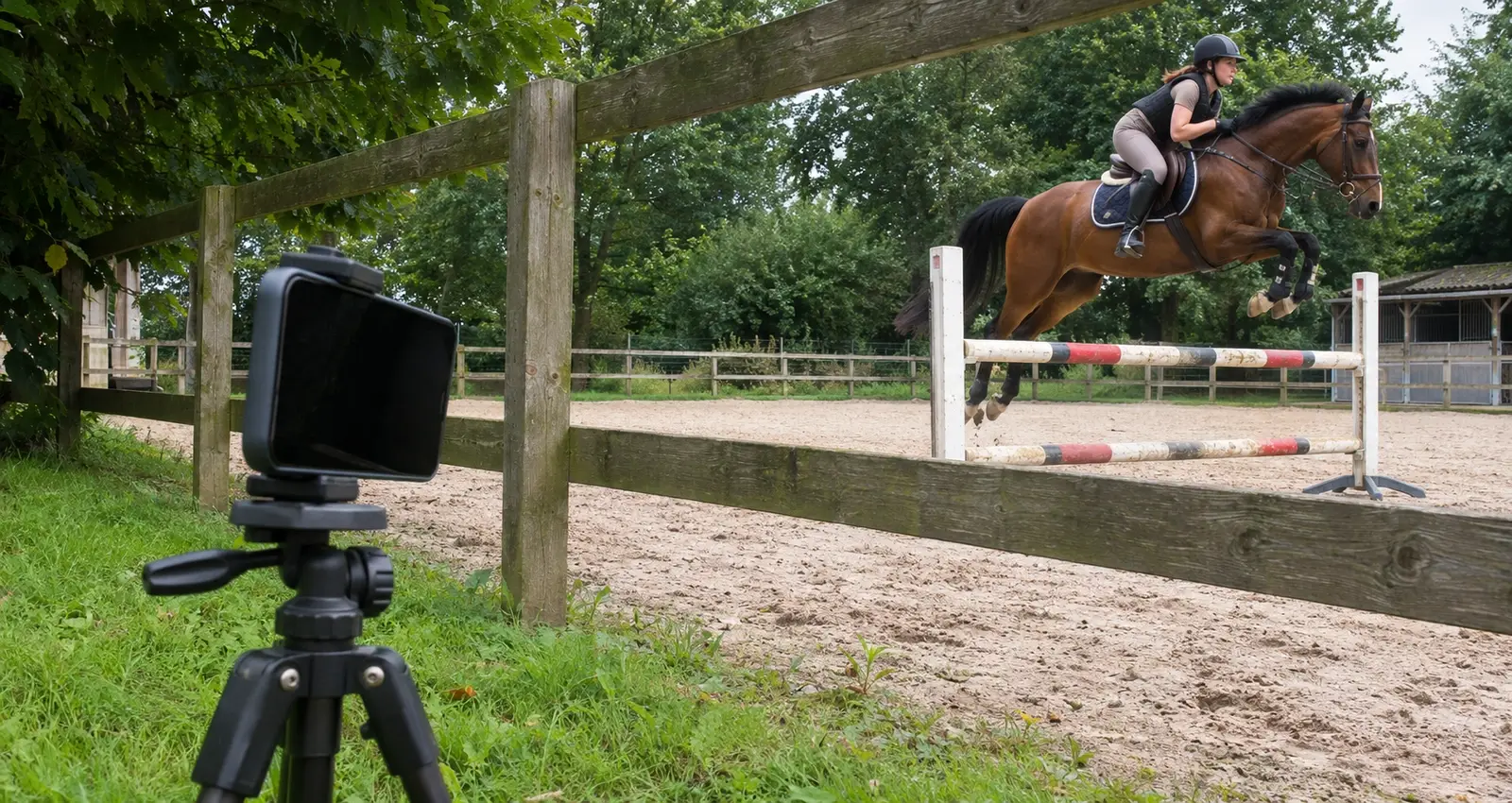
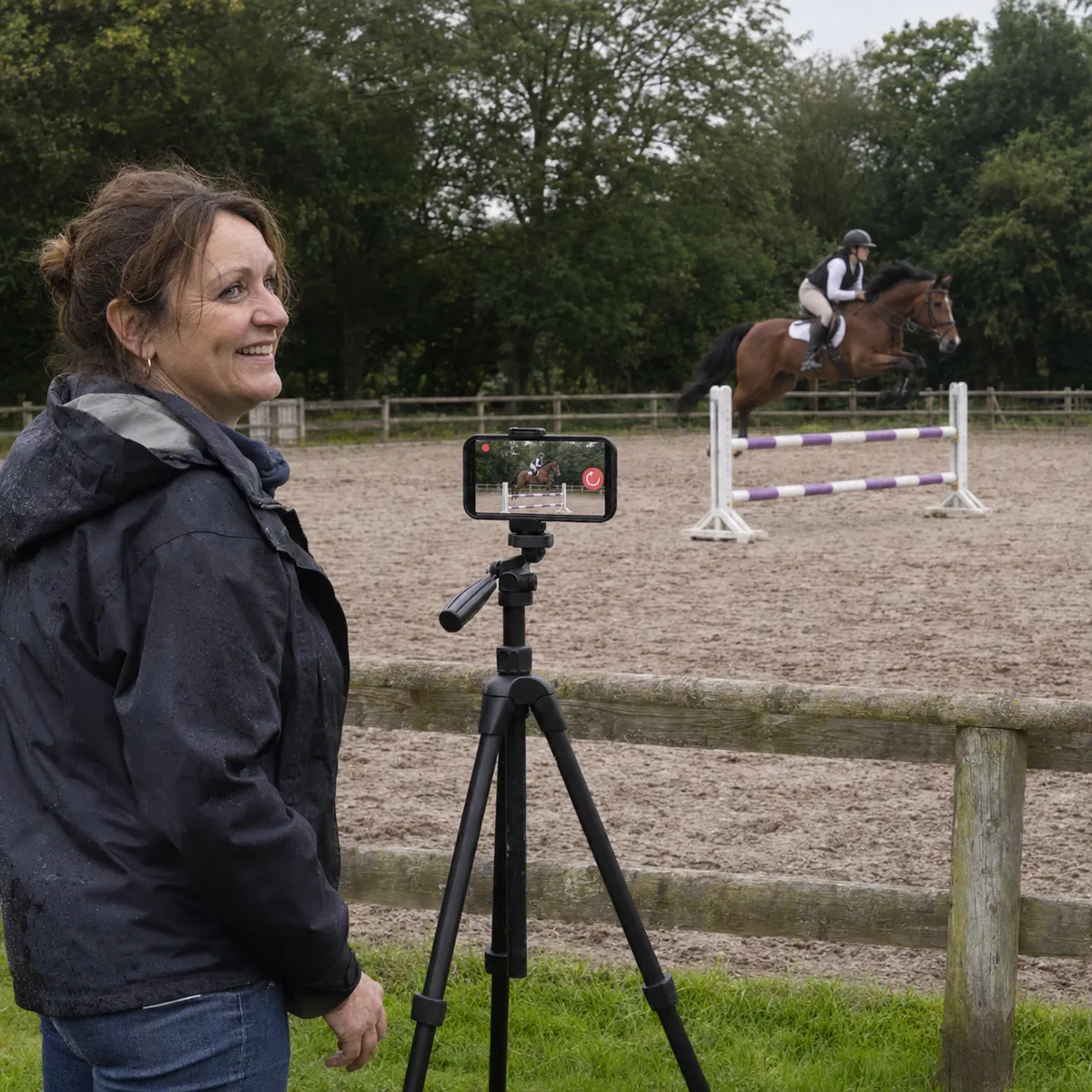
With horses, safety comes first. Keep the phone outside the arena fence on a tripod or in the hand of someone watching, never inside the arena, never next to a fence the horse is jumping and never where it can flap or shine in the horse's eyes.
- Outside the fence, at the long sideFrom the long side, a little back from the rail, the phone sees the approach, the jump and the landing. Turn it sideways to fit the line.
- Square to the fence for positionLevel with the jump and square to it, the clip shows your leg, your hands and your back in the air, the angle trainers use to check position.
- Someone you trust holds itMost riders are filmed by a parent, a friend or the trainer at the rail. They tap Replay after each jump or line while you ride on.
- Nothing that startles the horseKeep the tripod low and stable, away from the track, and turn off the flash and sounds. A calm horse matters more than any angle.
How it works at the arena
Lessons, schooling and local shows
In a lesson, the phone at the rail catches every exercise. At home, schooling over a few fences, a friend can save each line. At a local show, from the spectator side, follow the rules of the venue about filming.
Free to start
The free plan gives you Replays every day, each one 30 seconds long. Recording and saving work without internet at the barn; only uploads wait for a connection. Paid plans remove the daily limit, let you choose the clip length and record the full session to cut later.
Riders' questions
Will the phone bother my horse?
Keep it outside the fence, still, with sounds and flash off. A phone on a tripod at the rail is no different from a person standing there.
Who taps Replay if I am riding?
Someone at the rail, usually a parent, a friend or the trainer. The clip keeps the 25 seconds before the tap, so a slightly late tap still has the jump.
Can I record a whole lesson and cut it later?
Yes, on the paid plans: they record the full session so you can go back and cut any jump. On Free you save 30 second Replays during the lesson.
Does it work at a barn without signal?
Yes. Recording and Replays work offline. The video stays on your phone and only the upload to your VISU Link waits for a connection.
Does it work on iPhone?
Yes. Replay is in the VISU app on iPhone and Android. Download it free from the App Store or Google Play.
Your next clear round deserves a replay
Free on Android and iPhone. Set up the phone at the rail before you warm up and save the jumps worth watching again.
For venues
Run a riding school or an equestrian centre?
Fixed cameras for venues, with installation and a quote, are on visu.network.
- Cameras with automatic recording
- Your venue on the app map, with its own page and QR Code
- No operator, no editing, no extra work