Where to Place Your Creator QR Code (Offline & Online)
Most creator QR codes go unscanned because they sit where it was convenient to put them, not where people are actually paying attention.
A QR code only works where someone is willing to stop and point their phone at it. That sounds obvious, but it's the reason most creator codes go unscanned: they end up somewhere convenient to place rather than somewhere people are actually paying attention.
Placement is not decoration. It decides whether your code gets used at all. This guide covers where creator QR codes belong, offline and online, and the physical details that make the difference between a code that scans and one people give up on.
Matching placement to intent
Before choosing a spot, ask what you want from the scan. Someone flipping through a stack of business cards is in a different mindset than someone standing in front of you after a show.
Three broad intents cover most creator placements:
- Discovery. The person doesn't know you yet. The code needs context around it explaining who you are and why to scan.
- Follow-up. They just experienced your work and want more. Here the code can be minimal, because the reason is already obvious.
- Reference. They'll scan later, at home. The code needs to survive being carried around, so print quality and durability matter.
Match the placement to the intent and the same code performs differently in each spot.
Offline placements that get scanned
The best offline placements share one trait: the person is already still, already looking, and has a free hand.
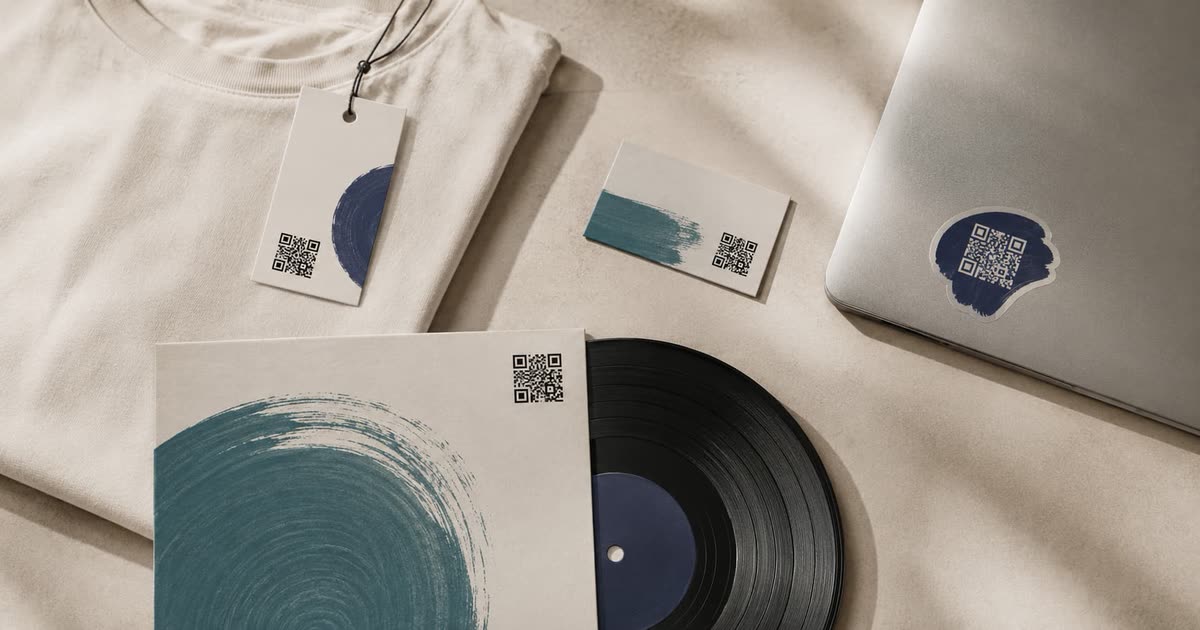
Merch and packaging. A code on a tag, sleeve, or insert gets scanned at home, unhurried. This is prime space for something extra: a thank-you, a hidden track, a message that only buyers see.
Business cards and handouts. Works well when you've just met someone. Keep the code on the back with a short line of context so it still makes sense a week later when they find it in a pocket.
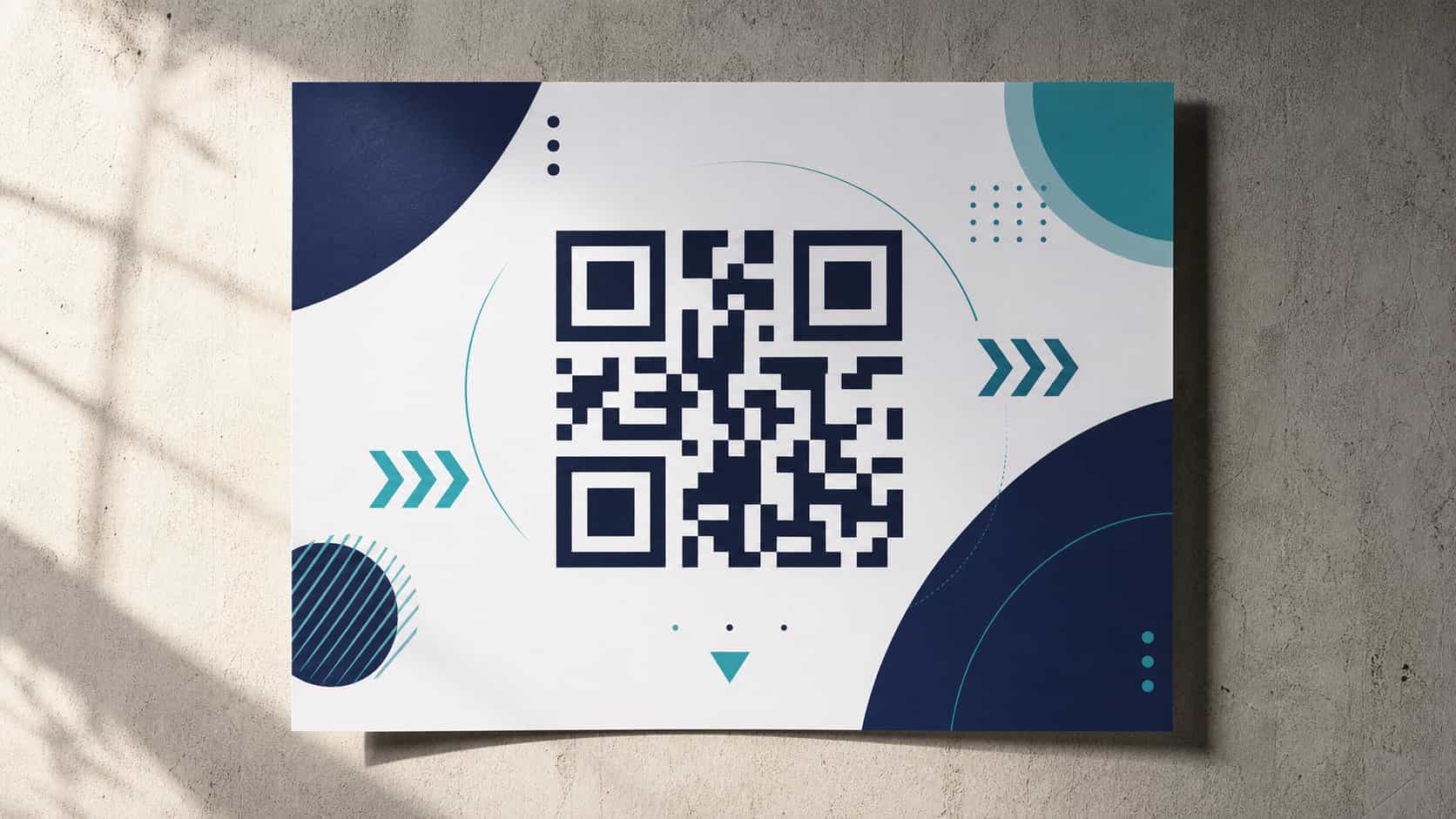
Posters and flyers. Placement height matters more than size here. A code at eye level gets scanned; the same code near the floor doesn't. Give people a reason to scan printed on the poster itself.
Stickers. Cheap, and they land in places nothing else reaches: laptops, water bottles, instrument cases. The tradeoff is size, so keep the code simple and test it small before ordering a batch.
Online placements that people forget
Codes work on screens too, and creators consistently underuse this.
Video end screens. Leave the code up long enough for someone to unlock their phone and aim, which is longer than feels comfortable while editing. Ten seconds is a floor, not a target.
Stream overlays. A persistent code in a corner gets scanned throughout the stream, not just once. Keep it small enough not to crowd the frame but large enough to scan from a couch.
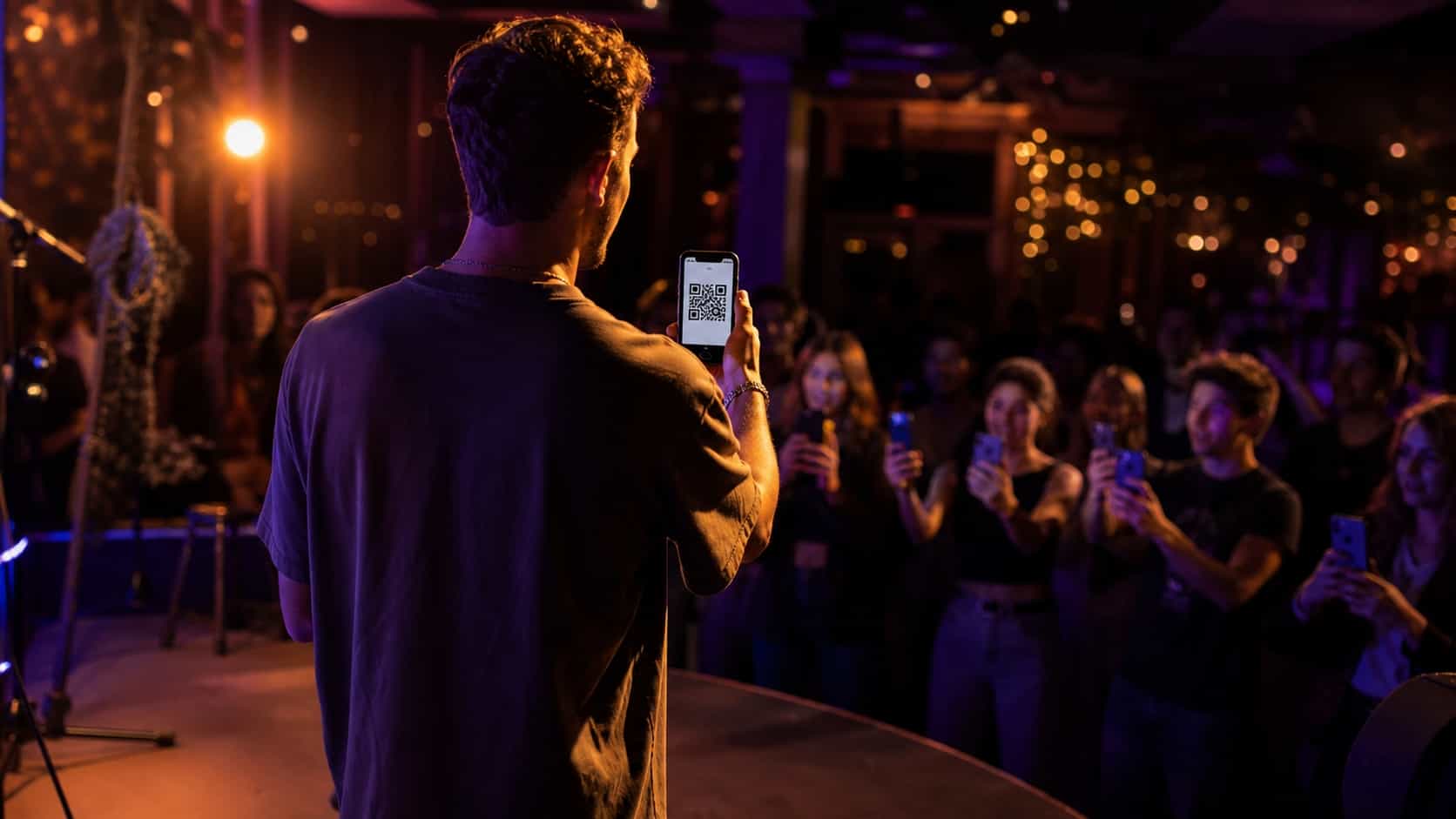
Presentation slides. A code on your final slide catches the room during questions, when people are already reaching for their phones.
Profile banners and thumbnails. Less reliable, since people are usually already on a device, but harmless as a fallback.
Scan distance and code size
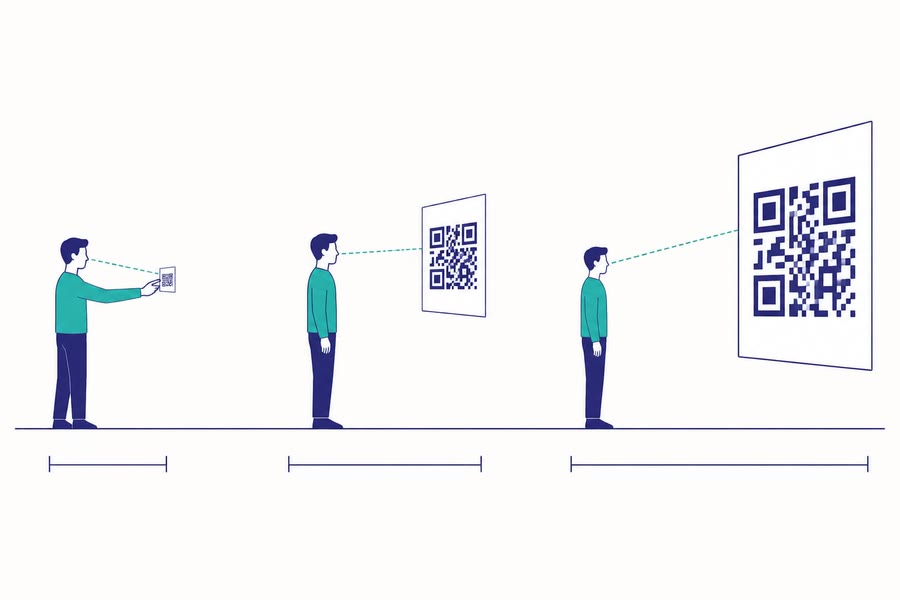
Code size scales with viewing distance. The working rule: the code should be roughly one tenth of the distance people will scan from.
Someone scanning a business card from arm's length needs a code around two centimeters. A poster read from three meters across a room needs one closer to thirty. When in doubt, go bigger. An oversized code costs nothing; an undersized one costs every scan.
Leave clear space around the code too. A code crowded to the edge of a design confuses scanners more than people expect.
Lighting and contrast for reliable scans
Dark codes on light backgrounds scan best. Inverting that works on some phones and fails on others, which means it fails for part of your audience.
Watch out for glossy finishes. A laminated poster under a spotlight reflects glare straight into the camera and kills the scan. Matte finishes cost slightly more and are worth it anywhere lighting is bright or uncontrolled.
Test in the actual conditions. A code that scans on your desk may not scan on a dim venue wall.
Placements to avoid
Some spots reliably waste a code:
- Moving vehicles. People can't scan what won't hold still.
- Behind glass at an angle. Reflections defeat the camera.
- Anywhere people are walking briskly. No scan happens without a pause.
- Below knee height or above reach. Awkward angles kill intent fast.
- Next to another QR code. Two codes in one frame means scanners grab the wrong one.
If a placement fails any of those, move it before you print at scale.
Testing before you commit
Print one. Put it where it's going. Walk up to it the way a stranger would, from the distance they'd come from, in the light that will be there. Scan it with the oldest phone you can find.
That five-minute test catches nearly every placement problem while it's still free to fix. For the campaign creative that surrounds the code, see designing QR campaigns that drive profile visits, and for the full strategy, start with the QR campaigns guide.
Frequently asked questions
How big should a printed QR code be?
Roughly one tenth of the distance people will scan from. A business card needs about two centimeters; a poster read across a room needs closer to thirty.
Can I put a QR code in a video?
Yes. Leave it on screen at least ten seconds, which is longer than it feels while editing, and keep the frame still so it can be scanned.
Where do QR codes usually fail?
Low light, glossy glare, moving vehicles, and anywhere people walk past without pausing. No scan happens without a pause.
Should I test before printing?
Always. Print one, place it, and scan it from the real distance in the real light with the oldest phone you can find.