QR Code Campaigns for Creators: The Definitive Guide
Bridge offline moments like stage, merch, and print straight to your public profile with QR campaigns built for creators.
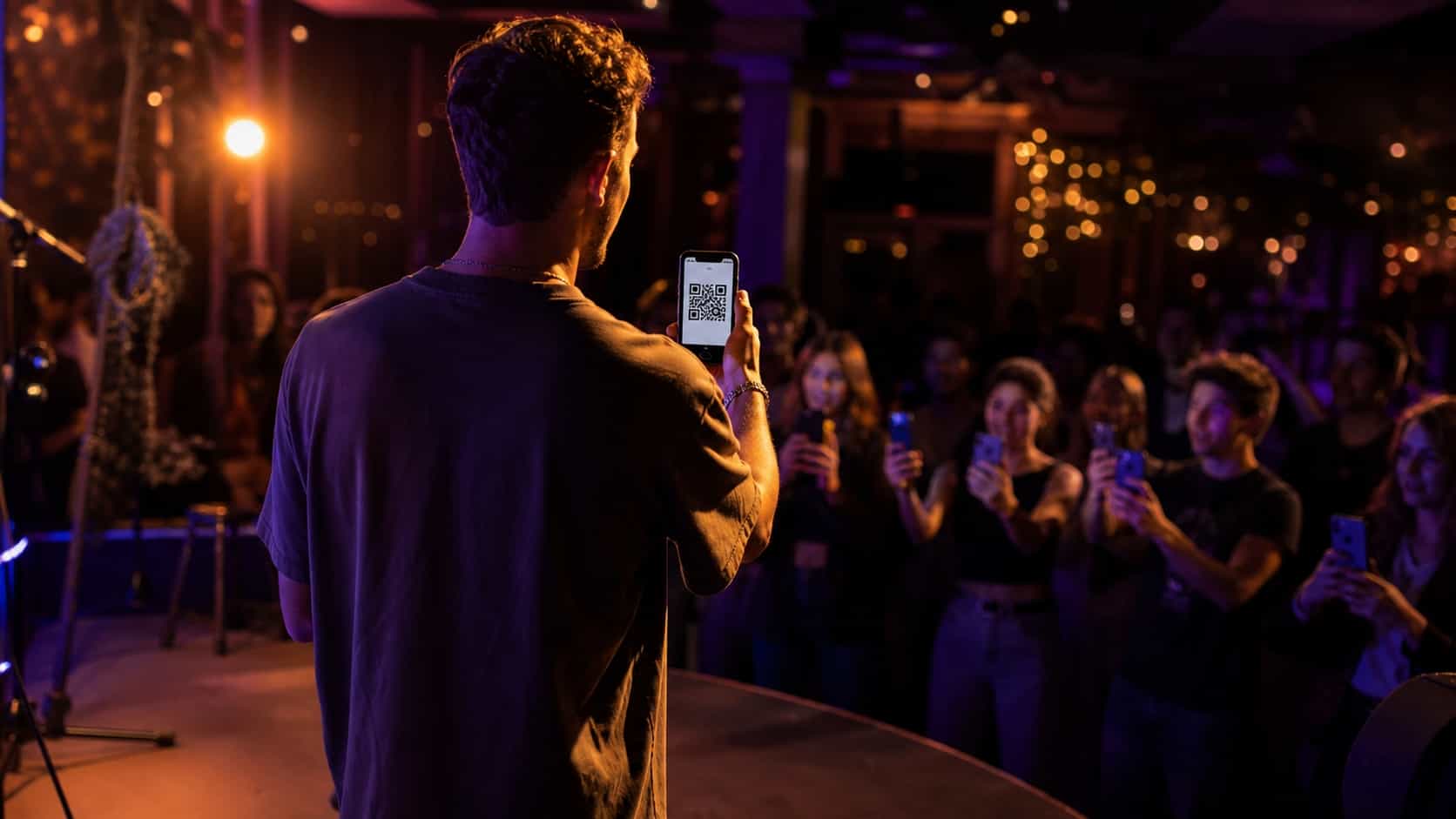
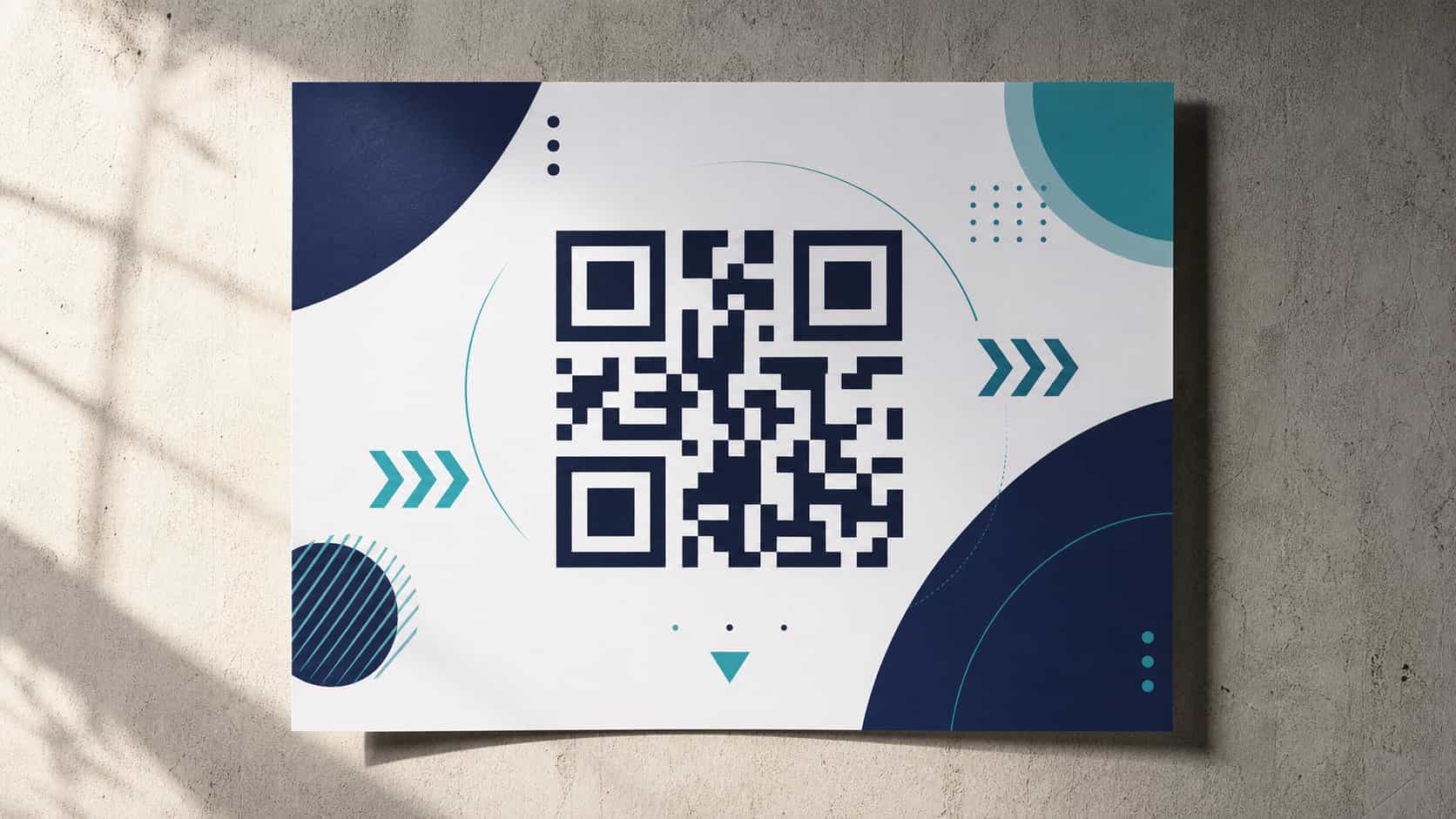
A QR code is the shortest path from the physical world to your profile. Someone sees it on a screen, a poster, or a piece of merch, points their phone, and lands on your page. For creators, that's a powerful bridge: every offline moment where people already pay attention to you becomes a doorway to your online presence.
This guide covers QR campaigns built specifically for creators: connecting your stage, your merch, and your printed materials straight to a discoverable profile. It's about audience growth, not point-of-sale menus, so it stays focused on the creator side of QR.
Why QR codes belong in a creator's toolkit
Creators constantly have offline attention they never capture. People watch you perform, see you at an event, or hold something you made, and then the moment passes with no way to follow up. A QR code closes that gap. It turns a fleeting in-person moment into a follow, a visit, or a lasting connection.
Unlike a spoken handle that people forget by the time they get home, a scan happens in the moment, while interest is highest. That timing is the whole advantage.
What a creator QR campaign looks like
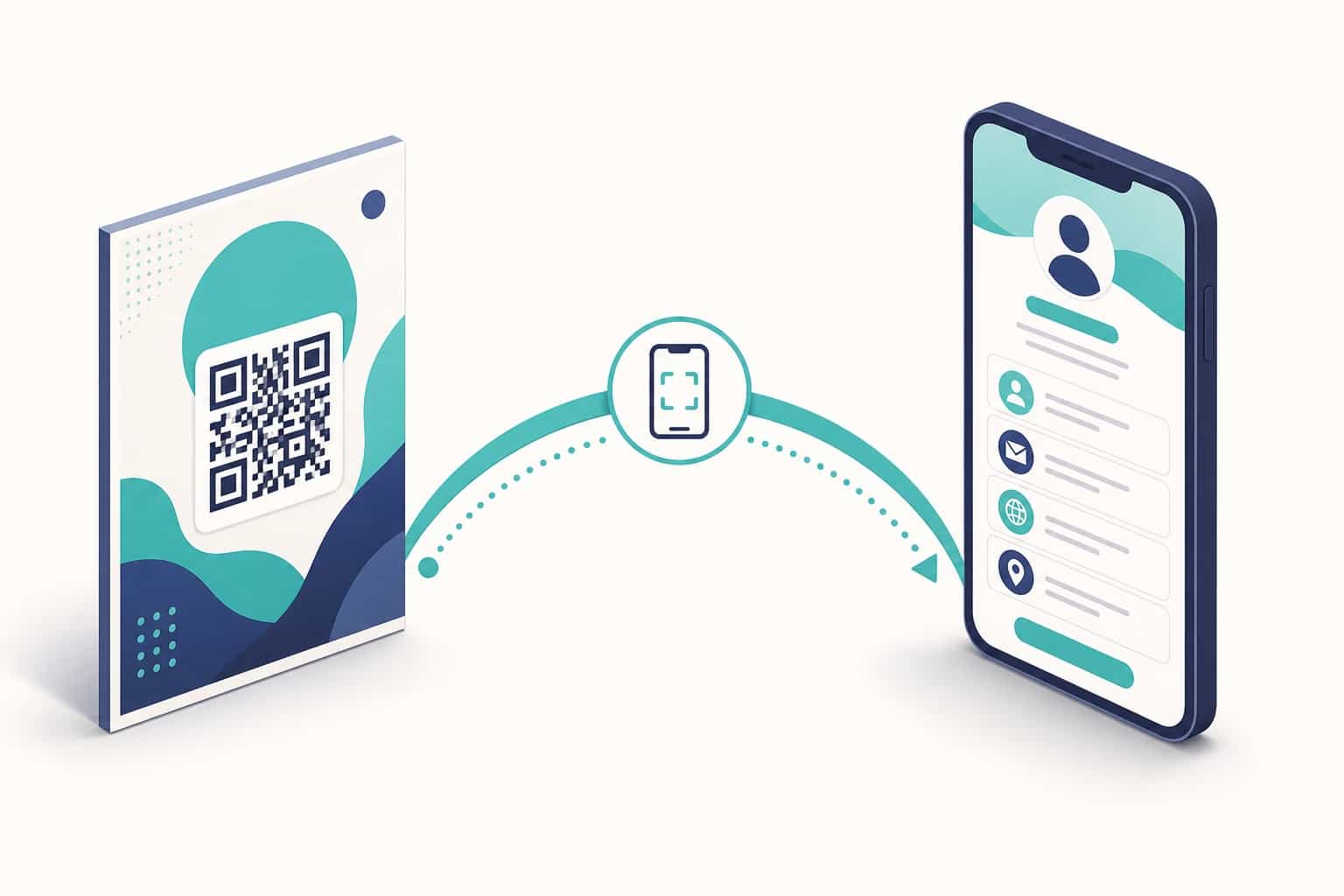
A campaign is more than slapping a code somewhere. It's a clear path: a reason to scan, a code that's easy to scan, and a destination that delivers on the promise. Miss any of the three and scans drop.
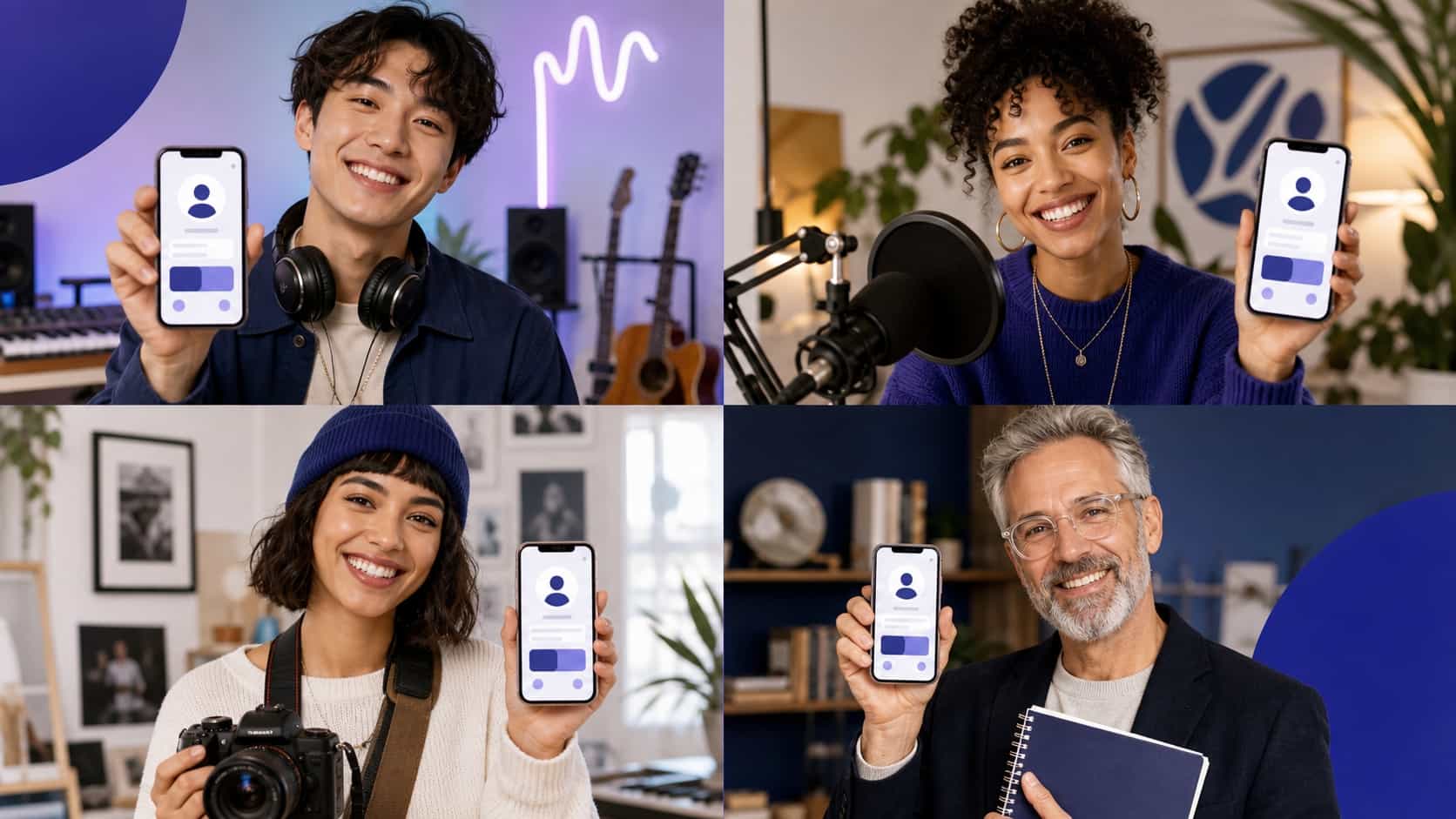
The destination is usually your public profile, where a new visitor can see everything you do and choose how to follow. From there, your profile does the work of converting that scan into a lasting connection.
Connecting a QR to your public profile
Point your code at your profile rather than a single link. A profile gives the new visitor context and choices, where a single link is a dead end if it's not exactly what they wanted.
Because a strong profile is built to convert visitors into follows, sending scans there gets more out of every code than sending them to one isolated page. If your profile isn't optimized yet, the creator profile optimization playbook is the place to start.
Offline-to-online: the bridge moments
Think about every offline moment where you have someone's attention:
- On stage or on screen during a performance or talk.
- On merch, packaging, and stickers people keep.
- On printed materials like cards, flyers, and posters.
- At meetups, markets, and events.
Each of those is a bridge moment. A code placed there carries that attention straight to your profile while it's still warm.
Designing a scannable, on-brand code
A code only works if it scans reliably. Keep it large enough for the distance people will scan from, with strong contrast and clear space around it. Test it on a few real phones before you print or display anything at scale.
You can style a code to match your brand, but never past the point where it stops scanning. Reliability first, aesthetics second. The detail of campaign creative is covered in designing QR campaigns that drive profile visits.
Measuring campaign performance
The point of a campaign is to learn what works. Track how many scans you get, how many turn into profile visits, and when the spikes happen. Those numbers tell you which placements earn their spot and which to drop.
Use distinct destinations or codes for different placements so you can tell them apart. Without that, every scan blurs together and you learn nothing. For how to read the data, see understanding your creator analytics.
Running a launch with QR
A launch is the ideal time to lean on QR. Put a code wherever your audience gathers around the launch: on stage, on the merch tied to it, on every printed piece. Give people a clear reason to scan right now, while attention peaks, and route them to a profile set up for the moment.
After the launch, check your scan data and keep the placements that performed for next time.
QR campaign checklist
Before you run a campaign, confirm:
- A clear reason to scan, stated where the code lives.
- The code points to your optimized public profile.
- It's large enough and high-contrast for the scan distance.
- Tested on real phones.
- Distinct codes or destinations per placement for tracking.
Get those right and your offline presence starts feeding your online growth. For real-world examples across creator types, see how creators use VISU.
Frequently asked questions
Do I need special tools for a QR campaign?
No. You just need a generated code and a place to display it, online or in print.
Where should a creator QR code lead?
To your public profile, which gives a new visitor context and a clear way to follow.
How is this different from restaurant QR menus?
This is creator-to-audience discovery, not table ordering. The goal is follows and visits, not a checkout.