How to Add Multiple Links to Your Instagram Bio (Up to 5)
How to add multiple links to your Instagram bio step by step, how to reorder them, other places links work on Instagram, and when a link in bio page is the better choice.

For years, Instagram gave you exactly one link in your bio, and everyone had to squeeze their whole online life into it. That is no longer the case. Today you can add several links straight from the app, no extra tools needed.
This guide shows you how to add multiple links to your Instagram bio step by step, how many you can add, how to put them in the right order, and the other places on Instagram where links actually work. At the end, we look honestly at when Instagram's built-in links are enough and when a link in bio page does the job better.
How many links can you add to your Instagram bio?
According to Instagram's Help Center, you can add up to 5 websites to your Instagram profile, and you can reorder the list people see. Instagram also notes that anyone, on or off Instagram, can see your websites, so treat them as public.
A few things worth knowing before you start:
- The steps below are for the Instagram mobile app. That is where the links section lives and where Instagram's help content points you.
- Your first link matters most. It is the most visible one on your profile. The others are still there, but they take an extra tap to reach, and fewer people make that tap.
- Links typed into captions and comments are not clickable. A URL in a post caption stays plain text. The bio links, Stories and DMs are where links work.

How to add multiple links to your Instagram bio
- Open the Instagram app and tap your profile picture in the bottom corner to go to your profile.
- Tap Edit profile.
- Tap Links.
- Tap Add external link.
- Paste the full URL. Copy it from your browser so you do not make a typo.
- Save, then repeat for each link, up to five.
Menu names shift between app versions and regions, so if your screen looks a little different, look for the links or website section inside Edit profile. If you only see a single Website field, update the app first.
Once your links are in, open your profile as a visitor would: tap each link and make sure it lands on the right page. A broken link in your bio is worse than having no link at all.
How to reorder, edit or remove links
Instagram lets you change the order of the websites on your profile, which matters because the first link gets the attention. Go back to Edit profile, then Links, and use the options there to reorder your list, change a link or delete one you no longer need.
A simple rule for the order: put the link that does the most for you right now at the top. That might be a product launch this week, your newest video next week, and your booking page during busy season. Update it when your priorities change.
Other ways to put links on Instagram
The five bio links are not your only option. Instagram has a few other places where links work, and they do different jobs.
Link your Facebook profile
If you have a Facebook profile, Instagram lets you add a link to it in your Instagram profile. It is a handy extra if your audience also follows you there, and it does not need to take one of your five website slots.
Mention accounts and hashtags in your bio
When you type an @username or a #hashtag in your bio text, Instagram turns it into a tappable link to that profile or hashtag page. This is perfect for a second account, your business page, or a branded hashtag. Keep in mind that a mentioned account can remove the link to its profile, though the text stays in your bio.
Use the Link sticker in Stories
Instagram's Link sticker is available to everyone, not just big accounts. Add a story, open the sticker tray, choose Link, paste your URL and place the sticker. It is the best way to push a specific link for a day: a new post on your blog, a limited offer, a sign-up.
Stories disappear after 24 hours, so if the link should keep working, save that story to a Highlight on your profile.
Send links in DMs
Links in direct messages are clickable, which is why answering "where's the link?" in DMs works so well. If you get the same question often, save the answer with your link as a quick reply so you can send it in two taps.
Five links or a link in bio page: which one do you need?
Instagram's five links are a real improvement, and for some people they are all they need. Here is a quick way to decide.
Instagram's built-in links are enough if:
- You have three or four destinations at most, like a shop, a YouTube channel and a contact page.
- You only care about Instagram, and you do not need the same set of links on TikTok or YouTube.
- You do not need to know which link people tap.
A link in bio page works better if:
- You need more than five links, or want room to grow without juggling.
- You use several platforms. TikTok only unlocks a clickable website link once you have 1,000 followers or a business account, and YouTube has its own list. A single page means you update your links in one place and every profile stays current.
- You want titles and visuals that sell. A page lets you write clear button text ("Book a free consult"), add your photo and bio, and match your brand colors.
- You want contact buttons. Email, phone and WhatsApp work much better as one-tap buttons than as raw URLs.
- You want to see what works. A link in bio page shows visits and which links get tapped, so you can move the winners to the top.
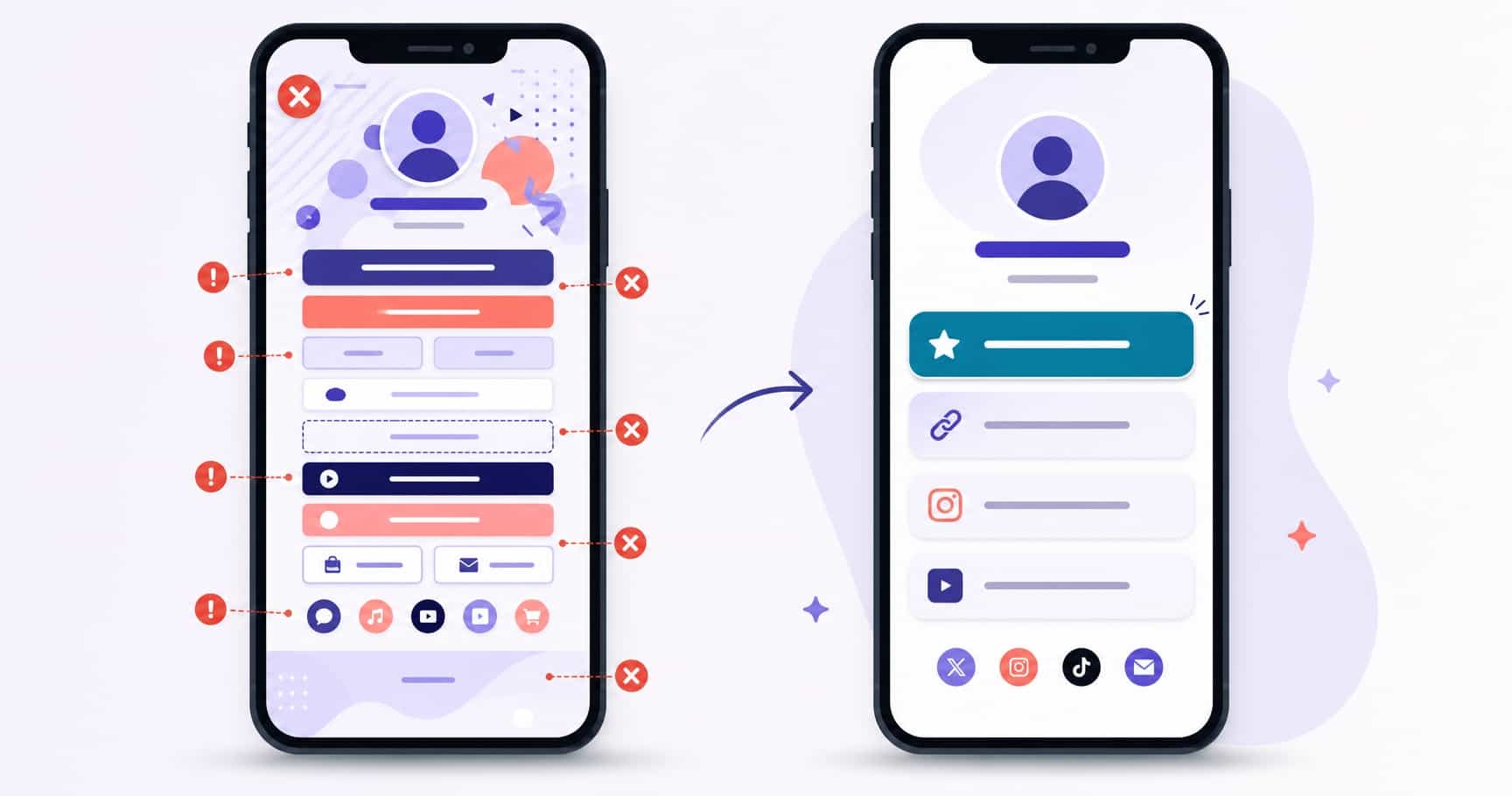
In practice, many people combine both. They put their link in bio page as the first Instagram link, then use the remaining slots for the one or two destinations they want to highlight separately, like a current launch.
How to set up a link in bio page in a few minutes
If you decide a page is the better fit, the setup is short. With VISU it looks like this:
- Sign up for free and claim your address, for example
visu.to/yourname. - Add your photo and a one-line bio.
- Add your links. The free plan includes 5 links shown as cards plus 5 social icons, and email or phone numbers you paste are detected automatically.
- Pick a theme so the page matches your Instagram.
- Copy your address and add it as the first link on Instagram, then on TikTok and YouTube.
We walk through every screen in our step-by-step guide on how to make a link in bio for free.
Mistakes to avoid with multiple Instagram links
- Using all five because you can. Each extra link splits attention. If two of them get almost no taps, remove them.
- Leaving the first slot stale. Your first link should always point to what matters this week, not something from three months ago.
- Unclear destinations. If someone cannot tell where a link goes, they will not tap it. Short, clear titles help.
- Never testing. Pages move, shops change URLs, events end. Check your links every time you update your bio.
- Forgetting the bio text. A line like "Free guide in the first link" tells people what to tap. Our tips on writing a bio link description that converts help with the wording, and our list of link in bio mistakes that hurt your click-through rate covers the rest.
The bottom line
Instagram now lets you add up to five links to your bio, and adding them takes a minute: Edit profile, Links, Add external link. Put the most important one first, test them all, and use Stories, Highlights and DMs for the links that need a push.
If you need more than five, use several platforms, or want to see which links people tap, a link in bio page is the simpler way to keep everything in one place. Create your free VISU page and make it the first link on your profile.
Frequently asked questions
How many links can I put in my Instagram bio?
According to Instagram's Help Center, you can add up to 5 websites to your profile, and you can reorder the list people see. Anyone, on or off Instagram, can see them.
Where do I add links on Instagram?
In the mobile app, go to your profile, tap Edit profile, then Links, then Add external link, paste the URL and save. Menu names can vary a little by app version.
Are links in Instagram captions clickable?
No. A URL typed into a post caption or a comment stays plain text. Links work in your bio, in Stories through the Link sticker, and in direct messages.
Can everyone use the Link sticker in Stories?
Yes. Instagram made the Link sticker available to everyone. Save the story to a Highlight if the link should keep working after 24 hours.
When is a link in bio page better than Instagram's 5 links?
When you need more than five destinations, want the same links on TikTok and YouTube, want clear button titles and contact buttons, or want to see which links people tap. Many people add the page as their first Instagram link and keep the other slots for highlights.