Link-in-Bio Platforms Compared: Choosing the Right Tool for Creators
A balanced framework to weigh customization, discovery, and analytics before you commit to a link-in-bio tool.
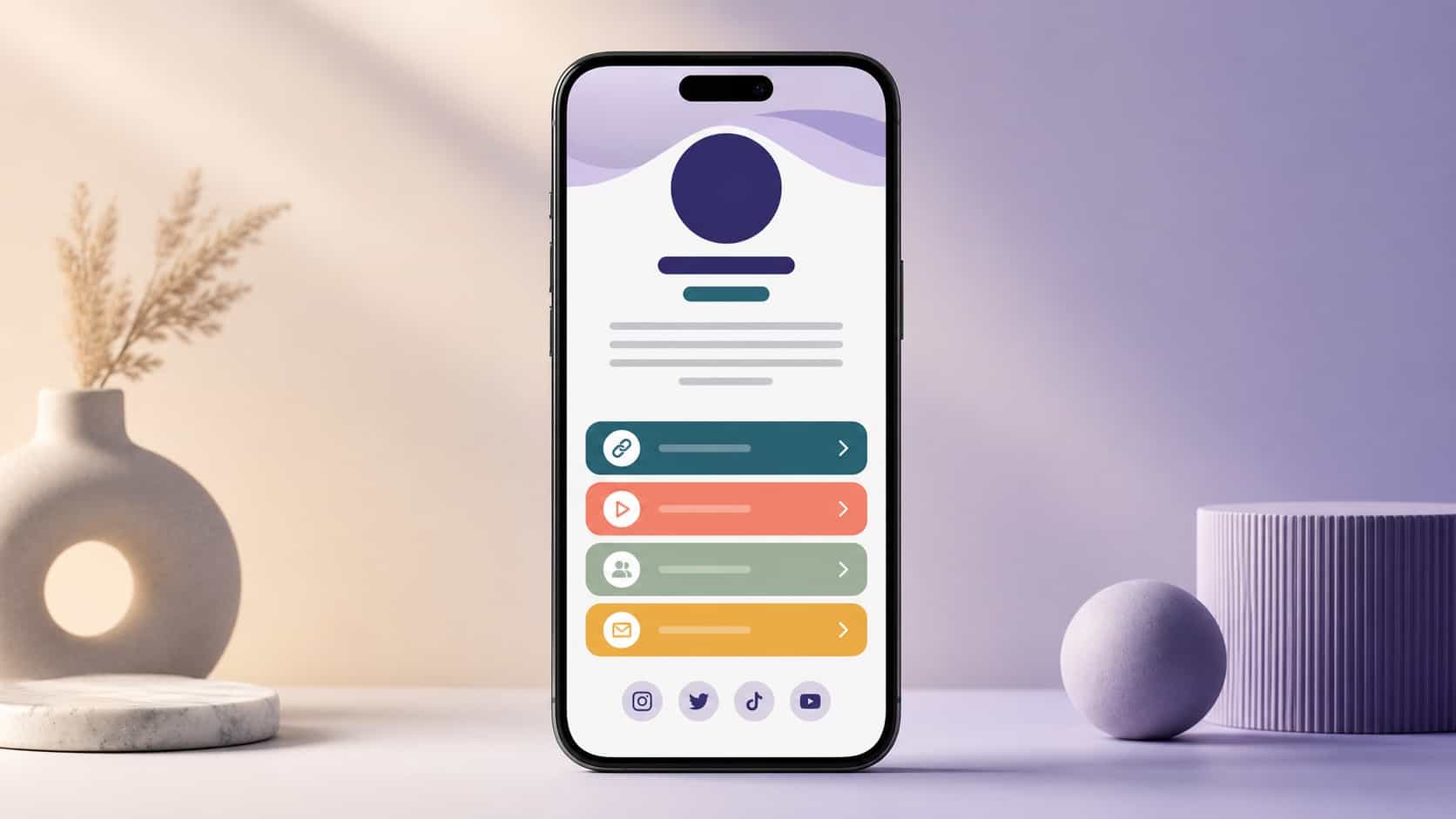
Every creator eventually hits the same question: which link-in-bio tool should I actually use? The category is crowded, every option claims to be the simplest and the best, and most "comparisons" online are really just affiliate lists in disguise. This guide takes a different approach: a clear framework you can use to judge any platform against what you need, plus an honest look at where the main options fit.
If you're brand new to the concept, start with our complete guide to link-in-bio for creators and come back here when you're ready to choose a tool.
How to evaluate a link-in-bio platform
Before comparing names, decide what matters. A tool that's perfect for one creator is wrong for another, because the goals differ. The mistake is choosing on popularity instead of fit.
The five criteria that matter
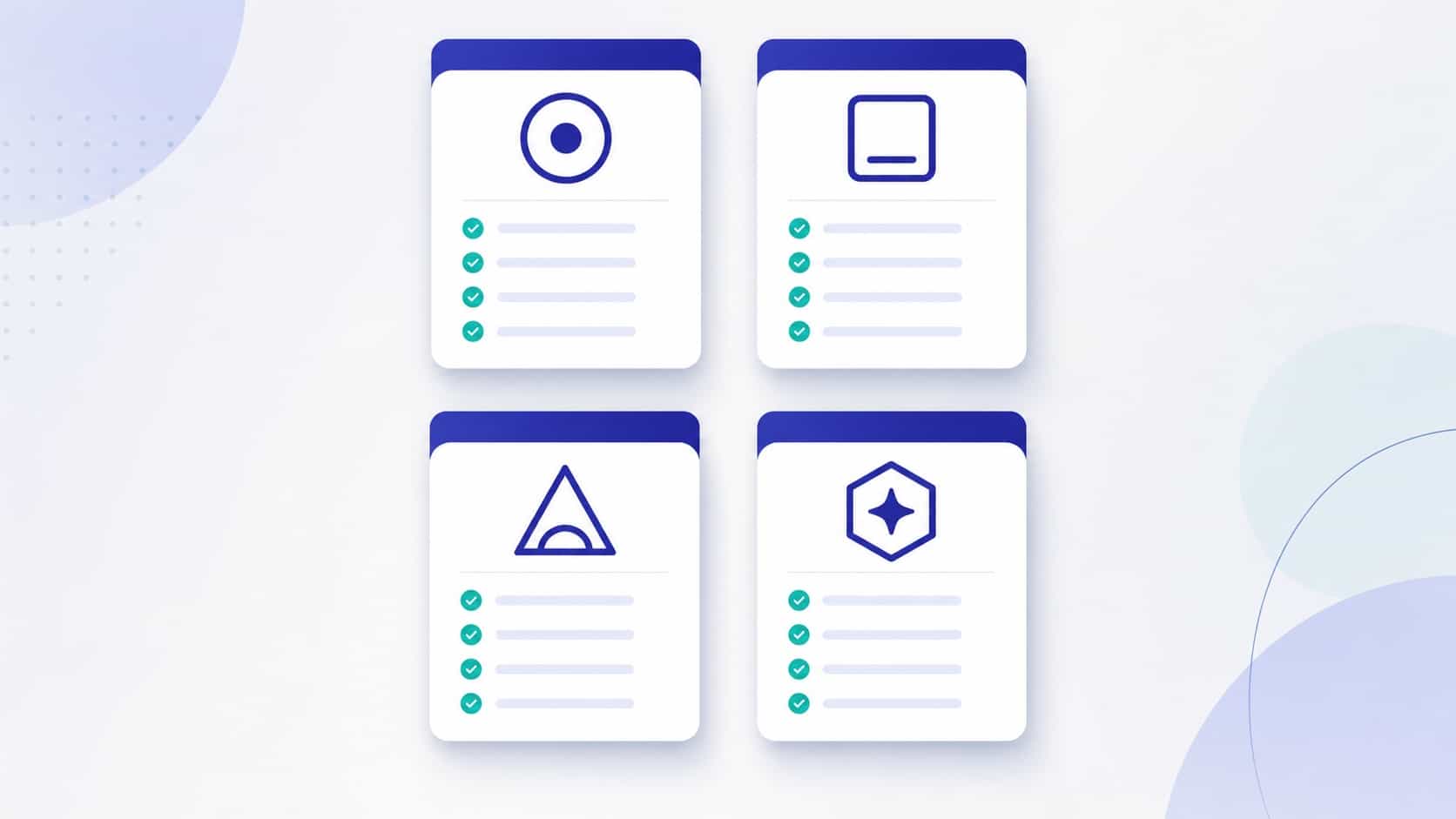
Judge any platform on these, in roughly this order:
- Customization. Can you make the page look like you, or does every page on the platform look the same?
- Discovery. Does the tool only hold your links, or can new people actually find you through it?
- Analytics. Can you see what your audience does, or are you flying blind?
- Ease. How fast can you set it up and keep it current without friction?
- Reliability. Does it load fast and stay up, everywhere your audience is?
Score each platform on these five and the right choice usually becomes obvious. The rest of this guide walks through each dimension.

Customization and branding control
A link-in-bio is part of your brand, so it should look like your brand, not like a template thousands of others use. Look at how much control a platform gives you over color, layout, fonts, and the overall feel.
Some tools lock you into a rigid template with a small set of themes. Others give you granular control but make the page complex to manage. The sweet spot is meaningful customization with sane defaults: enough to be recognizably yours, without turning the page into a design project. If building a consistent identity matters to you, and it should, read our creator profile optimization playbook alongside this.
Built-in discovery vs closed link lists
This is the dimension most creators overlook, and it's the biggest difference between tools.
A closed link list only works when someone already has your URL. They tap it, they see your links, they leave. The tool does nothing to bring you new audience; it's purely a redirect.
A platform with built-in discovery is different. Your profile can be surfaced through search and through the platform's own discovery surfaces, so people who've never heard of you can find you, see what you do, and follow. That turns your bio page from a dead end into a growth channel. For most creators trying to grow, this single factor outweighs almost everything else.
Analytics depth
You can't improve what you can't measure. The depth of analytics a platform offers directly shapes how fast you learn what works.
Basic tools show you a single number: total clicks. Better ones break it down into visits versus unique visitors, which links get tapped, where traffic comes from, and how many people return. That detail is what lets you reorder links, drop dead weight, and double down on what performs. If you want to understand what each metric actually means, our guide to understanding your creator analytics covers it in depth.
When comparing tools, don't just ask "does it have analytics?" Ask "can I see unique visitors, top links, and returning audience?" Those three answer most real questions.
Ease of setup and maintenance
The best platform is the one you'll actually keep current. A tool you set up once and never touch because editing is painful is worse than a simpler one you update weekly.
Look for fast initial setup, a clean editor, and easy reordering of links. Pay attention to the small friction points: how many taps to add a link, whether changes publish instantly, whether the mobile editing experience is usable. These add up over months of real use.
When each tool makes sense
No single tool wins for everyone. Here's a fair way to think about the landscape:
- A minimalist link page makes sense if all you want is a tidy redirect and you already have a steady audience that knows where to find you.
- A heavily customizable builder makes sense if your page is a major part of your brand and you enjoy designing it.
- A discovery-first platform makes sense if your main goal is growth, being found by new audience instead of only routing the audience you have.
Most creators underestimate how much they want discovery until they have it. If growth is on your list at all, weight that criterion heavily.
Why creators choose VISU for discovery
VISU is built around the dimension most tools ignore: being found. Beyond holding your links, a VISU profile is a public, discoverable presence. It can surface in search and in local discovery, so new people come across you instead of only the audience you already reached. On top of that, it gives creators real engagement analytics, not just a click counter.
That's the honest pitch. If you only want a static link list, plenty of tools do that fine. If you want your bio page to actively help you grow, discovery is the deciding feature, and that's where VISU focuses. See how creators use VISU for concrete examples.
Migration tips when switching platforms
Switching is easier than most people fear. A clean migration takes minutes:
- List your priority links from your current page, in order of importance.
- Rebuild them on the new profile, leading with your single most-wanted action.
- Match your branding with your photo, colors, and tone, so returning visitors recognize you.
- Update your bio URL on every platform to the new address.
- Keep the old page live for a short overlap so no saved link breaks mid-switch.
Once the new profile is live and discoverable, you can start yours here and refine it using your analytics over the following weeks.
Choosing a link-in-bio platform isn't about finding the "best" tool in the abstract. It's about matching a tool to your goals. Score your options on customization, discovery, analytics, ease, and reliability, weight the criteria by what you actually need, and the right answer falls out. For most creators focused on growth, the platform that helps people find them wins.
Frequently asked questions
Is VISU free to start?
Yes. You can create a public profile at no cost and add your priority links in minutes.
Can I move my links from another tool?
Yes. Copy your priority links, rebuild them in order, and point your bio URL to the new profile.
What sets VISU apart from a plain link page?
Built-in discovery and engagement analytics, so your profile can be found, not just clicked through.
Which platform is best for beginners?
Pick the one with the simplest setup and the discovery features you actually need today.