The Complete Guide to Link-in-Bio for Creators in 2026
Why a single social link limits your reach, and how to centralize your whole audience into one discoverable profile.
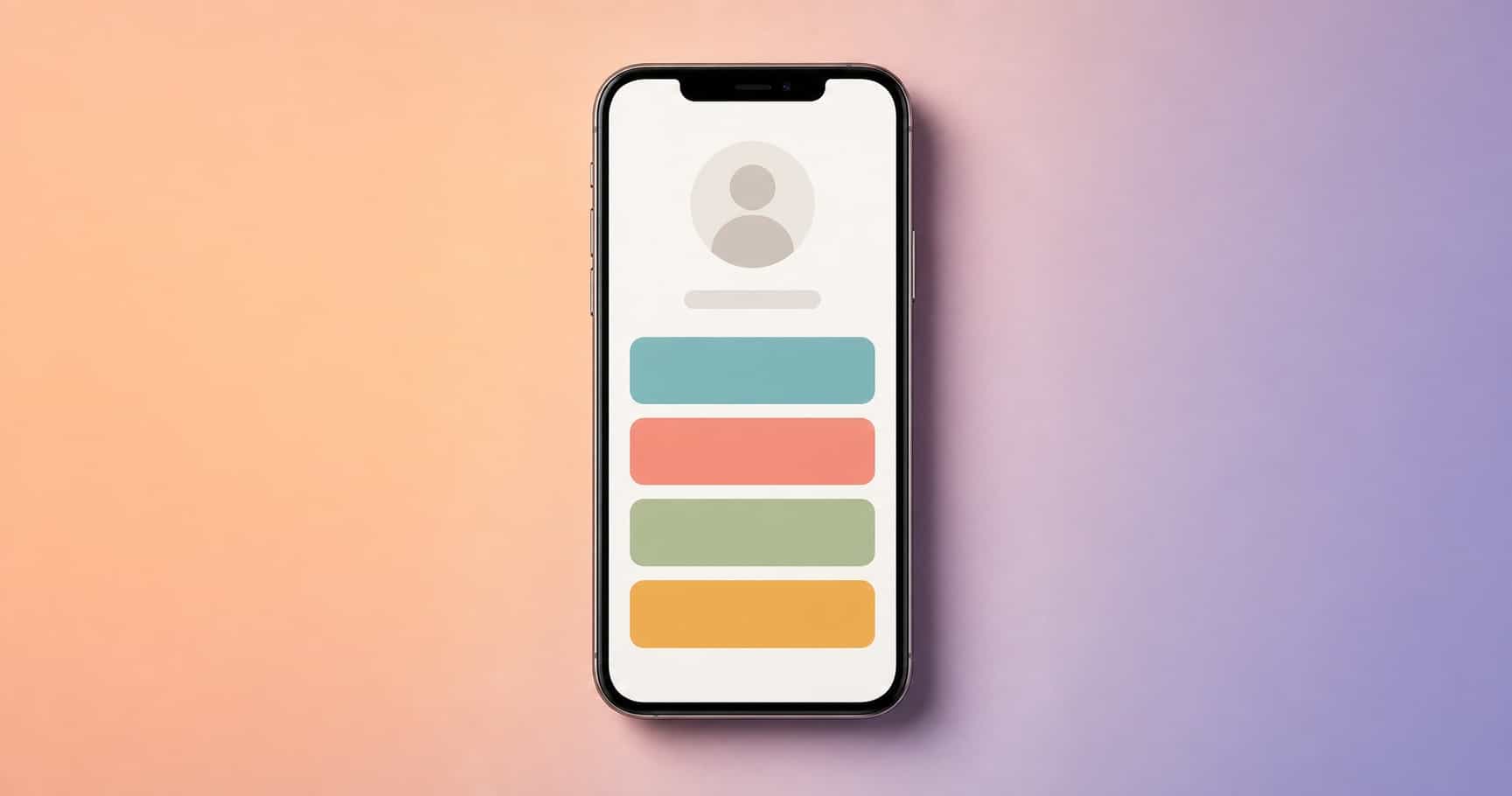
If you create anything online, whether videos, music, photos, writing, or classes, your audience is scattered. Some people find you on one platform, some on another, and every one of those platforms only lets you share a single clickable link. That one link is the narrowest part of your whole funnel, and most creators waste it.
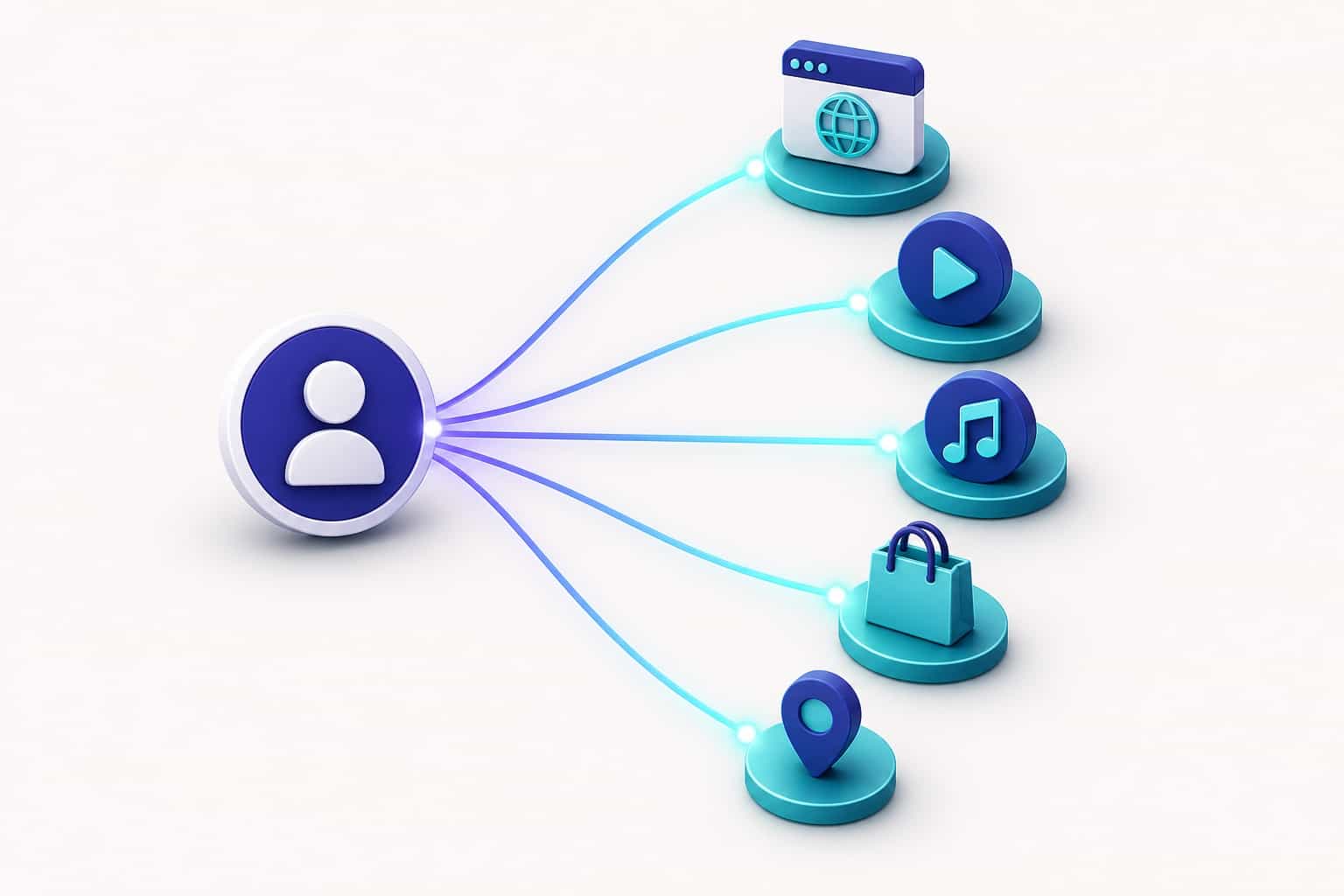
A link-in-bio fixes that bottleneck. Instead of forcing followers to pick one destination, you give them a single page that routes them to everything: your latest work, your other platforms, your sign-up, your shop, your location. This guide walks through what a link-in-bio actually is, how to build one that performs, and how a discoverable public profile turns that page from a static list into a place people can find on its own.
What is a link-in-bio and why creators need one
A link-in-bio is a single web page that gathers your most important links behind one short, shareable URL. You put that URL in the one spot every platform gives you, the bio field, and from there your audience can reach any destination you choose.
It sounds simple, and the basic idea is. What most creators miss is that the link-in-bio is the only piece of your presence you fully control. Platforms change their rules, their reach, and their layouts constantly. Your bio link is the one address that stays yours no matter what any single app decides to do next.
The single-link problem
Every major platform allows exactly one link in your profile. So creators are forced into a bad choice: send people to your newest video, or your shop, or your newsletter, but not all three. Whatever you pick, you lose the rest.
Worse, you change that link constantly. New release this week, event next week, collaboration the week after. Every change means updating the link in every profile, and every follower who saved the old one lands somewhere stale. A link-in-bio ends that scramble. The URL never changes; only the page behind it does.
Anatomy of a high-performing bio link
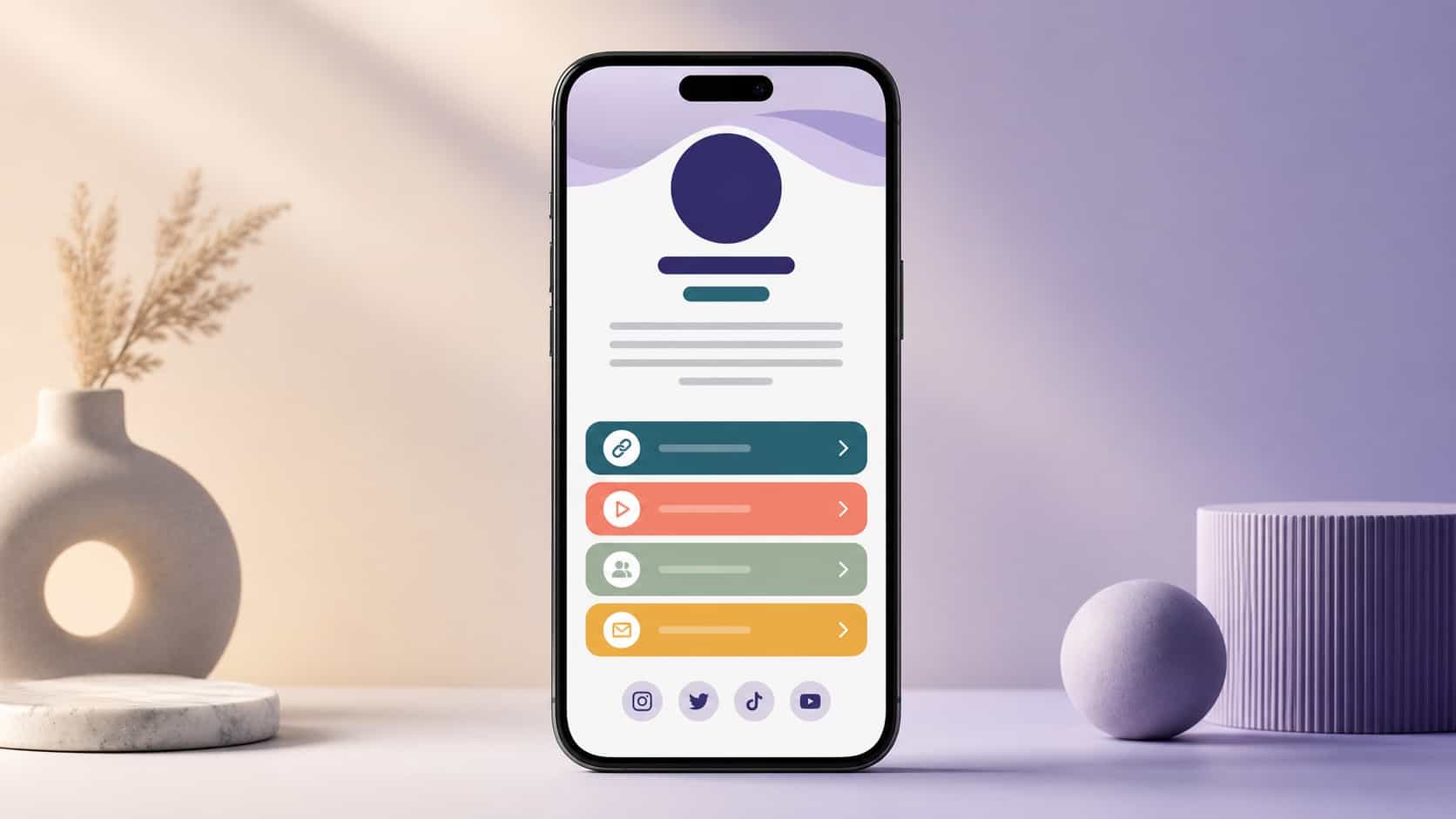
A bio page that works is not just a pile of links. It has a clear hierarchy, a single most-wanted action, and just enough personality to feel like you. Strip it down to the parts that matter:
- Identity: a recognizable photo or avatar and your name, so visitors instantly know they're in the right place.
- A one-line description: who you are and what someone gets by following you.
- A primary action: the single thing you most want a visitor to do right now.
- Supporting links: your other platforms and destinations, ordered by priority.
Above-the-fold priorities
Most people decide whether to act within the first screen, before they scroll. That space, your identity, your description, and your top one or two links, does almost all the work. Treat everything below it as secondary. If your most important destination is buried at the bottom, assume most visitors never see it.
Choosing what to link (and what to leave out)
The instinct is to add everything. Resist it. Every extra link competes for the same attention and lowers the odds anyone acts on the one that matters most.
A useful rule: lead with three to five priorities. Ask yourself what you most want a new visitor to do, whether that's following your main channel, joining your list, or seeing your latest work, and let that decision set the order. Group related links so the page reads in clean sections instead of one long, flat list. Anything that no longer serves a current goal can be archived. A focused page almost always outperforms a crowded one.
Designing for the way people actually tap
Nearly all of your bio-link traffic is on a phone, often one-handed, often in a hurry. Design for that reality, not for how the page looks on your laptop.
Mobile-first reality
Buttons need to be large enough to tap comfortably with a thumb, with enough space between them that nobody hits the wrong one. Text has to stay readable in bright daylight, which means strong contrast between your text and background. And the page has to load fast, because a slow page loses visitors before the first tap, no matter how good the design is. Test your page on a real phone, outdoors, the way your audience actually sees it. Problems that are invisible on a desktop preview jump out immediately on a real device.
Adding discovery: profiles people can find, not just visit
Here is where a plain link list stops and a real profile begins. A basic link-in-bio only works when someone already has your URL. They tap it, they land, they leave. It does nothing to help new people find you in the first place.
A discoverable public profile changes that. When your profile can be surfaced through search and local discovery, it stops being a dead-end destination and starts being a way to grow. People who have never heard of you can come across your profile, see what you're about, and follow, without you having to hand them a link.
This is the core difference between a generic link tool and a creator-first platform. One only holds your links. The other helps your audience grow. To get the most out of discovery, fill in your profile completely, use language your audience would actually search for, and keep your profile public so it can be found.
Measuring what works
You cannot improve what you cannot see. The point of analytics is not vanity numbers. It's learning which links your audience actually uses so you can give them more of what works.
Watch a focused handful of signals: how many people visit your profile, how many of them tap through, which links get the most attention, and how many visitors come back. Patterns emerge fast. Maybe your audience is most active at a specific time of day. Maybe one link far outperforms the rest and deserves the top spot. Maybe a link you assumed was important gets almost no taps and should go. Let the data, not your guesses, shape the page. For a deeper walkthrough, see our guide to understanding your creator analytics.
Setting up your first VISU public profile
Getting started takes only a few minutes:
- Claim your profile and set a clear photo and name so visitors recognize you at a glance.
- Write a one-line description that says who you are and why to follow, and keep it tight.
- Add your priority links first, then your supporting destinations, ordered by what matters most.
- Choose a theme that matches your identity across your other platforms so everything feels like the same creator.
- Make it public so search and local discovery can actually surface you.
That's enough to launch. From there, refine using what your analytics tell you. When you're ready to go deeper, the creator profile optimization playbook covers each step in detail.
Common pitfalls to avoid
A few mistakes quietly drag down almost every underperforming bio page:
- Link overload. Too many options bury your primary action. Trim aggressively.
- Vague labels. "Click here" tells nobody anything. Say exactly where each link goes.
- Broken or stale links. Tap every link on a real device periodically; dead links erode trust instantly.
- No visual identity. A generic page is forgettable. A consistent photo, palette, and tone make you recognizable.
- Ignoring the data. If you never check what people tap, you're optimizing blind.
Fix those five and you're ahead of most creators online.
A link-in-bio is a small thing that quietly shapes everything downstream: every follow, every visit, every return. Build it with intention, keep it focused, make it discoverable, and let your audience's behavior guide every change. When you're choosing a tool to build it on, our breakdown of link-in-bio platforms compared will help you pick the right one.
Frequently asked questions
What is a link-in-bio?
A single page that gathers all your important links behind one shareable URL, so you can point every platform to one destination.
Do I need one if I only use one platform?
Yes. It future-proofs your audience if you ever expand, and it adds discovery and analytics a raw profile link cannot.
How is VISU different from a plain link list?
VISU adds a public, discoverable profile and engagement tools on top of your links, so people can find you, not just click through.
How many links should I include?
Lead with three to five priorities. Beyond that, every extra link dilutes attention and lowers your click-through.