How to Use Quick Replies on Instagram (and Save Your Link as One)
Create Instagram quick replies (now called saved replies) step by step, with shortcut ideas, DM templates and a link reply you can track.
If you answer the same five questions in your Instagram DMs every day, quick replies are the fastest fix you are not using yet. You write the answer once, give it a short shortcut, and from then on a few keystrokes drop the full message into any chat. Price list, booking steps, shipping times, "where's the link": all of it becomes a two-second reply instead of a two-minute one.
Instagram now calls the feature saved replies, although most people still search for "quick replies". It is the same tool. This guide covers how to create them, how to use them without sounding like a robot, which replies every creator and small business should save, and how to make one of them carry your link so you can see whether DM traffic actually clicks.
Who can use quick replies on Instagram
Saved replies are a professional inbox feature. According to Instagram's Help Center, they are available only for business and creator accounts, on the Instagram mobile app. If you are on a personal account, you will not see the option.
Switching is free: in your profile settings, look for the option to switch to a professional account and choose Creator or Business. You keep your followers and posts. The professional inbox also splits messages into Primary, General and Requests, which helps a lot once the volume grows.

How to create a saved reply
The official route, as described by Instagram, starts from a message you have already sent:
- Open any chat where you have sent the answer you want to reuse.
- Hold down that message you sent.
- Tap More, then tap Save.
- Create a keyboard shortcut for it (for example
priceorbook) and confirm.
That is it. Your full message is now stored behind the shortcut.
Depending on your app version, you may also find a Saved replies list in your professional account settings, where you can add a new reply from scratch, edit an existing one or delete it. Menu names move around between updates, so if you cannot find the list, the hold-and-save method above always starts from the chat itself.
Tip: write the reply in a chat with a friend (or a test account) first, polish it, then save it from there. You get to see exactly how it renders on a phone before it becomes your standard answer.
How to use quick replies in a chat
When someone asks a question you have saved an answer for:
- Type the shortcut as your message, for example
price. - Tap the chat icon that appears next to it.
- The full saved reply fills the message field. Adjust it if needed, then send.
Instagram may also show suggestions as you type, based on matches with your saved replies. You tap one to send it. Per Instagram, the content of your suggestions and saved replies is not shared with anyone unless you actually tap and send it.
Two things worth knowing:
- Saved replies are not automatic. Nothing is sent until you send it. If you want answers that appear on their own, that is a different feature (below).
- Edit before you hit send. A saved reply is a starting point. Adding the person's name or one detail from their question keeps it human.
Quick replies vs. frequently asked questions
People mix these up, so here is the difference:
- Saved replies (quick replies): shortcuts you type to insert a stored answer. Manual, unlimited flexibility.
- Frequently asked questions: up to four questions shown to people when they start a chat with your account, each with an optional automated response. Instagram's Help Center describes the setup as: tap Messages, tap the icon at the top, then Tools, then Frequently asked questions, turn on Show questions and add your questions.
They work best together. Use the four FAQs for the questions that make up most of your inbox (price, hours, booking, link), and saved replies for everything that needs a person to read first.
Shortcut ideas that stay easy to remember
A shortcut only helps if you remember it mid-conversation. Keep them short, lowercase and obvious:
pricefor your price list or rate cardbookfor how to book or scheduleshipfor shipping and delivery timeslinkfor the "where's the link?" answerhoursfor opening hours and locationcollabfor brand and collaboration inquiriesthanksfor a warm thank-you after a purchase or a shoutoutawayfor "I saw this, I will get back to you by tomorrow"
Avoid shortcuts that are real words you type often in normal chats, or the suggestion will keep popping up when you do not need it.
Templates you can adapt
Copy the structure, not the words. A good saved reply answers the question, gives one next step, and sounds like you.
Price (price)
"Hi! Thanks for asking. Our cuts start at 35 and color starts at 80, depending on length. The full price list is on my page: visu.to/yourname. Want me to check a time for you?"
Booking (book)
"Happy to get you in! The quickest way is through the booking link on my page (visu.to/yourname). Pick any open slot and you will get a confirmation right away. If nothing fits, tell me your preferred day and I will see what I can do."
Shipping (ship)
"Orders ship within 2 business days and usually arrive in 3 to 5 days. You will get a tracking link by email as soon as it leaves. Anything else I can help with?"
The link (link)
"Here you go: visu.to/yourname. Everything is there: the shop, the latest video and how to book. Let me know if anything does not open."
Collaborations (collab)
"Thanks for reaching out! For partnerships, please send a short brief (product, timeline, deliverables) to the email on my page: visu.to/yourname. I reply to every brief within a week."
Away (away)
"Got your message! I am off today but I read everything. I will reply tomorrow morning. In the meantime, most answers are on my page: visu.to/yourname."
Replace the numbers, times and link with your own. Never save a promise you cannot keep, like "same-day replies", because a saved reply repeats that promise to everyone.
Save your link as a quick reply
The most common DM on any growing account is some version of "where can I find that?". Instagram only gives you a limited number of places to put a link, and a caption link is not tappable, so people end up asking.
This is where a single page with all your links pays off. If you use a link-in-bio page like a VISU profile at visu.to/yourname, one saved reply covers every version of the question: the shop, the booking form, the latest video, the menu. Free VISU plans include 5 links plus 5 social links, which is usually enough for a DM-first business. Starter goes to 10, Pro to 20 and Premium is unlimited.
Two rules keep this reply effective:
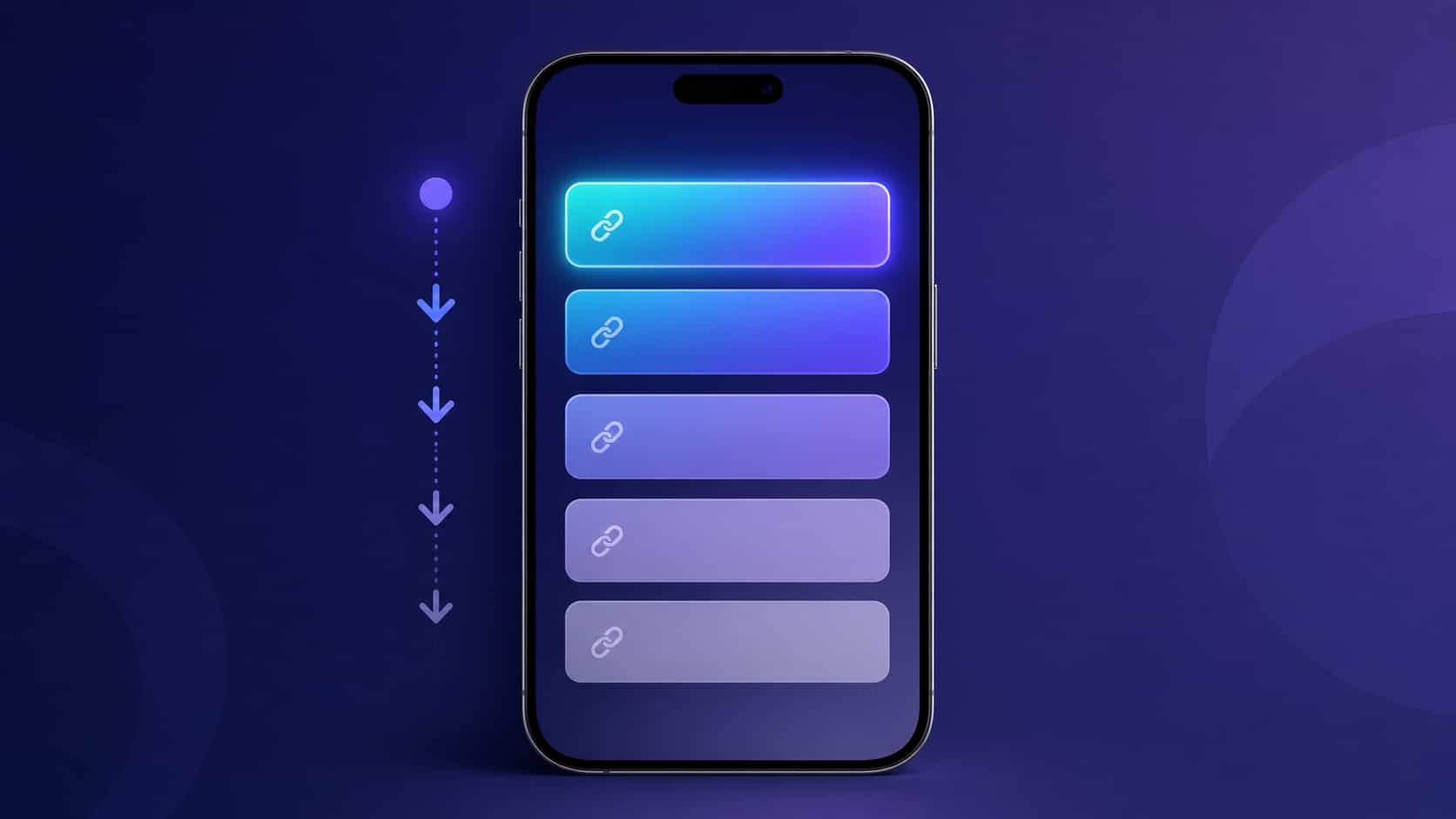
- Put the thing people ask about at the top of the page. If most DMs are about booking, booking is link number one. The link order and hierarchy guide explains why the first card gets most of the taps.
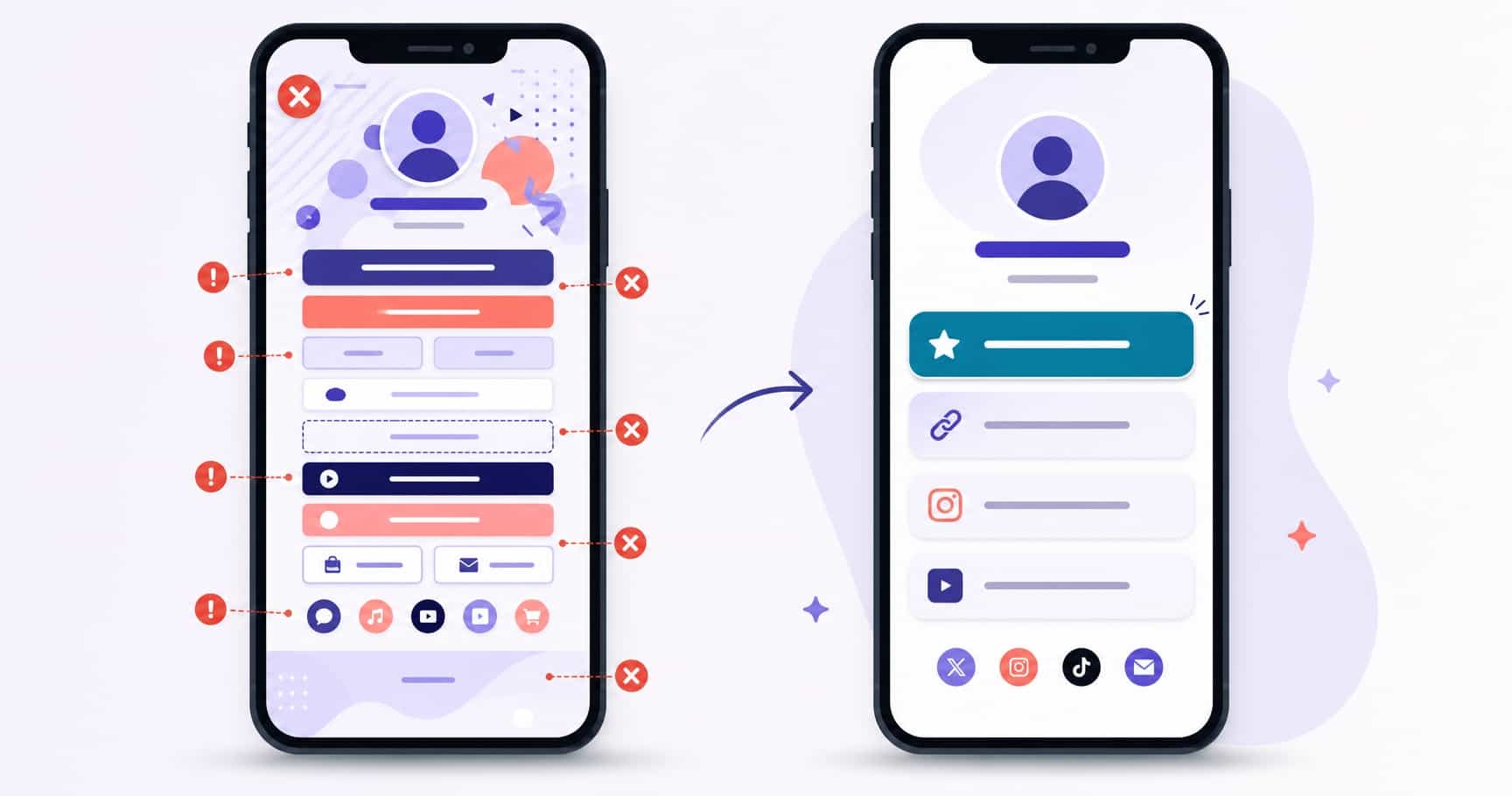
- Keep the page current. Sending people to an expired promo through a saved reply multiplies the mistake. The common link-in-bio mistakes are worth a monthly check.
Check whether DM replies actually turn into clicks
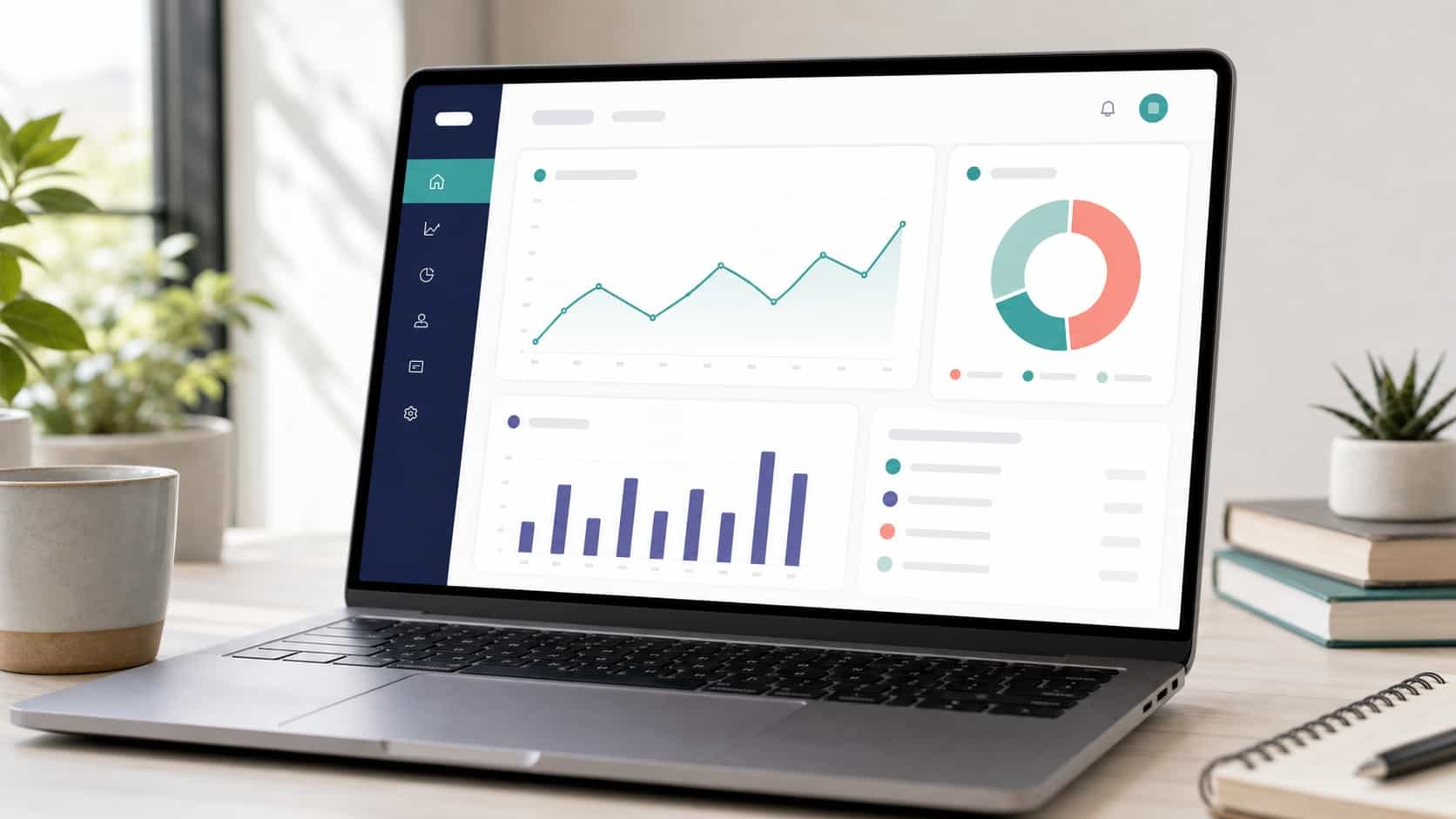
Saving time is the first win. The second is knowing whether those replies lead anywhere. If your link goes to a VISU profile, VisuLink Analytics shows visits, unique visitors, link clicks, clicks per visit and your top links by clicks for the period you pick.
A simple way to read it: note the days you sent a lot of link or price replies, then look at visits and top links for those days. If visits rise but clicks per visit stay low, the page is not matching what people asked for, so move the right link up. Device and country breakdowns unlock from Starter, and the traffic sources view (where visitors come from) and hour-by-hour activity unlock on Pro.
Quick replies for salons, shops and service businesses
Businesses that live in the inbox get the most out of saved replies. A beauty studio can cover price, aftercare, booking and location with four shortcuts, then point everyone to one page. If that is your setup, see how beauty professionals use VisuLink to keep services, booking and reviews in one place.
Retail and product sellers usually need ship, size, stock and link. The fewer custom answers you type, the more conversations you can actually close.
Common mistakes
- Saving replies that are too long. If it does not fit on one phone screen, split it or link to the details.
- Forgetting to update them. Prices, hours and links change. Review your saved replies when anything on your page changes.
- Sending a template to a personal message. Read first. A copy-paste answer to a compliment or a complaint feels cold.
- Using a saved reply as the only reply. It opens the conversation; you still close it.
Your next step
Pick the three questions you answer most this week and save one reply for each, plus a link reply that points to a single, up-to-date page. If you do not have that page yet, you can create a free VISU profile in a couple of minutes and use visu.to/yourname as the link in every saved reply.
Frequently asked questions
Why can't I find quick replies on Instagram?
Saved replies are only available for business and creator accounts on the Instagram mobile app. Switch to a professional account in your settings, then use the app on your phone.
How do I create a quick reply on Instagram?
Hold down a message you have sent, tap More, then Save, and create a keyboard shortcut for it. Some app versions also list saved replies in your professional account settings.
Are Instagram quick replies sent automatically?
No. A saved reply is inserted only when you type its shortcut, tap the chat icon and send. For automatic answers, set up frequently asked questions in your message tools.
How many frequently asked questions can I add to my Instagram chats?
Instagram lets you add up to four frequently asked questions, each with an optional automated response, shown when people start a chat with your account.
Can a quick reply include a link?
Yes. A saved reply can hold any text, including a URL. Pointing it at a single link-in-bio page keeps one reply valid even when your offers change.