Can You See Who Views Your Instagram Profile? (The Honest Answer)
Instagram does not show who viewed your profile, and nobody sees that you viewed theirs. Here is what you can see instead: story viewers, profile activity and audience insights, plus why "profile viewer" apps are a risk.

Short answer: no. Instagram doesn't show you who viewed your profile, and it doesn't tell anyone that you looked at theirs. There's no visitor list, no hidden setting and no "profile viewers" tab for professional accounts.
What Instagram does give you is more useful than most people realize: exact names for one type of content, and solid numbers for everything else. This guide explains what you can see, what you can't, why "who viewed my profile" apps are a bad idea, and how to measure the visits that actually matter to you.
Can you see who views your Instagram profile?
No. Instagram's Help Center has no feature or setting for listing profile visitors, and the platform doesn't notify people when someone opens their profile. That applies to personal, creator and business accounts, on the app and on the web.
It also works the other way: people can't see that you viewed their profile. You can scroll someone's grid, open their highlights list and read their bio without leaving a trace. The trace only appears when you interact, which is covered below.
Does Instagram show profile views at all?
It shows counts, not names. If your account is public (personal or professional), Instagram Insights gives you numbers about how people found and used your profile. More on that in a moment. A count tells you "48 people came to your profile from this reel". It never tells you which 48.

What Instagram does let you see
Here's everything Instagram shows, from most specific to least specific.
1. Who watched your story (names)
Stories are the one place where Instagram shows you exactly who looked. According to Instagram's Help Center:
- Open your story and swipe up to see the number of views and the usernames of the people who viewed each photo or video.
- Only you can see this list.
- You can check it for up to 48 hours after posting. After the story disappears, go to your profile, tap the menu, then Archive, open the story and swipe up. Labels may vary by app version.
Two details from the same Help Center page are worth knowing. The view number includes replays, so you may see more views than usernames when someone watched twice. And the viewer list doesn't include usernames of Instagram Plus subscribers who previewed your story.
The flip side: when you watch someone else's story, Instagram confirms they'll be able to tell you've seen it.
2. Who interacted with you
Likes, comments, follows, shares to stories, tags, mentions and messages all show a username. If someone views your profile and then does any of these things, you'll know they were there. Silent visits stay silent.
3. Profile activity in Insights (numbers)
Insights are available for public accounts, both personal and professional. On individual posts, tap View Insights to see:
- Views: how many times the post was displayed.
- Interactions: likes, comments, saves and shares.
- Profile activity: Instagram defines this as the number of actions people take when they visit your profile after engaging with your post.
That last metric is the closest thing to "profile views" Instagram offers, and it's tied to the content that sent people there. That makes it more useful than a raw visitor list: it tells you which post made people curious.
4. Audience trends (numbers)
At the account level, Instagram shows an overview with Views, Interactions, New followers and the content you shared, for a time frame within the past 90 days. Once you pass 100 followers, the followers section adds growth, top locations, age range and the times your followers are most active. Viewer demographics (top countries, cities, age ranges and gender) appear once your content has reached more than 100 accounts.
Private accounts don't get these insights, so if you switched to private to "see who's watching", you actually lost data.
What about apps that show who viewed your Instagram?
Search for this topic and you'll find apps and sites that promise a list of your profile visitors. Skip them.
- The data isn't available to them. Instagram doesn't show profile visitors to account owners, so there's no official source an outside app could pull that list from. What these apps typically show is a guess based on who likes and comments most, which you can see yourself for free.
- They usually want your login. Instagram's Help Center warns that apps asking for your login details can gain complete access to your account, including your messages, and can post spam from it.
- Your account can pay for it. The same page says accounts that generate inauthentic activity go against Instagram's Community Standards, and that accounts using non-Instagram apps for growth may see parts of the account limited, or be disabled.
If you already gave your password to one of these apps, change your Instagram password and remove the app's access in your settings. We covered the same trap in our guide to checking who unfollowed you without sketchy apps.
Can people see when you're online or what you're doing?
Not seeing profile visits doesn't mean you're invisible. A few things do reveal activity:
- Activity status shows when you were last active to people you follow or message. You can turn it off; see how to turn off active status on Instagram.
- Story views are visible to the poster, as explained above.
- Likes and comments show your username to the account owner and, for comments, to everyone.
Viewing a profile, viewing posts in the grid and watching reels from the profile don't notify anyone.
A better question: who visits and what do they do?
If you're asking who viewed your profile, the real question is usually one of these:
- Is my content making people curious about me?
- Are the right people finding me?
- When someone checks me out, do they take the next step?
Instagram answers the first two with Profile activity and audience trends. The third one happens after people leave Instagram: they tap the link in your bio.
Instagram's insights can count taps on your profile's links, but once someone lands on your link page, what they do next is outside Instagram's view. That's where your own link page can fill the gap.
Measure visits to your own link page
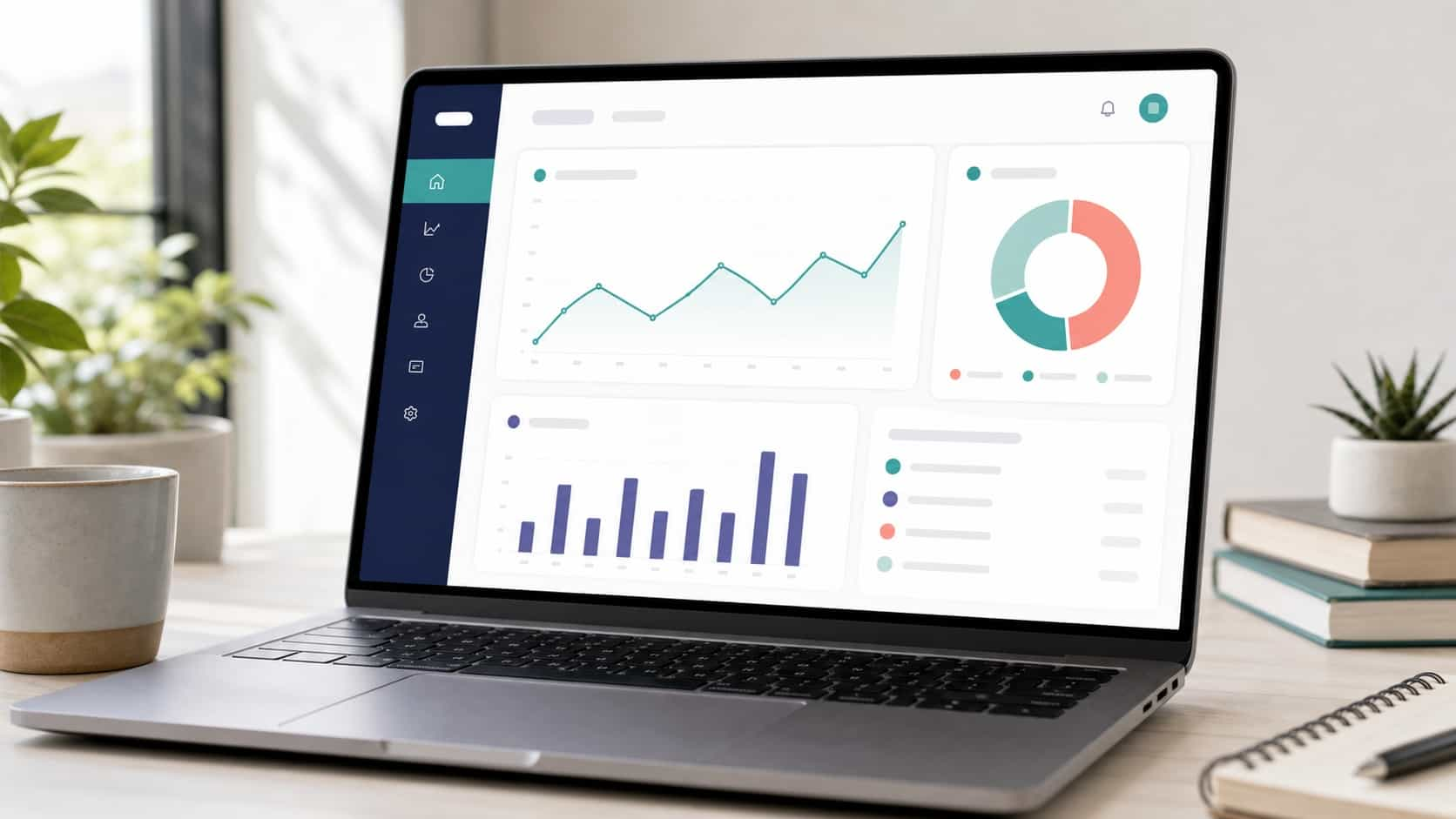
If your bio link points to a VISU page (visu.to/yourname), VisuLink Analytics shows how many visits your page got and how many clicks each link received, with your top links ranked by clicks. That works on every plan, including free. From Starter you also see visits broken down by country and by device, and Pro adds cities, hour of day and day of week heatmaps, and where your traffic came from.
To be clear about the limit: like Instagram, VISU shows aggregate numbers, never the identity of who visited. You'll know that 120 people opened your page this week and that 40 of them tapped your booking link. You won't know who they were, and that's by design.
Put the two side by side. When a reel brings a spike in Profile activity on Instagram, check whether visits and clicks on your link page rose the same days. If they did, that reel didn't just get views, it sent people somewhere. Our guide to understanding your creator analytics walks through how to read these numbers together.
Quick answers to common variations
Does Instagram tell you who clicked the link in your bio? No. You can see counts of link taps in insights, not names. A link page with its own analytics shows counts of visits and clicks per link, still without names.
Can I see who viewed my reels? You can see counts (views, viewers and interactions) and the names of people who liked or commented. There's no list of who watched.
Does searching someone's name notify them? Instagram doesn't document any notification for searches, and it doesn't list profile visitors anywhere.
Is there a hidden "profile views" feature for business accounts? No. Professional accounts get more analytics tools, but the metrics are counts and demographics, not identities. Professional accounts can also show view counts on their grid (only to themselves) and on the Reels tab.
The bottom line
You can't see who views your Instagram profile, and nobody can see that you viewed theirs. You can see who watched your stories (for 48 hours, longer through your archive), who interacted with you, and aggregate numbers on profile activity once your account is public. Apps that promise more can't deliver it and put your account at risk.
The useful version of the question is what people do after they visit. Create your free VISU page, put it in your bio and see how many visitors actually tap through.
Frequently asked questions
Can you see who views your Instagram profile?
No. Instagram has no feature that lists profile visitors, for personal, creator or business accounts. You can see who watched your stories, who interacted with you, and aggregate numbers such as Profile activity in Insights if your account is public.
Can people see if you view their Instagram profile?
No. Viewing a profile or scrolling its posts does not notify anyone. People can tell you were there only if you interact, for example by watching their story, liking, commenting, following or sending a message.
How long can I see who viewed my Instagram story?
Instagram says you can see the usernames of story viewers for up to 48 hours after posting. After the story expires, open it from your Archive and swipe up. The view count includes replays, so it can be higher than the number of names.
Do apps that show who viewed my Instagram work?
No. Instagram does not show profile visitors to account owners, so there is no official source for that list. These apps often ask for your login, which Instagram warns can give them full access to your account and can lead to limits or a disabled account.
Does Instagram tell you who clicked the link in your bio?
No. Insights show counts of profile activity, not names. A link page with its own analytics, such as VISU, shows how many visits and clicks each link got, but also never shows who the visitors were.