Who Unfollowed Me on Instagram? How to Check Without Sketchy Apps
Instagram does not notify you about unfollows. Here are the safe ways to check who unfollowed you, including Instagram's own follower data export, and why unfollower apps put your account at risk.
Your follower count dropped overnight and you want to know who left. The problem is that Instagram does not tell you. There is no unfollow notification and no "recently unfollowed you" list anywhere in the app.
That gap is exactly what dozens of "unfollower tracker" apps promise to fill, and most of them ask for the one thing you should never hand over: your Instagram login. This guide shows the methods that work without putting your account at risk, starting with the official one most people do not know exists.
Can you see who unfollowed you on Instagram?
Not directly. Instagram shows your current followers and the accounts you follow, but it does not keep a visible history of who stopped following you. Anything that claims to show "who unfollowed you" is working out the difference between two snapshots of your followers list, taken at different times.
You can do that comparison yourself, safely, with three tools Instagram already gives you:
- Checking a specific person from their profile or your followers list.
- Comparing your Followers and Following lists to find who does not follow you back.
- Exporting your follower data from Accounts Center and comparing two exports over time.

Method 1: Check one specific person
If you suspect a particular account stopped following you, this is the fastest check and takes under a minute.
- Go to your profile and tap Followers.
- Type the person's username in the search bar at the top.
- If they show up, they still follow you. If they do not, they unfollowed you (or blocked you, or deactivated their account).
You can also do it from their side, if their profile is public or you follow them: open their profile, tap Following, and search for your own username. If you are not in the list, they no longer follow you.
A quick way to tell an unfollow from a block or a deactivated account: search for their username. If you can still find their profile and see their posts, it was an unfollow. If the profile does not show up at all, the account was deactivated, deleted, or it blocked you.
Method 2: Find who does not follow you back
Often the real question is not "who left today" but "who am I following that does not follow me back." That you can find with the lists you already have.
- Open your profile and tap Following.
- For each account you are unsure about, go back to your Followers list and search their username.
- If they do not show up in your Followers, they do not follow you back. (For accounts with a public profile, you can also open their Following list and search for your own name.)
Your Following list may also offer categories such as Least interacted with, which is a useful starting point when you want to clean up accounts you no longer care about.
This works well for small accounts. Past a few hundred follows, scrolling and checking one by one gets slow, and that is where the next method helps.
Method 3: Use Instagram's own data export (the safe way to do it in bulk)
Instagram lets you export a copy of your information, and that includes the list of accounts that follow you and the list of accounts you follow. No password goes to anyone except Instagram, and nothing is posted on your behalf.
According to Instagram's Help Center, the export lives in Accounts Center. Instagram is gradually moving people to Meta Account settings, so you may see either name. The steps look like this:
- Open your profile, tap the menu, then open Accounts Center (or Meta Account).
- Tap Your information and permissions.
- Tap Export your information, then Create export.
- Select your Instagram profile and tap Next.
- Choose Export to device.
- Customize the export: select only the followers and following information, pick the date range and a format (HTML is easier to read, JSON is easier to process).
- Tap Start export.
Instagram says it can take up to 30 days to email you an export link, though small exports are often much quicker. Once it is ready, you have 4 days to download it from the Available downloads section. You will need your Instagram password to confirm, which is normal: that password goes to Instagram, not to a third party.
How to read the files
Unzip the download and look for the files about followers and following. Folder names change over time, so if you do not spot them right away, search the extracted folder for "followers".
- To find who does not follow you back: open the following file and the followers file side by side. Any name that appears in "following" but not in "followers" is someone you follow who does not follow you.
- To find who unfollowed you: request an export today and another one a few weeks later. Any name in the old followers file that is missing from the new one stopped following you between the two dates.
For a few hundred names, your browser's find tool (Ctrl+F or Cmd+F) is enough. For bigger accounts, paste both lists into a spreadsheet and use a simple lookup to flag names that appear in one column but not the other.
The export is a snapshot of the moment you requested it, not a full history. That is why the comparison only works if you keep the older file.
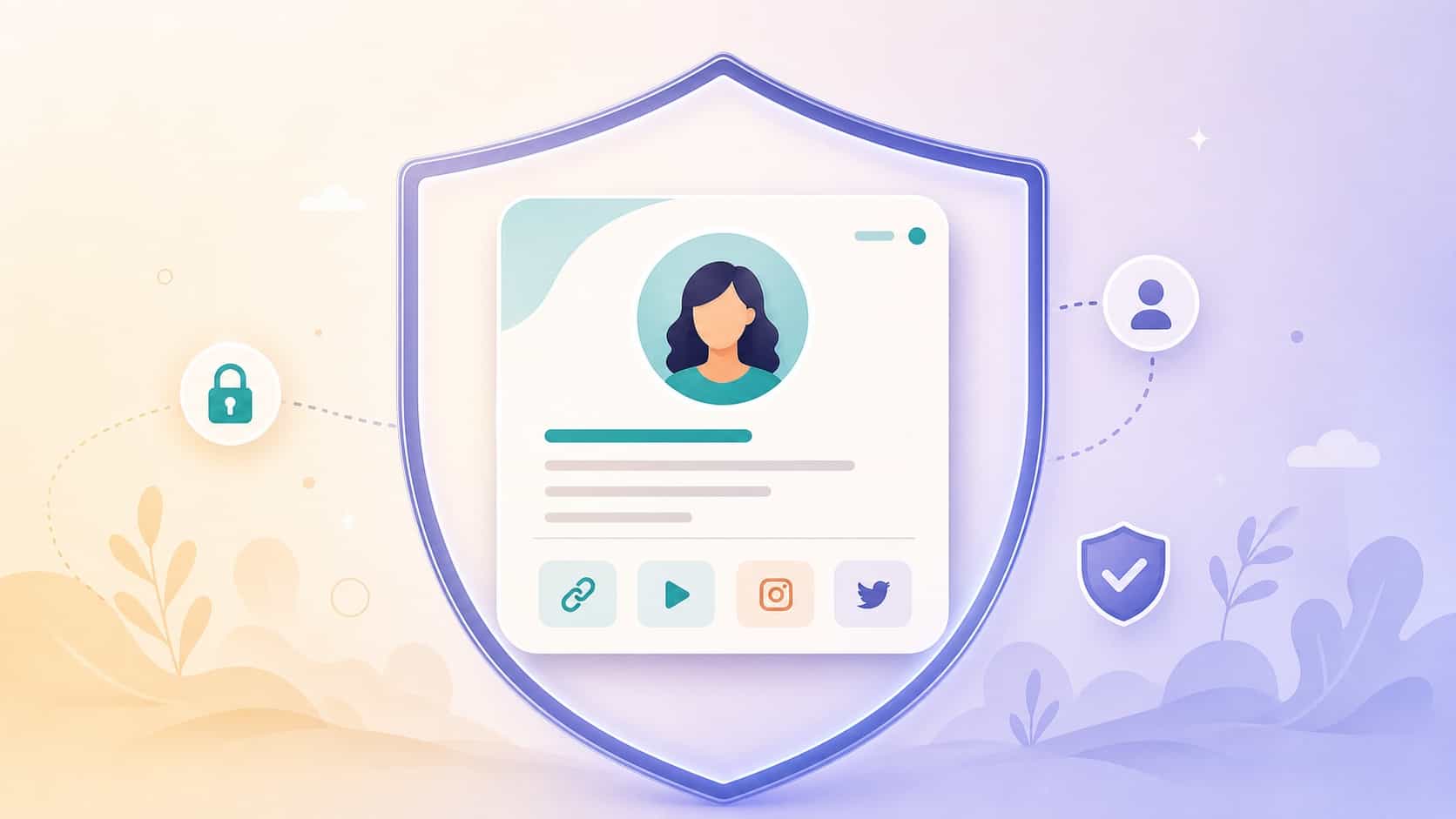
Why "unfollower" apps can put your account at risk
The apps that promise instant unfollower lists usually work by logging in as you. Instagram's Help Center is direct about this kind of access. On the page about apps that offer likes and followers, it says that if you give an outside app your login information, whether through an access token or your username and password, it "can gain complete access to your account": it can read your messages, see information about your friends and post spam on your profile.
The same page warns that accounts using non-Instagram apps to gain followers may see parts of their account limited, and that the account may be disabled or terminated. Not every tracker sells followers, but many of them request the same level of access, and Instagram's general advice applies to all of them: never share your login information with an app or person you do not trust.
The practical risks look like this:
- Your password leaves your hands. If the service is breached or sells access, so is your account.
- Automated activity can get flagged. Apps that log in from unfamiliar servers and pull your lists repeatedly can look like suspicious activity.
- Many quietly add features you did not ask for, such as auto-follow or auto-unfollow, which is exactly the inauthentic behavior Instagram restricts.
If you already used one
- Change your Instagram password. Instagram's Help Center recommends this if you shared your username and password with one of these apps.
- Remove connected apps. Instagram lets you manage the apps and websites connected to your account and remove them at any time.
- Turn on two-factor authentication in Accounts Center, under password and security.
- Delete the tracker app from your phone.
Our guide on safety, privacy and trust for creators covers more of the settings worth locking down.
Should you care who unfollowed you?
Some churn is normal for every account. People clean up their feeds, leave the app or simply lose interest in a topic. Chasing individual unfollows rarely changes anything and often costs you time you could spend on content.
What is worth watching is the pattern:
- Did a drop follow a specific post or a change in topic? That tells you what your audience came for.
- Are you losing followers steadily, or in one spike? A spike right after a giveaway is usually people who only came for the prize.
- Are the people who stay engaging more? A smaller audience that comments and clicks is worth more than a larger one that scrolls past. Our guide to understanding your creator analytics explains which numbers actually matter.
Build an audience you do not have to rent
The deeper lesson behind unfollows is that your follower list belongs to Instagram. You cannot export a way to reach those people outside the app, and you cannot stop the algorithm from showing your posts to fewer of them.
That is why many creators give their followers a second place to land, one they control:
- An email list or community for the people who want to hear from you directly.
- A link-in-bio page that collects your newsletter, shop, other socials and latest content, so a follower who discovers you on Instagram can also follow you somewhere else.
- Regular reasons to click, like a new video or a free resource, so that page keeps getting visits. Our guide on audience engagement strategies has ideas that work beyond a single app.
A VisuLink page does that job: one address at visu.to/yourname with your links in the order you choose, which you can update anytime without touching your Instagram bio. Visitors can also follow your VISU profile, so you keep a connection that does not depend on one feed. The free plan includes 5 links and 5 social icons, which is enough to point people to your newsletter, your main platforms and your best content.
Quick recap
- Instagram does not notify you about unfollows and has no unfollower list.
- To check one person, search their name in your Followers list.
- To find who does not follow you back, compare your Following and Followers lists.
- To do it in bulk, export your followers and following data from Accounts Center and compare two exports over time.
- Avoid apps that ask for your Instagram password. If you used one, change your password and remove connected apps.
Unfollows will always happen. The creators who worry about them least are the ones who make sure their audience can find them in more than one place. Create your free VisuLink and give your followers a home that you control.
Frequently asked questions
Does Instagram notify you when someone unfollows you?
No. Instagram does not send unfollow notifications and has no list of who unfollowed you. To find out, you have to compare your followers list over time, either by checking specific people or by exporting your data.
How can I see who does not follow me back on Instagram?
Compare your Following list with your Followers list. For a few accounts, search each name in your Followers. For many accounts, export your followers and following data from Accounts Center and compare the two files.
Are Instagram unfollower apps safe?
Many ask for your Instagram login. Instagram's Help Center warns that apps given your login details can gain complete access to your account, and that accounts using outside apps to gain followers may be limited or disabled. The data export is the safer option.
How long does the Instagram data export take?
Instagram says it can take up to 30 days to send the export link, though small exports are often faster. Once it is ready, you have 4 days to download it from Available downloads.
I used an unfollower app. What should I do now?
Change your Instagram password, remove the app from the apps and websites connected to your account, turn on two-factor authentication in Accounts Center and delete the app from your phone.