
How to Add Music to an Instagram Post (Photo, Carousel and Reel)
How to add music to an Instagram post step by step: single photos, carousels and reels, why songs go missing on business accounts or in some regions, and how to replace muted audio.
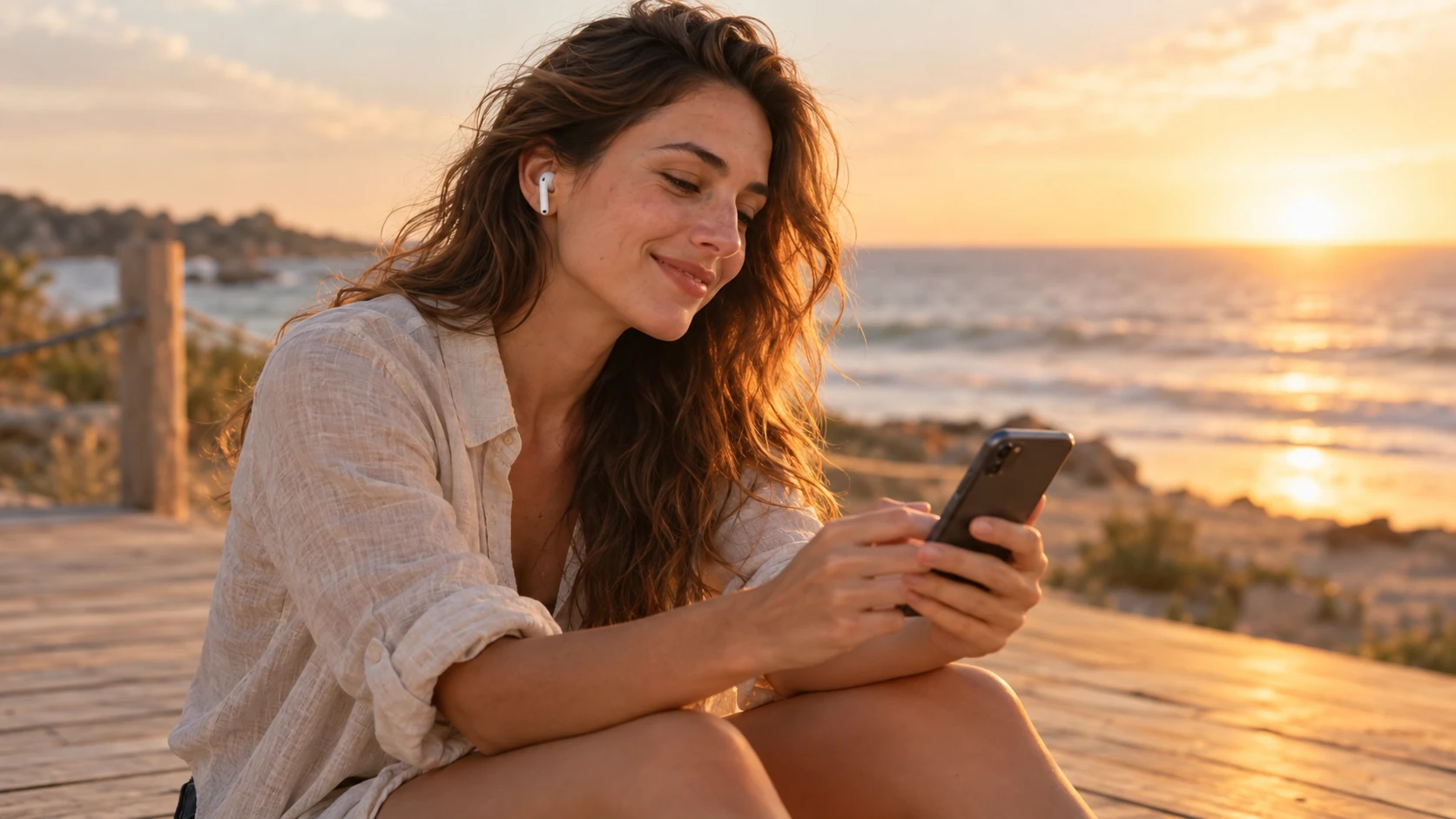
A song can change how a photo feels. The same beach picture reads as calm, nostalgic or hype depending on what plays over it. Instagram lets you add music to photo posts, carousels and reels, but the steps are slightly different for each, and sometimes the music option simply does not show up.
This guide covers all three formats step by step, explains why songs go missing (usually account type or region), and shows what to do when a track gets muted after you post. Steps follow Instagram's Help Center as of October 2026. Button labels can vary a little by app version, so if your screen looks different, look for the closest match.
Before you start: where music works on Instagram
Here is the quick map:
- Single photo posts. You can add a song from Instagram's music library before you share.
- Carousels (multiple photos). You can add one song to the whole carousel, as long as it has only photos.
- Reels. You can use songs from the library, your own original audio, or original audio from another creator.
- Stories. You can add a song with the music sticker.
Music on posts is added in the app on your phone. Instagram's Help Center says adding music to a multi-photo post is not available on computers.

How to add music to a single photo post
According to Instagram's Help Center, the steps are the same on Android and iPhone:
- Tap Create, then tap POST.
- Take a photo or choose one from your phone's library.
- Tap Next, then tap Next again in the bottom right.
- Tap Add audio (some versions say Add music). Pick a song from the list or search the music library.
- Use the sliding bar at the bottom to choose which part of the song plays with your photo.
- Tap Done, then tap Share.
Take a moment on step 5. The default segment is not always the best one. Most people only hear the first seconds of the clip as they scroll past, so pick the part of the song that carries the mood right away, often the chorus or a hook.
How to add music to a carousel post
A carousel is a post with more than one photo. Instagram's Help Center explains how to add music to it:
- Open the Instagram app and tap Create, or swipe right anywhere in Feed.
- Tap POST at the bottom.
- Tap Select multiple and choose your images.
- Tap Next, choose your filters, then tap Next again.
- Tap Add music. You can pick a suggested song under For you, find music in Browse or type in the search bar.
- Edit the segment of the song you want, then tap Done.
- Finish your post and tap Share.
One important limit: music cannot be added to carousels with videos. If your carousel mixes photos and clips, either remove the videos or turn the set into a reel.
If you are new to carousels, our guide on how to post on Instagram without losing quality covers sizes, order and upload settings.
How to add music to a reel
Reels have the most audio options. When you record a reel, Instagram shows a tool menu on the side of the camera:
- Tap Create, then choose REEL.
- Tap Music (or Audio) in the tool menu to search the music library.
- Choose a song and pick the part you want.
- If lyrics are available for the song, you can choose how they look and which lines show.
- Record or upload your clips, then finish and share.
Reels also let you use your own original audio, such as your voice or a sound you recorded, or original audio from another creator. If you want to use a sound you made yourself, a reel is the way to do it.
Instagram notes that the music sticker in Reels is not available to everyone. If you do not see it, update the app first.
Why music is missing or a song will not show up
This is the most common frustration, and the reasons are mostly about licensing. Instagram's Help Center gives three:
1. Your account type
The music in Instagram's licensed library is intended for personal, non-commercial use. To keep it that way, Instagram says certain business accounts and certain types of posts do not have access to the library. If you switched to a business account, you may see fewer songs, or none of the popular ones.
What you can use instead is Meta's Sound Collection: over 14,000 royalty-free songs and sounds that Instagram says are safe to use in Reels and Stories, including for commercial purposes like ads. You can find it through the music sticker in Stories or the Audio option in the Reels camera.
If you are a creator rather than a brand, check whether a creator account fits you better than a business account. The available music can differ by account type.
2. Your country or region
Instagram says licensed music may not be available in certain countries or regions. A song you heard in a friend's post abroad may not appear in your search at all. That is a licensing decision, not a bug on your phone.
3. The app or the feature
Sometimes the option is just not there yet. Instagram notes that some features are not available to everyone, and recommends updating to the latest version from the App Store or Google Play. If the option is still missing after updating, you can report it: shake your phone while using Instagram to open the reporting menu, or go to your profile, tap Menu, then Help and Report a problem.
A quick troubleshooting order:
- Update the app.
- Restart it and try a different post type (a reel instead of a photo post, for example).
- Check whether you recently switched to a business account.
- Search for a different song. A single track may be unavailable while the library still works.
- Report the problem if nothing works.
Can you add music after posting?
Instagram's Help Center describes adding music before you share a post. The one after-posting audio change it documents is replacing a track that got muted.
What to do if your post's music was muted
Instagram has agreements with music rights holders, and if those agreements change, a song on your post can be muted. Your post stays visible, just without the sound. To replace it:
- Open the post with the muted audio.
- Tap Audio unavailable.
- Tap Replace audio, then tap Replace audio again.
- Choose the part of the new track you want.
- Tap Done.
You can only replace a muted track one time, so pick a song you are happy with.
Who can reuse your audio?
If your account is public, Instagram says anyone can reuse your original audio in their posts. If you record your own voice or music and do not want others to use it, you can make your account private, or check the sharing and reuse settings under your profile menu. Labels may vary by app version.
Tips for picking the right song
- Match the mood, not just the trend. A trending song gets attention, but a song that fits the photo makes people stop.
- Choose the right segment. The first seconds matter most.
- Keep the caption in sync. If the song is part of the joke or the feeling, let the caption play along. Our list of captions for Instagram has ideas by mood.
- Edit the photo first. Color and mood should agree with the music. See how to add filters on Instagram for the options in the app.
Let people hear the whole song
Music on a post is a clip. If you are a musician, DJ or someone who curates playlists, the post is a teaser: people who like the clip want the full track, your playlist or your next show.
Instagram does not put a link on the song itself, so give people somewhere to go. A link-in-bio page with your Spotify, Apple Music and YouTube links side by side lets every listener open the full song in the app they already use. On VISU, links to Spotify and other common services show a matching icon automatically, so listeners spot their app at a glance. Then say it in the caption: "Full track in bio."
Quick checklist
- Photo post: Create, POST, Next, Next, Add audio, pick the segment, Share.
- Carousel: Select multiple, Add music. Photos only, no videos.
- Reel: Music or Audio in the camera tools, or use your own original audio.
- Missing songs: account type, region or app version. Try Meta's Sound Collection on business accounts.
- Muted song: Audio unavailable, Replace audio. One time only.
A good song gets people to stop. A good link gets them to listen to the rest. Create your free VISU page and put all your music links in one place.
Frequently asked questions
How do I add music to an Instagram photo post?
Tap Create, then POST, choose your photo and tap Next twice. Tap Add audio, pick a song, use the slider to choose the part that plays, then tap Done and Share.
Can I add music to a carousel on Instagram?
Yes, if the carousel has only photos. Select multiple photos, tap Next, then Add music. Instagram says music cannot be added to carousels with videos.
Why can't I add music to my Instagram post?
Usually because of licensing. Instagram says certain business accounts and certain post types do not have access to the licensed music library, and some music is not available in certain countries. Updating the app can also help, since some features are not available to everyone.
What music can business accounts use on Instagram?
Meta's Sound Collection, which Instagram describes as over 14,000 royalty-free songs and sounds that can be used in Reels and Stories, including for commercial purposes like ads.
What if the music on my post gets muted?
Open the post, tap Audio unavailable, then Replace audio, choose the part of the new track and tap Done. You can only replace a muted track one time.